

Starter ERP for plants and packhouses
Organise core work part by part, once master data is ready and owned
Start by surveying current work steps, then assess a small core system from purchasing, lot stock, production or packing, and sales and delivery to passing data to accounting, part by part as agreed.
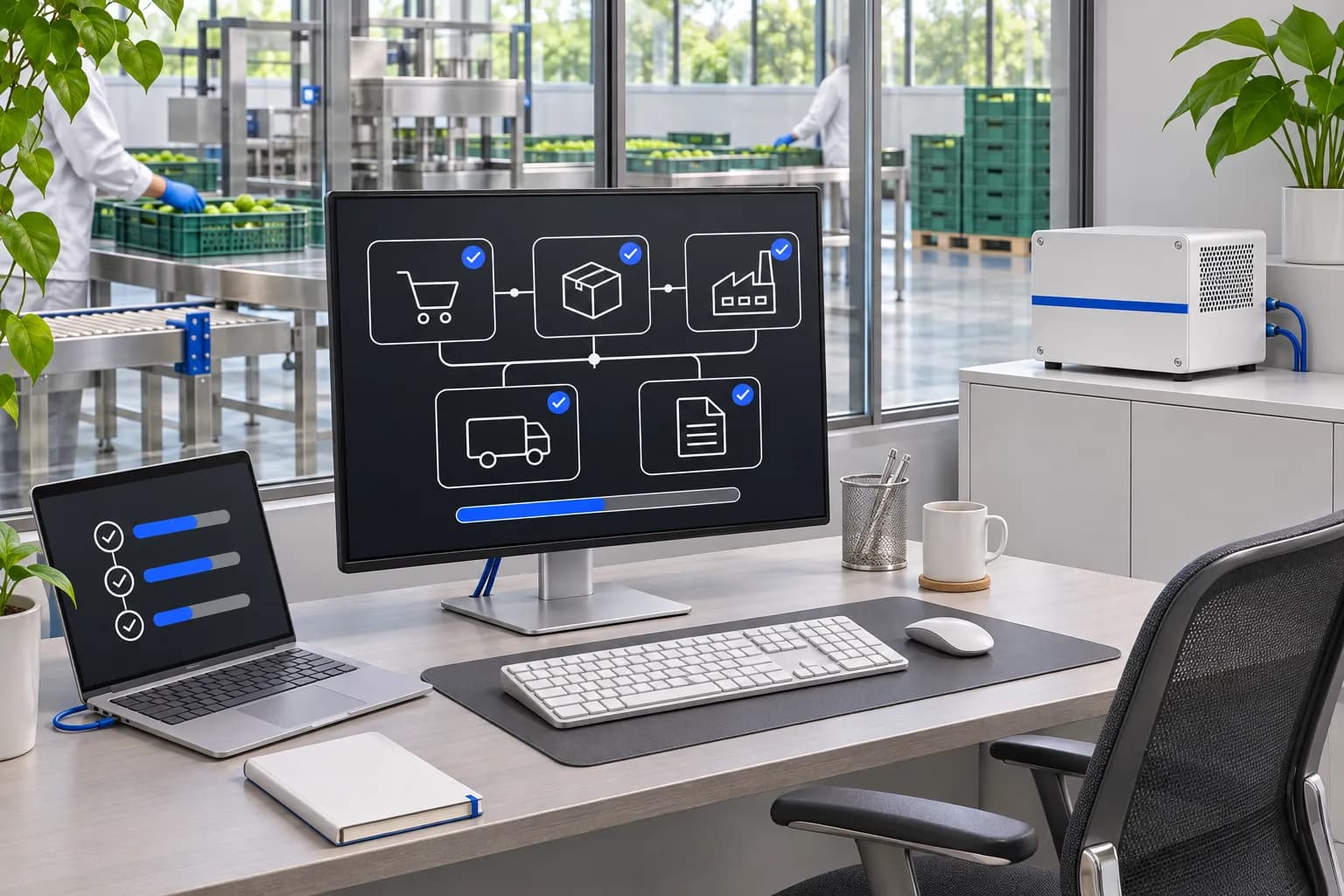
Before the system
Before choosing a system, find where the data lives
Small businesses often keep purchasing, stock, work orders and delivery notes in tables, on boards and on paper. Each department sees different figures, and tracing which lot came from whom means chasing several sources.
Joining them up is not just buying software. It means checking how clean the item, customer and supplier lists are, which document formats accounting accepts, and who looks after the data once it is live.
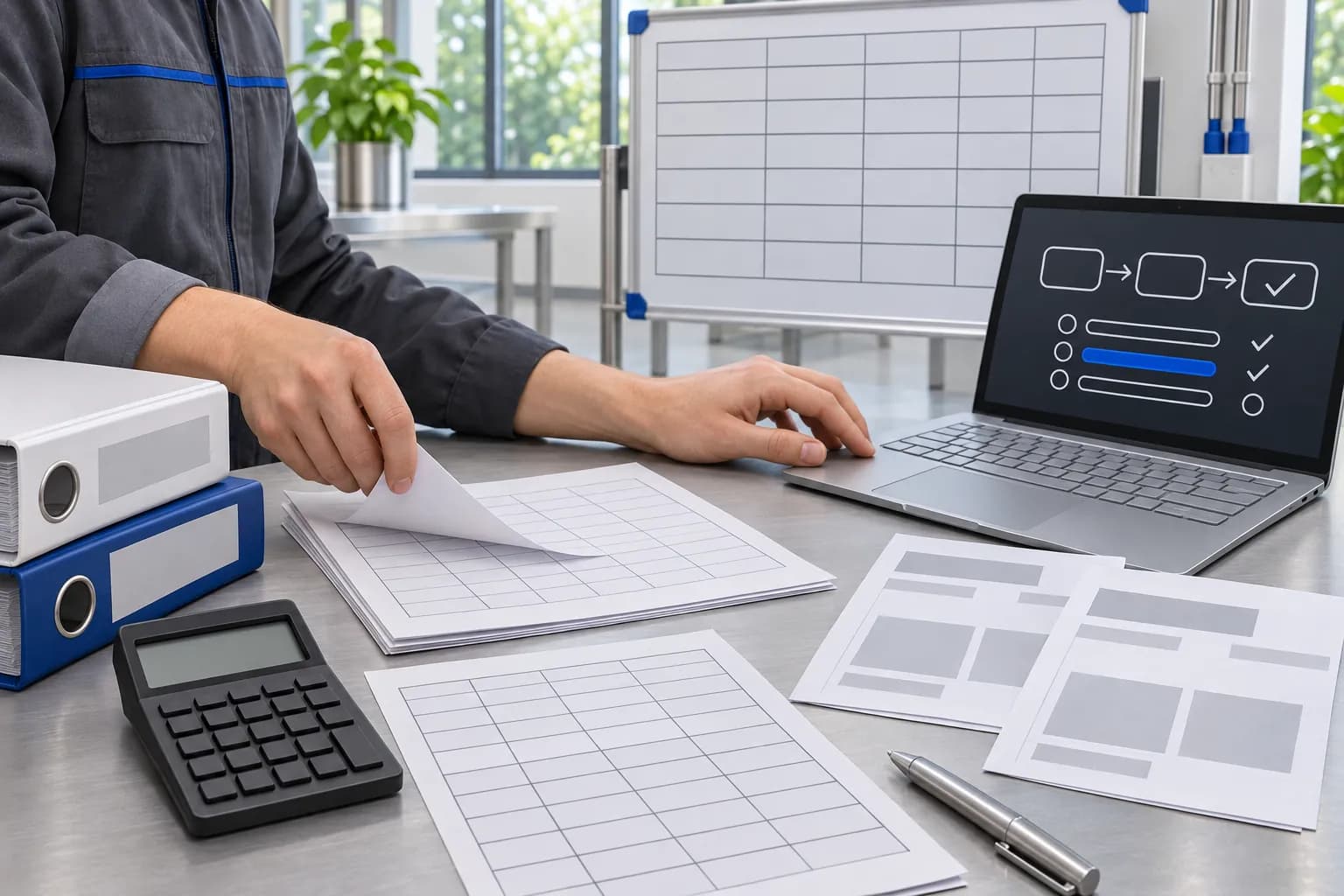
Where the system helps
Assess a small core system that can start part by part
The concept shows a flow screen linking ordering, receiving, production, delivery and documents, with a progress bar, and a laptop for tracking the go-live checklist.
The project states which part starts first, how master data moves, who administers the system, and that an accountant reviews accounting and tax documents before real use.
How the work flows
- 01
Survey work and data
Review steps, documents and the state of master data.
- 02
Choose the first parts
Agree what starts first and the system administrator.
- 03
Migrate and trial
Test on checked data, with the accountant reviewing documents.
- 04
Run in parallel, accept
Run beside the old method, compare, then agree the switch.
What the starter set includes
The last item is assessed separately for each job; the others are in the starter set. The actual scope is set out in each project proposal.
- Agreed work areas, chosen from purchasing, stock, production or packing, and sales
- Master data migration: items, customers and suppliers
- User rights set by each person's role
- Thai training and manuals; demand forecasting must be assessed separately
Further development, per project
These are directions to assess and test per project. They are not part of the starter set.
Demand forecasting
Concept · to be assessed- What it does
- Use accumulated sales data to help assess demand trends.
- Benefit
- Gives planners supporting data for purchasing and production prep.
- Must pass before use
- Sales data must be clean enough, tested on the business's past data, and a person decides the orders.
Weighing and lot tracing
Concept · to be assessed- What it does
- Assess weighing stations and code labels to tie weights to lots.
- Benefit
- Helps trace from product back to lot in a structured way.
- Must pass before use
- Scales, labels and requirements confirmed by the business's standards owner must be surveyed.
Machine production data
Concept · to be assessed- What it does
- Assess receiving status or output from machines over Modbus or OPC UA.
- Benefit
- Cuts hand-written production records in some steps.
- Must pass before use
- Connection rights, data format and handling of lost communication must be checked.
Document reading into the system
Concept · to be assessed- What it does
- Use OCR to read delivery or purchase documents, with a person checking before saving.
- Benefit
- Cuts retyping of documents that are clearly legible.
- Must pass before use
- Must be tested on real supplier documents, with a person confirming lines before entry.
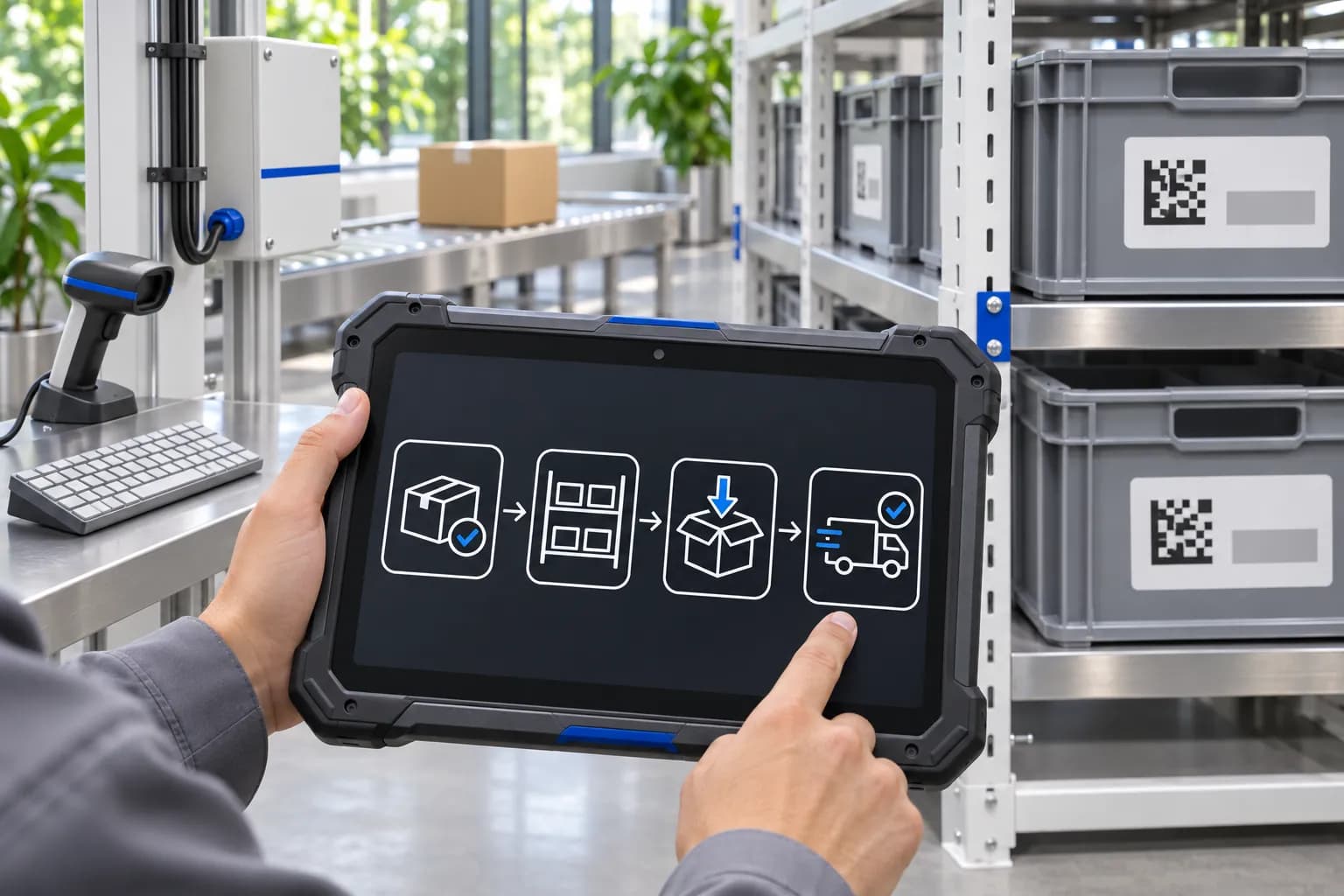
Mobile warehouse app
Concept · to be assessed- What it does
- Design screens for receiving, moving and counting stock for warehouse staff.
- Benefit
- Helps record at the warehouse without retyping at a desk.
- Must pass before use
- Network coverage, scanning devices and steps for working without a signal must be tested.
Several companies or branches
Concept · to be assessed- What it does
- Assess data structure and rights across several legal entities or branches.
- Benefit
- Keeps each unit's data apart while still showing an overview.
- Must pass before use
- Chart of accounts, tax documents and inter-unit transfers must be checked with an accountant.
Comparing ways of working
A comparison of ways of working, not measured before-and-after results.
| Topic | Usual approach | Proposed approach |
|---|---|---|
| Starting the project | Buy software first, adapt work to it | Survey work, then pick the parts to start |
| Master data | Move everything without duplicate checks | Check and fix core lists before moving |
| Accounting | Learn document formats near go-live | Accountant reviews from the trial stage |
| Switching over | Drop the old method on start day | Run in parallel before deciding to switch |
Where it fits
Suits businesses with data spread across tables and paper, and someone ready to look after master data.
Limits, and when it does not fit yet
If you need complex multi-level production planning from the first day, or nobody owns the data, start by tidying data and naming an owner.
What to prove before investing
- 01Current work-flow maps for each work area
- 02Item, customer and supplier lists checked for duplicates
- 03Document and tax formats checked by the accountant
- 04A parallel run with the old method, an administrator and the hosting
FAQ
Frequently asked questions
No. It passes data to accounting, but financial statements, tax and audit remain the work of the accountant and the auditor.
No. Start with the agreed work areas and extend part by part, as data and owners in each department become ready.
It depends on the business's data policy, machine links and who administers the system, so weigh both cloud and in-house before deciding.
What to prepare before talking to us
You do not need all of it; start with what you have.
- Sample documents you use, such as purchase orders, delivery notes and invoices, with personal details blacked out.
- The Excel files or forms used in daily work.
- A rough outline of who does what, and in what order.
- The accounting program or other systems in use that need to connect.
Send your current work map to start assessing
Attach the tables or forms in use, sample sales and purchase documents and the problems you face. The team will help set what to survey before scope is agreed.