

01 · AI Development
AI that starts from your data and your real work
We build machine learning and deep learning for numbers, images and audio, NLP that reads Thai and English documents and messages, and LLM systems that answer from your organisation's own data. Every model is measured on your data before it goes live.
Problems this solves
- 01
Information is scattered across documents, email and files, too slow to search or summarise.
- 02
Repetitive classifying, screening or data entry takes many people and invites mistakes.
- 03
Years of data are stored but not yet used to forecast or support decisions.
- 04
Off-the-shelf AI tools were tried but don't fit your data or existing systems.
Where it fits
Works well when
- Real sample data exists, even if it is messy.
- You can say what a usable result looks like and who checks it.
- The task repeats often enough to justify building for it.
Limits to know
- With no sample data yet, the first step is collecting it.
- Models are probabilistic; work that can never be wrong needs a human check.
- Data that may not leave the company needs an on-premise model, which limits size and speed.
What we build

01
Machine learning and deep learning
Models that learn from your historical data to forecast, classify or flag anomalies.
- Data we work with: sales or ERP tables, sensor time series, images and audio.
- Typical problems: demand forecasting, classification, and catching anomalies before a machine stops.
- Tested on data the model has never seen, with metrics agreed before work starts.

Illustration of our approach 02
Natural language processing (NLP)
Reads Thai and English text and documents, then sorts them, pulls out the values you need or summarises the issues.
- Classify email, requests and customer feedback, and route each to the right team.
- Pull fields such as invoice number, date, amount and parties from documents into your systems.
- Read long contracts or reports and flag the clauses or issues a person needs to check.
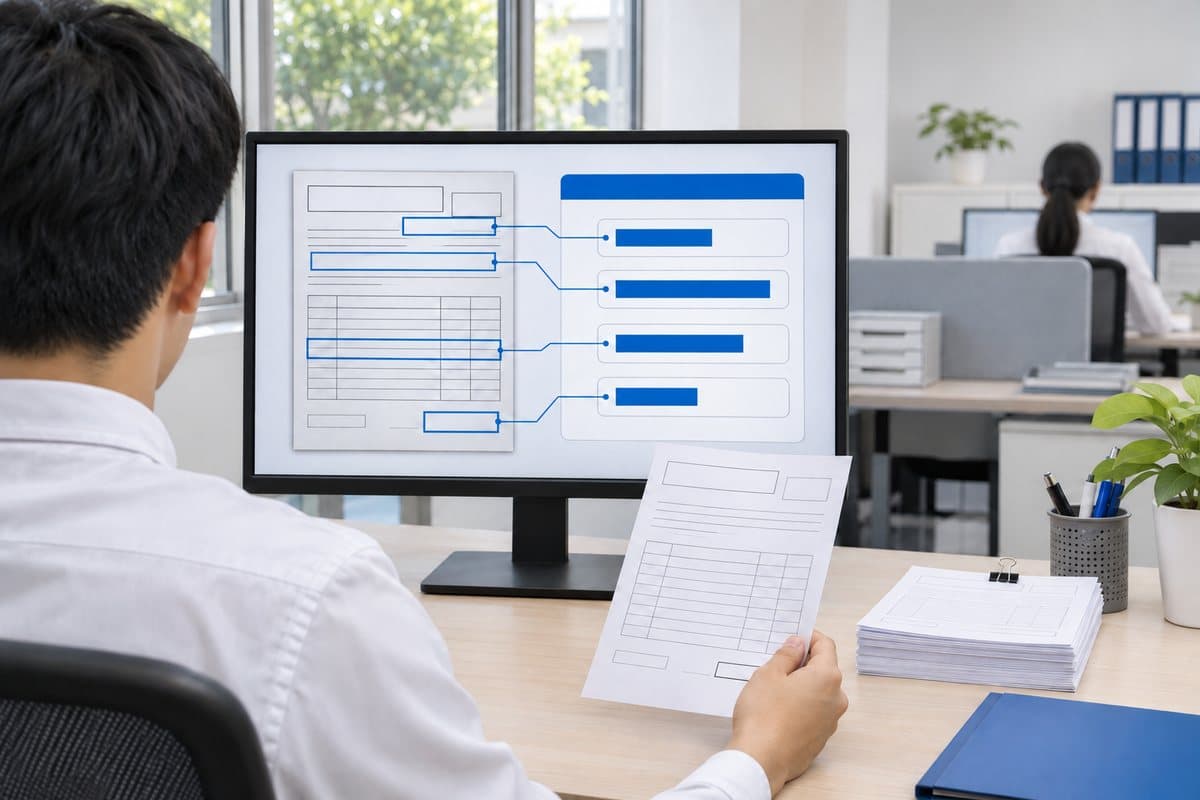
Illustration of our approach 03
LLMs and generative AI
Assistants that answer from your organisation's data and show where each answer came from, for staff or for customers.
- An assistant on your website or LINE OA that answers from your documents and hands over to staff when unsure.
- Search across internal documents (RAG), citing the page each answer came from.
- You set which sources the assistant may use and what each user group may see, so answers never draw on documents the person asking can't see.
- When the model runs via API, usage is billed by volume as a monthly cost separate from development, estimated from your real question volume before work starts.
- Level of work: most projects use an existing model, via API or installed on-premise, connected to your data.
Ask a document
Simulated data3 · Answer
Pick a question above. The answer shows with the page it came from.
04
Integration and working screens
APIs, web screens or links into existing systems so people can use the output in daily work.
- Results exposed through an API so your ERP, website or chat can call them.
- A review screen where people check and correct output before confirming, with a record of who changed what.
- Questions and outputs logged for later review and as input to the next round of improvement.

Illustration of our approach
How it works
Data → experiment → evaluation → deployment
Besides a model, working AI needs good-enough data, honest evaluation and a deployment that fits the existing work.
Step through it
Example: sorting scanned documents by type
Data
Collect, clean and label samples; set the test set aside from day one.
The test set is put aside on day one and never used for training.
What this stage produces
- scan-0001.pdfInvoiceReady
- scan-0002.jpgDelivery noteRemoved: missing field
- scan-0003.pdfQuotationLabel mismatch, re-check
Experiment
Try several approaches on the same data, from plain rules and existing models to a custom-trained one, then keep the smallest that passes.
Same data for every run; the smallest approach that passes wins.
What this stage produces
- R1Fixed rulesWorks in some cases
- R2Existing modelPasses the main criteria · chosen
- R3Custom-trainedPasses, but more complex
Evaluation
Score against the agreed criteria and review the failures group by group.
Measured group by group, not only as one overall average.
What this stage produces
- AClean scansPass
- BSkewed photosPass
- CHandwritingFails, goes to a person
Deployment
Run in the cloud or on-premise, connect to existing systems and monitor results in use.
Once deployed, it is still watched.
What this stage produces
model v1.3 · on-premise
- Every result is logged
- Low confidence: alert and send to a person
- Wrong cases are kept for the next round
What we need to start
You don't need all of this before we talk. The discovery stage works out what exists and what is missing.
- Real sample data (documents, exports or images) with examples of correct answers.
- A description of the current workflow and where AI should help.
- Confidentiality rules and where data may be stored (cloud or on-premise).
- Real users willing to give feedback during testing.
Testing and acceptance
01
Hold back a test set the model never sees and score it against criteria agreed before work starts.
02
Have real users try it on daily work during a pilot and collect the cases it gets wrong.
03
Define which cases go to a human reviewer, and test that path too.
What is delivered
These are the items usually included in this kind of work. The exact scope of each project is set out in the agreed proposal.
- 01A feasibility report with results measured on your real data.
- 02The model or configuration, plus the agreed integration and screens.
- 03Documentation on use, data updates and known limitations.
- 04Post-delivery support within the contracted scope.
Tools and standards we use
Chosen to fit the systems you already run and the budget of each job; no project uses all of them.
- Machine learning
- PyTorchTensorFlowscikit-learnAnomalib
- Edge devices
- NVIDIA JetsonCoral TPUIntel OpenVINO
- MLOps
- MLflowDVCWeights & Biases
- LLM
- Claude / OpenAI / Gemini APIRAGVector databases

FAQ
Frequently asked questions
Data is used only for your project. You choose cloud or on-premise storage to match your policy, and we can sign an NDA before any data is shared.
It depends on the task. Some approaches can be tested on a small sample; others need more collection. We assess what you have and tell you plainly whether it is enough.
We design in a human checkpoint and show where an answer came from when possible. Before handover we test hard cases and document the limits.
It searches the documents you provide before answering (RAG). When it finds nothing it says so or hands over to staff, and we test it on real questions before launch.
Most projects connect an existing model to your organisation's data, which starts quickly and keeps sources checkable. Training a language model from scratch takes very large amounts of data and compute, so we don't recommend it for typical work.
It can, if the incoming data changes, such as a new document layout or new products. We keep a set of test cases to re-run and log the corrections people make, so drift becomes visible, and agree the scope of support and updates after handover from the start.
No. Most work links through an API or reads from the databases and files you already have, then sends results back into the systems your team uses every day.
We use only the data the task needs, mask or remove the rest, restrict access, and process it in an environment your organisation approves, following your PDPA policy.

Further reading
Related articles
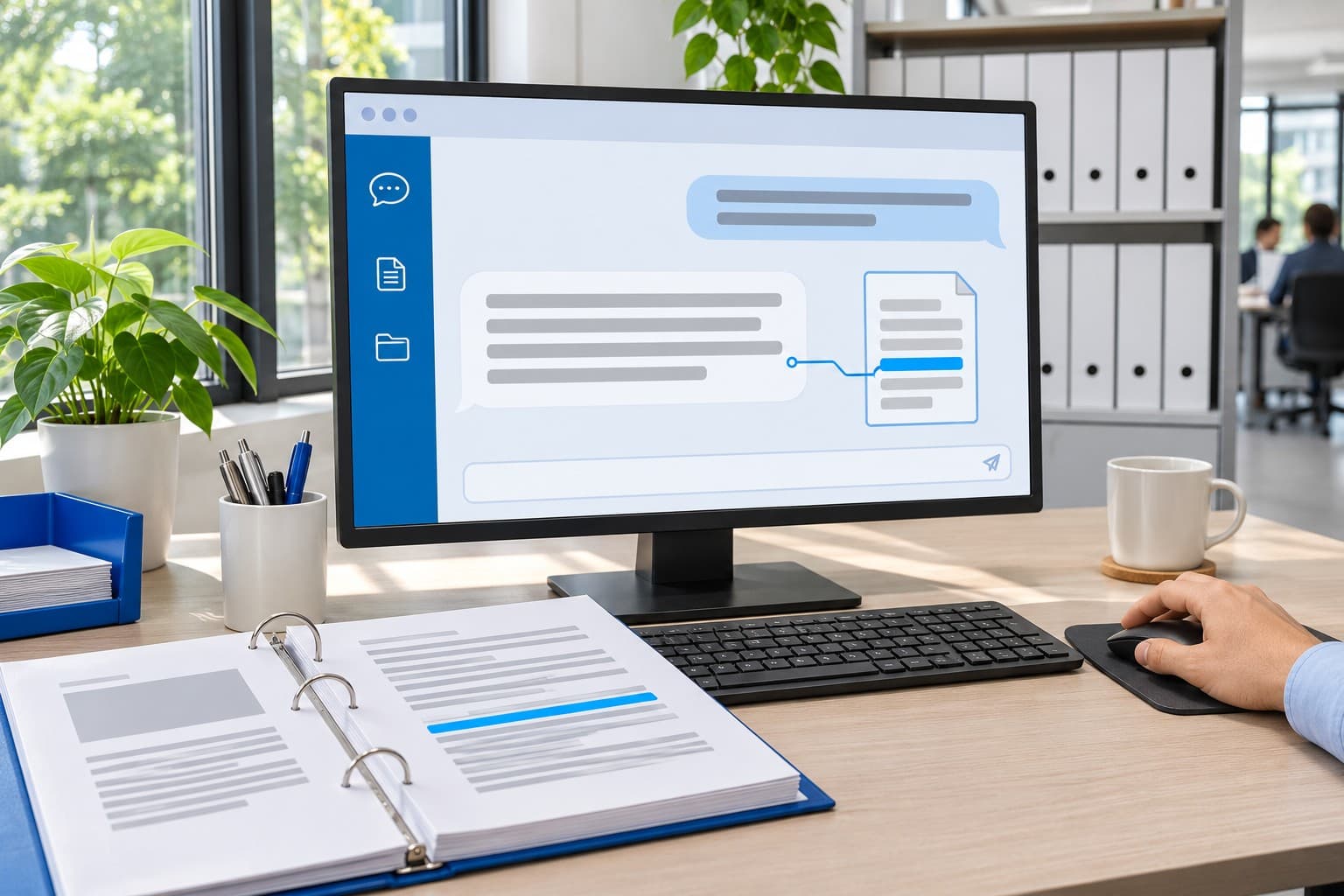 AI for businessAI technology and models16 min readAn AI Chatbot That Answers From Your Company Documents: What RAG Is and How It Helps Reduce Made-Up AnswersA general-purpose ChatGPT cannot answer questions about your company's prices or product specs, because it has never seen your documents. RAG makes the AI open the real documents before it answers. This article explains how it works, how it differs from fine-tuning, and which documents are suitable.
 Smart factory27 min readAsk Your Factory Data in Plain Language: How an AI Agent Connected to SCADA and MES WorksInstead of waiting for IT to build a report, a manager can type a question such as which line had the lowest OEE yesterday and why. This article explains how an AI Agent connects to factory data, and what must be guarded against so it does not become a loophole.
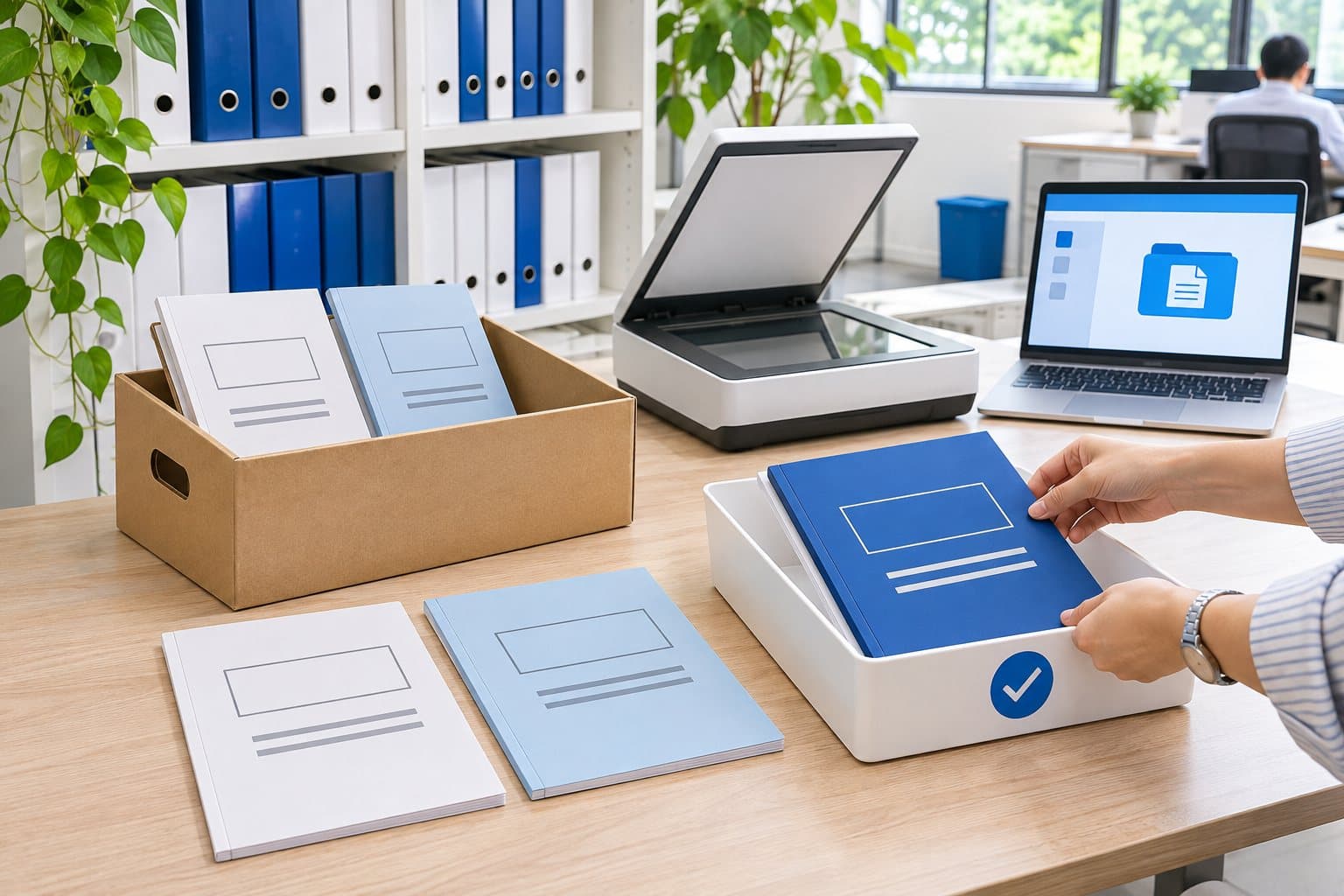 AI for businessAI by department27 min readPreparing Company Documents for AI: Organize Your Data Before RAGBefore an AI answers from company documents, you need to know who owns them, which version is current and who may read them. This is a step-by-step prep guide.
Example problems
Working on something like this?
Tell us your goal and how you work today, and our team will help find the right approach.