

Back office for LINE OA and web orders
Bring chat orders into a single place, once payment and stock are agreed
Start by surveying how the shop takes orders in chat, then assess LINE OA and web forms feeding a shared back office with statuses, slip uploads and pick lists, under conditions tested together.
Before the system
Before adding a system, see where chat orders slip through
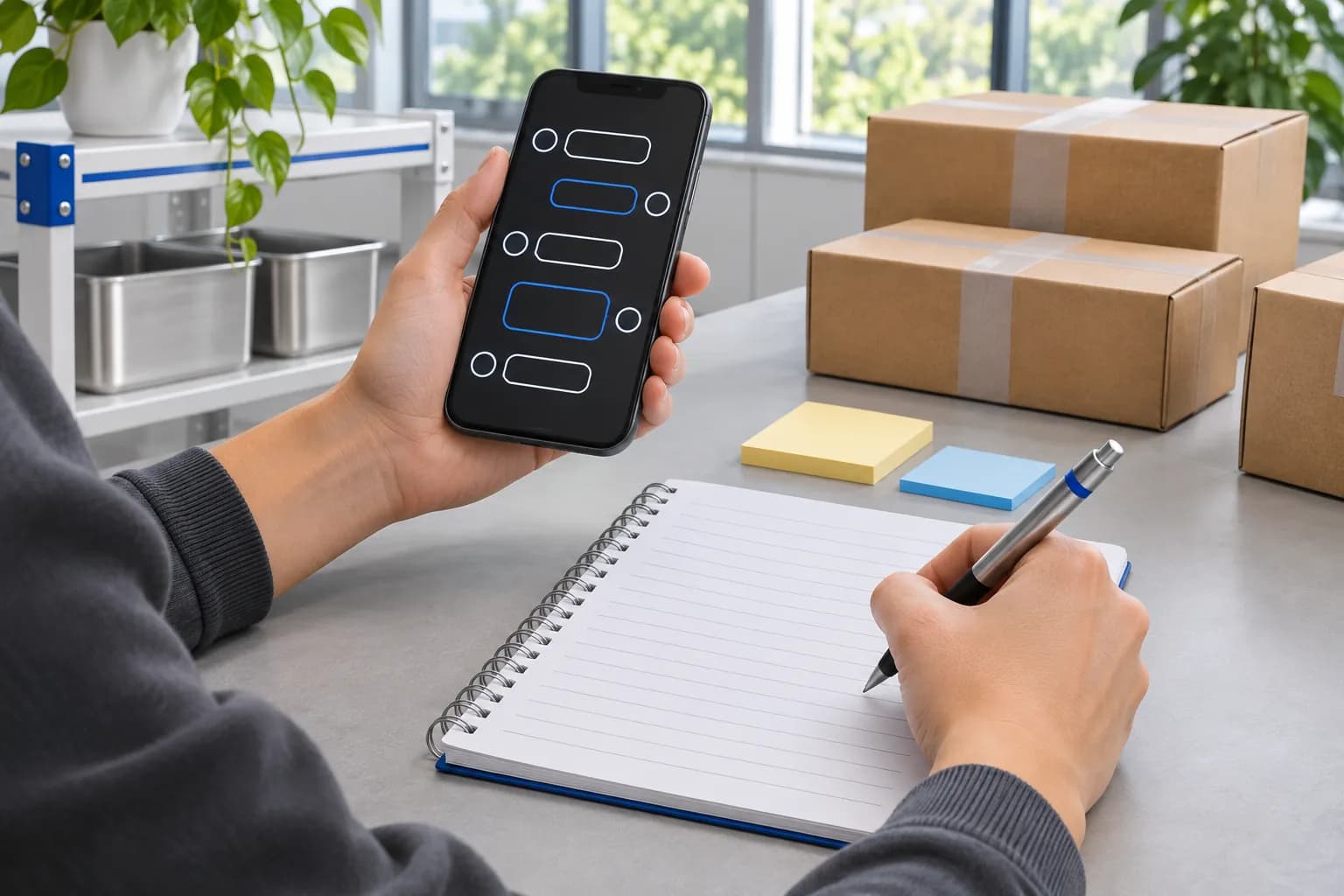
Customers order across several chat channels. Admins read, note or copy orders into notebooks and tables, then ask again for slips and addresses. As orders grow, details get lost and it is hard to tell which order is packed or shipped.
But an order system is not solved by a form alone. It depends on the shop's LINE OA account, the way money is received, slip checking, real stock, and customers' personal data, whose handling must be agreed together.
Where the system helps
Assess a back office that takes chat and web orders in a single place
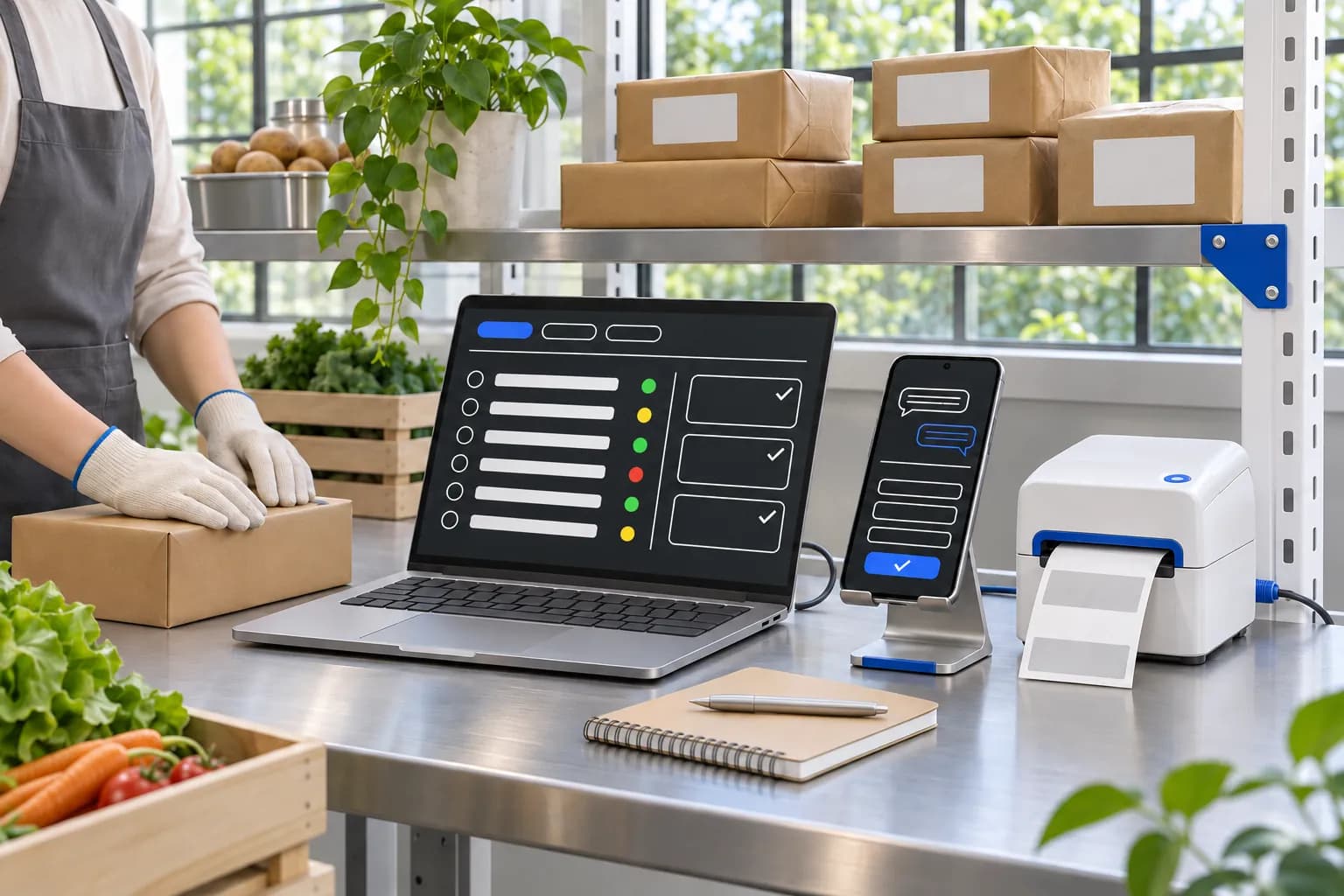
The concept shows an order list with colour statuses, a phone chat screen for confirming with customers, and a printer for pick lists or shipping labels beside the packing table.
The design states that admins check slips and approve statuses themselves, stock is deducted by the shop's own rules, and who looks after the LINE OA account, before scope and acceptance are agreed together.
How the work flows
- 01
Survey chats and routine
See how the shop takes orders, payment and packing.
- 02
Design the forms
Set the fields to fill in and the order statuses.
- 03
Trial on real orders
Admins follow the steps on a trial set before go-live.
- 04
Accept and hand over
Test normal and fault cases and agree a system owner.
What the starter set includes
The last item is assessed separately for each job; the others are in the starter set. The actual scope is set out in each project proposal.
- Order forms in LINE OA and on the web, within the permissions the shop's account has
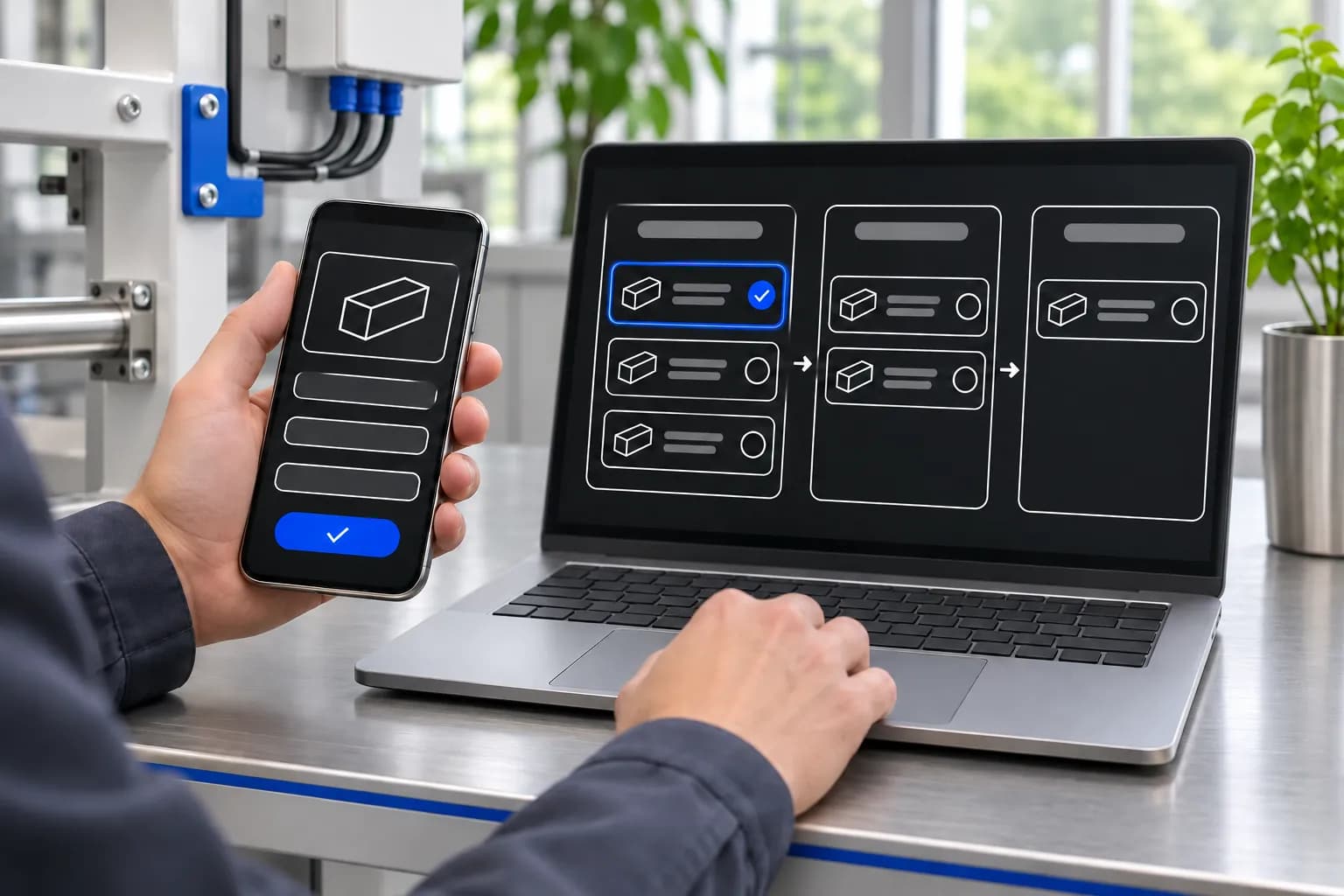
- Back office lists orders and statuses, with slips attached for admins to check themselves
- Print pick lists and notify customers of status, in an agreed format
- Online payment must be assessed separately from the starter set
Further development, per project
These are directions to assess and test per project. They are not part of the starter set.
Online payment
Concept · to be assessed- What it does
- Assess payment through a provider the shop chooses, returning results to the back office.
- Benefit
- Less manual slip matching for orders paid this way.
- Must pass before use
- Provider terms, fees and refunds must be checked, and an accountant must review reconciliation.
Stock link to ERP
Concept · to be assessed- What it does
- Design sending balances and stock deduction to the shop's ERP.
- Benefit
- Stock figures can agree more closely between shop front and warehouse.
- Must pass before use
- Product codes, lots and handling of mismatched balances must be checked.
Courier link
Concept · to be assessed- What it does
- Assess sending parcel data and receiving delivery status back into orders.
- Benefit
- Helps cut repeated address entry and tracks parcels in a single place.
- Must pass before use
- Contract, label format and the data the courier opens for linking must be checked.
Discount codes for orders
Concept · to be assessed- What it does
- Define code conditions and have the back office check them before use.
- Benefit
- Less manual discount calculation when conditions are clear.
- Must pass before use
- The owner must approve the rules, and reuse or cancelled orders must be checked.
Sales reports by period
Concept · to be assessed- What it does
- Design reports by period, product and order status.
- Benefit
- Helps the team see order handling from real data.
- Must pass before use
- Sales must be defined with an accountant; these are not accounting documents.
Multi-level admin rights
Concept · to be assessed- What it does
- Separate rights to view orders, check slips, edit status and see reports.
- Benefit
- Limits access to customer data by role.
- Must pass before use
- A rights owner, a leaver process and the PDPA approach must be agreed with those involved.
Comparing ways of working
A comparison of ways of working, not measured before-and-after results.
| Topic | Usual approach | Proposed approach |
|---|---|---|
| Taking orders | Read chats, then note or copy by hand | Customers fill a form into the back office |
| Slip checking | Ask and compare in chat case by case | Slip attached to the order for admin checks |
| Order status | Chase people or search old chats | See status in the back office list |
| Customer data | Scattered across chats and notebooks | Kept as agreed, with rights by role |
Where it fits
Suits shops or businesses taking many orders in chat and noting or copying them into tables by hand.
Limits, and when it does not fit yet
For a marketplace or large online shop, assess a store platform first. If orders are few and noting by hand still keeps up, no system is needed yet.
What to prove before investing
- 01The shop's LINE OA account and messaging permissions
- 02How money is received and how admins check slips
- 03How consent is asked and customer data kept, under PDPA
- 04Busiest order periods and all back office users
FAQ
Frequently asked questions
Not assured. The starter set attaches slips for admins to check themselves. Automatic checks are assessed separately and still need a person to confirm.
Not assured. It helps keep order data tidy. Any effect on sales depends on the shop's own products, prices and marketing.
Consent, retention and who can see data must be agreed with the shop. The system is not treated as PDPA compliant until that is checked.
What to prepare before talking to us
You do not need all of it; start with what you have.
- Sample documents you use, such as purchase orders, delivery notes and invoices, with personal details blacked out.
- The Excel files or forms used in daily work.
- A rough outline of who does what, and in what order.
- The accounting program or other systems in use that need to connect.
Send sample order chats to start assessing
Attach sample order chats with customer details removed, how money is received and how items are packed. The team will help set what to survey before scope is chosen.