

03 · Websites & Web Applications
Websites customers use, and systems your team uses every day
We build multilingual company and service websites you can edit yourself, and web applications for internal work such as quotations, bookings, approvals and job tracking, connected to LINE and your ERP, and we look after them once they are live.
Problems this solves
- 01
The website is slow, awkward on a phone, and brings in no enquiries.
- 02
You can't edit text or add a page yourself, so every change waits for a developer.
- 03
Customer and job data is spread across Excel, LINE and email, so work is hard to track.
- 04
Approvals still move on paper or in chat, and nobody knows whose desk a request is on.
Where it fits
Works well when
- The work repeats every day: taking requests, issuing quotations, booking appointments.
- Real users can try it and give feedback during development.
- You want a system you can adjust as the process changes.
Limits to know
- If off-the-shelf software already fits, a subscription is often cheaper, and we will say so.
- Content, images and product or service details have to come from you; we can help structure and edit them.
- A live system needs someone to own its content, user accounts and updates.
What we build
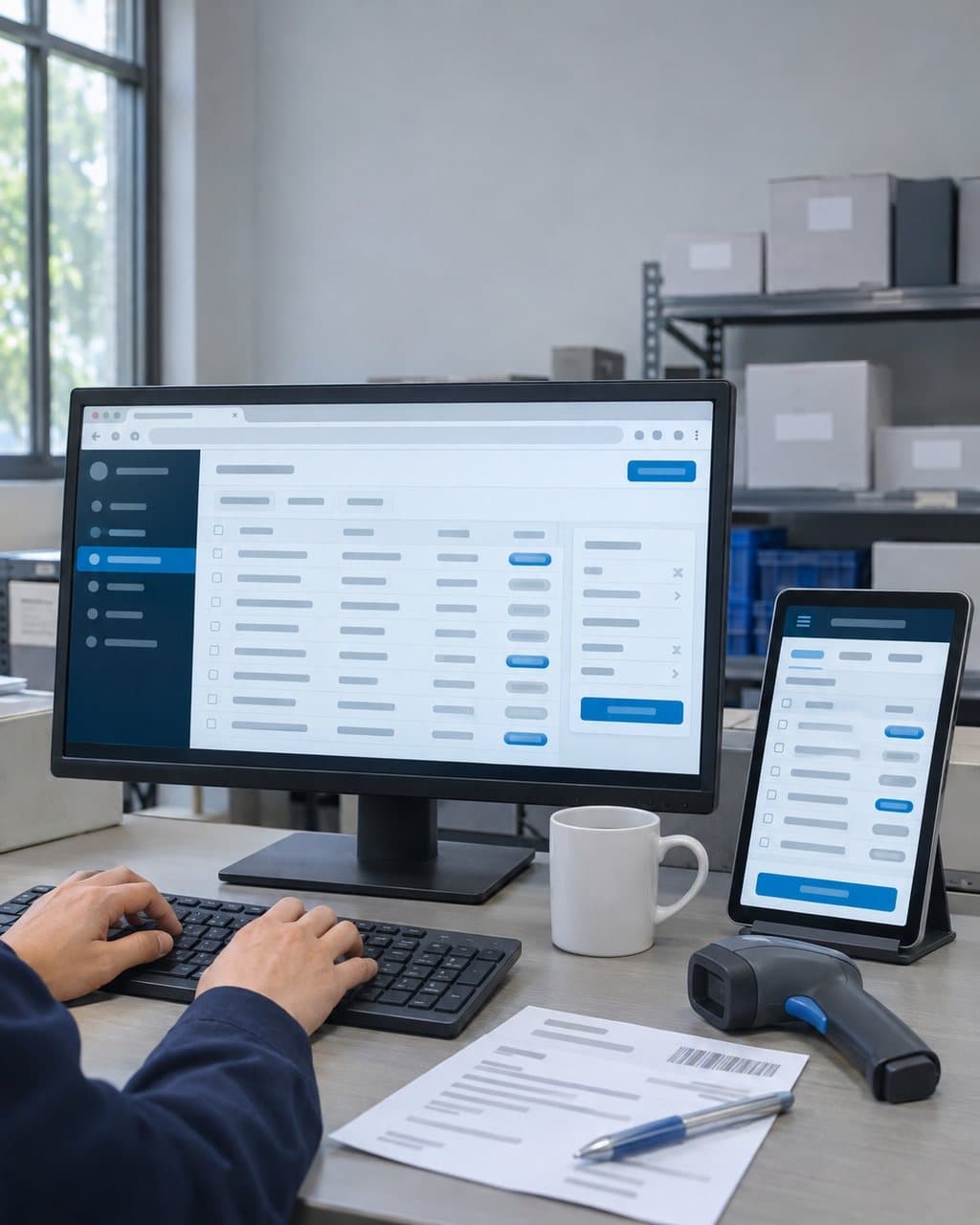
01
Websites
Fast, comfortable on a phone, editable by your team, and measured by which pages bring in enquiries.
- Types: company sites, product or service sites, campaign pages and customer portals.
- A content management system (CMS) so your team edits text, images and articles itself.
- Multiple languages, with a URL and SEO for each language.
- Contact and quotation forms that land straight in your sales team's LINE or email.

Illustration of our approach 02
Web applications and back-office tools
The tools your staff work in every day, built around your actual process rather than bending the process to fit software.
- Quotations, bookings, request intake and job tracking.
- User groups and permissions: who sees what and who can change it.
- Approval steps, notifications and an edit history you can audit.

Illustration of our approach 03
System integration
Links to LINE, an ERP such as Odoo and other systems through APIs, so nobody re-keys data.
- Requests come in, and status updates go out, through the chat channels your customers already use.
- Orders or customer records go into the ERP, and their status comes back to the screen.
- Every transfer is logged, and an administrator is alerted when a link fails.

Illustration of our approach
How it works
Request → approve → status
Click one purchase request through, from submitting it to issuing the order, and switch between the desktop and phone views. All data is simulated.
Try the approval
Simulated dataActing as
Requester · Draft
- 01Requester fills in and submits
- 02Department head approves
- 03Purchasing issues the PO
PR-0001
Cut-resistant gloves × 20 pairs
- Item
- Cut-resistant gloves × 20 pairs
- Department
- Production
- Total
- THB 3,600
- Needed within
- 7 days
History
Not submitted yet
A simulated screen of the kind we build. Every step records who acted and when.
How we build it
01
Brief
Talk to each user group, collect real examples and agree the first-round scope.
02
Screens
Clickable designs that users try and adjust before development starts.
03
Build and connect
Build in short rounds, each one testable on staging, then connect LINE, ERP or existing systems.
04
Launch and care
Move data, go live, train users, then maintain and adjust from real use.
What we need to start
You don't need all of this before we talk. The discovery stage works out what exists and what is missing.
- Examples of today's work: forms, Excel files or customer chats.
- Who the users are and what each group needs to do in the system.
- The content, images and product or service details for the site.
- The systems to connect, and who administers them.
Testing and acceptance
01
Test on phones and the main browsers, measure speed with Lighthouse, and check accessibility and SEO.
02
Real users try it on a staging system before production.
03
Send test submissions through every form and check each one reaches its recipient.
What is delivered
These are the items usually included in this kind of work. The exact scope of each project is set out in the agreed proposal.
- 01The live website or web app, in the cloud or on your own servers.
- 02Source code and admin accounts as agreed in the contract.
- 03Guides for content editors and users.
- 04Post-launch maintenance within the contracted scope.
Tools and standards we use
Chosen to fit the systems you already run and the budget of each job; no project uses all of them.
- Front end
- Next.jsReactTailwind CSS
- Back end
- Node.jsPython / FastAPIPostgreSQL
- Hosting
- VercelCloudOn-premise

FAQ
Frequently asked questions
Mostly Next.js and React for the front end, Node.js or Python (FastAPI) for the back end, and PostgreSQL for data. For AI we pick Claude, OpenAI or Gemini to suit the task and budget, without tying you to one vendor.
Yes. We set up a content management system so your team can edit text, images and articles in every language, and we train your editors before handover. Changes to page structure still need a developer.
In the cloud, on Vercel or another provider, or on your own servers. Data that must stay in-house can stay there.
The data is yours. We recommend registering the domain and hosting accounts in your company's name, and source-code and documentation handover is set out in the contract before work starts.
Yes, under a separately agreed scope such as fixes, security updates and content help. Or we hand it to your own team with documentation.
Yes. We review the existing code and hosting first, then say whether to improve it or rebuild. When moving, we keep the old links or set up redirects so existing search results are not lost.
Most internal systems work well as a web app that opens on a phone: one codebase and no app-store review. A native app suits work that must run offline or relies heavily on device features. We recommend based on how it will actually be used.
Nobody can promise a ranking. We put the foundations in place: speed, page structure, search metadata and content in both languages. Ranking then depends on your content and competition over time.
HTTPS, role-based permissions, backups and keeping dependencies updated. Forms that collect personal data follow your organisation's PDPA policy.
Further reading
Related articles
 Websites and web apps5 min readCorporate Website vs Web Application: Choosing the Right OneHow to tell whether your business needs a company website or a web application that customers and staff log in to.
 Websites and web apps2 min readDomain, DNS, Hosting and SSL: Understanding the Parts of a Website Before You HireThe domain is the name, DNS points it somewhere, hosting runs the site, and the HTTPS certificate verifies the endpoint and encrypts the connection. Each may sit with a different provider.
 Websites and web apps2 min readPWA vs Native Mobile App: What an Installable Web App Can DoA PWA uses web technology plus whatever extra capabilities the platform supports; a native app is built for the target platform. Decide from the job the app must do and the device limits, not from "installable".
Example problems
- Answering questions from internal documents
- A chatbot that answers customers on LINE OA and your website
- Reading and extracting data from documents
- AI watching your CCTV
- A website people can find and you can update
- Requests and approvals, off paper and chat
- One back office for chat and web orders
- Connecting the systems you already have, so nobody re-keys data
- Tracing a lot back to its source
Industries
Working on something like this?
Tell us your goal and how you work today, and our team will help find the right approach.