

04 · ERP
Sales, production, stock and accounts on one set of data
We design and adapt ERP around your business process, from quotation to invoice, so departments stop re-keying the same data and management sees one consistent set of numbers.
Problems this solves
- 01
Sales, production and accounting each keep their own files, and the numbers disagree.
- 02
Real stock levels are unknown until someone counts.
- 03
Unit cost is calculated late, or estimated.
- 04
A packaged system didn't match real procedures, so staff went back to Excel.
Where it fits
Works well when
- Departments can agree on the core procedures.
- A business owner can make decisions about process.
- You can prepare master data: products, customers and bills of materials.
Limits to know
- If departments still work very differently, agree the process before configuring anything.
- Migrating all history is rarely worth it; usually only master data and open balances move.
- Tax and accounting-standard questions must be confirmed by your accountant.
What we build
01
Process analysis
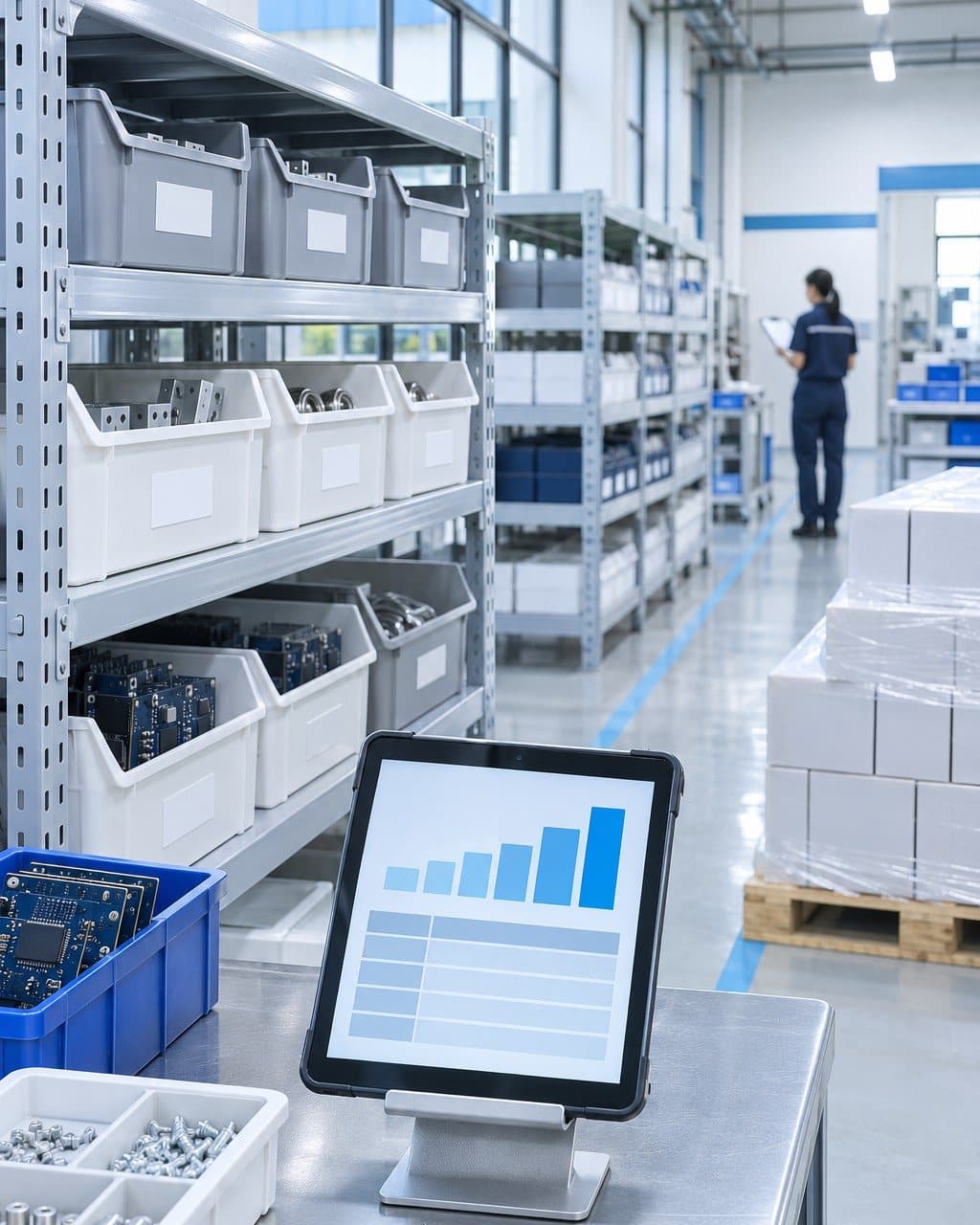
Map each department's real procedure and find where data is missing or duplicated.
- Talks with the real users in each department, and samples of the documents they use.
- A map of today's procedure and the one after go-live, confirmed by each department.
- A summary of what standard features cover, what needs adapting, and where changing the procedure beats changing the system.
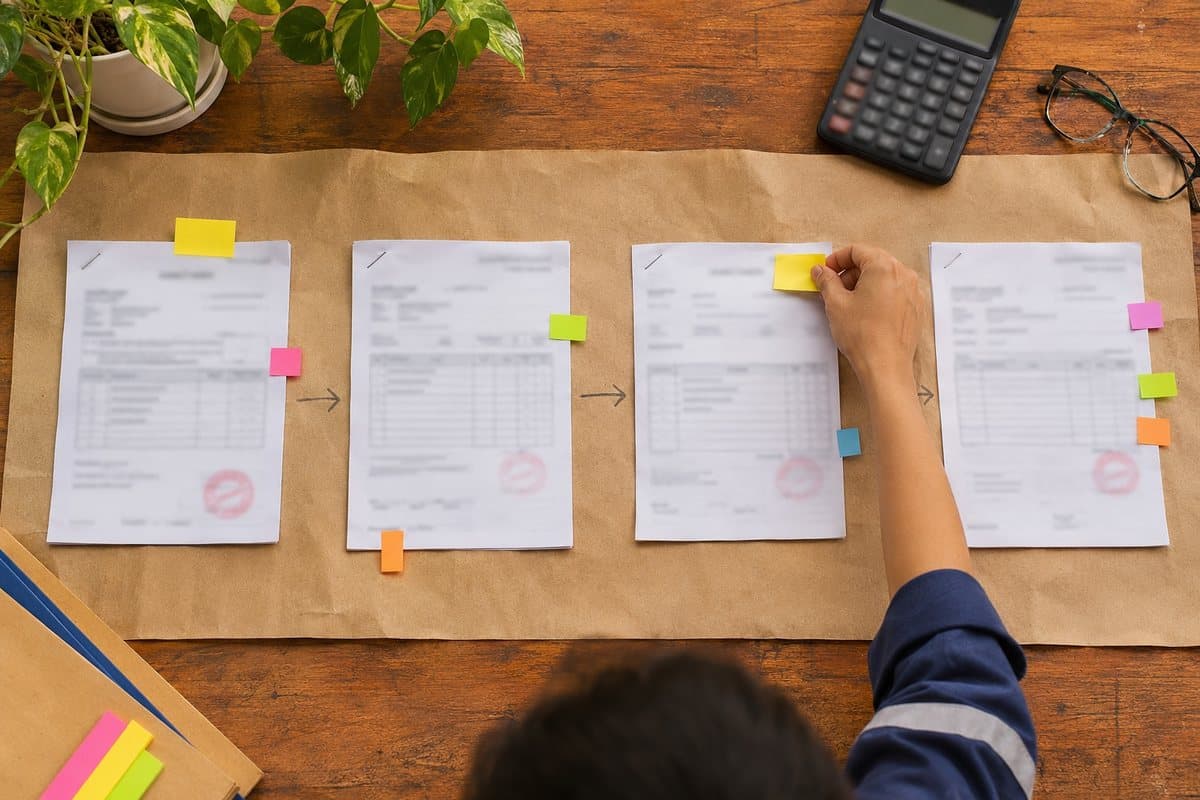
Illustration of our approach 02
Configuration and adaptation
Set up sales, purchasing, manufacturing, inventory, accounting and payroll, with forms and approval steps adapted.
- Role-based permissions, so each department sees and edits only its own data.
- Multi-level approvals, such as purchase requests routed by amount.
- One set of data across departments, from sales order through production, stock and accounts.
Illustration of our approach 03
A separate system when Odoo isn't the right fit
Some work, such as customer follow-up (CRM), tasks and appointments, or industry-specific sales documents, can be set up in Odoo or built as a separate web application. We compare both before you choose.
- Odoo, when the data has to flow on into stock and accounts in one system.
- A separate system, when the procedure is specialised enough that adapting Odoo would be more work than building it.
- A separate system can still send data into Odoo or your accounting software, within the agreed scope.
04
Links to other systems
Takes data from shop-floor machines, online stores, banks or legacy systems, and issues e-Tax Invoices, instead of re-keying.
- Systems such as PEAK, Google Calendar, Microsoft Calendar or Slack are checked before we confirm: their API, account permissions and that system's own fees.
- The quote lists what data each link sends, how often, and who maintains it when the other system changes.
Illustration of our approach 05
Management reporting
Sales, cost, stock and open work, all from the same data.
- Sales, gross margin and stock by product, customer or branch.
- Open items such as purchase orders not yet received or invoices not yet paid.
- Viewable on a phone, and exportable to Excel or PDF.
Illustration of our approach
How it works
Following one set of documents
What is entered once at quotation should flow on to production, stock and accounts without being typed again.
01
Quotation
REF A-0001
Prices and terms drawn from the product list and customer record.
02
Sales order
REF A-0001
On confirmation, stock is reserved or a work order is created.
03
Production
REF A-0001
Materials issued per the bill of materials; actual output recorded.
04
Inventory
REF A-0001
Balances move with every receipt, issue and delivery.
05
Invoice
REF A-0001
Raised from what was actually delivered and posted from the same record.
What we need to start
You don't need all of this before we talk. The discovery stage works out what exists and what is missing.
- Real documents: quotations, purchase orders, work orders, invoices.
- Product, customer and supplier lists, and bills of materials if you have them.
- Who is responsible for what, and each department's approval steps.
- The systems or files in use today and the data that must move.
Testing and acceptance
01
Test real scenarios one process at a time, from order intake to invoice.
02
Each department tests with its own data (UAT) and signs off.
03
Reconcile migrated balances against the old system before go-live.
What is delivered
These are the items usually included in this kind of work. The exact scope of each project is set out in the agreed proposal.
- 01Agreed process documentation.
- 02The configured system with forms, permissions and reports in scope.
- 03Migrated and reconciled master data.
- 04User training and support through go-live.
Tools and standards we use
Chosen to fit the systems you already run and the budget of each job; no project uses all of them.
- Platform
- Odoo 17 / 18 CommunityOdoo Enterprise
- Core modules
- Sales / CRMPurchaseInventoryManufacturing (MRP)AccountingHR / Payroll
- Customisation
- Odoo StudioPython / XMLOWLCustom reports
- Integration
- REST APIXML-RPCWebhookMQTT bridge
- Deployment
- On-premisePrivate cloudDocker
FAQ
Frequently asked questions
Mostly Odoo, because it adapts to your process and covers sales, purchasing, inventory, manufacturing, accounting, HR and payroll. If you already run a system, we weigh extending it before recommending anything.
No. Many organisations start with the most painful process, such as sales and inventory, then add manufacturing and accounting.
We clean and move master data and open balances, then reconcile against the old system before go-live. How much history moves is agreed case by case.
VAT, withholding tax and Thai-language document forms can be set up. e-Tax Invoice goes through a licensed service provider. Your accountant confirms every tax setting before go-live.
Yes. The ERP can run sales, purchasing and stock, and export data in a format your accounting software imports, or link through an API if it has one. Accounting can move over later when you are ready.
Community has no licence fee. Enterprise adds modules such as full accounting and Odoo Studio, with a subscription per user. We recommend an edition after the process analysis.
Role-based training on your own company data, a key user in each department to help colleagues, and short guides for everyday tasks.
Yes, through the phone's browser. Frequent tasks such as approvals or stock checks can be adapted for small screens.
On your own server or a private cloud, with automatic backups on an agreed schedule, tested restores, and your data exportable at any time.
Further reading
Related articles
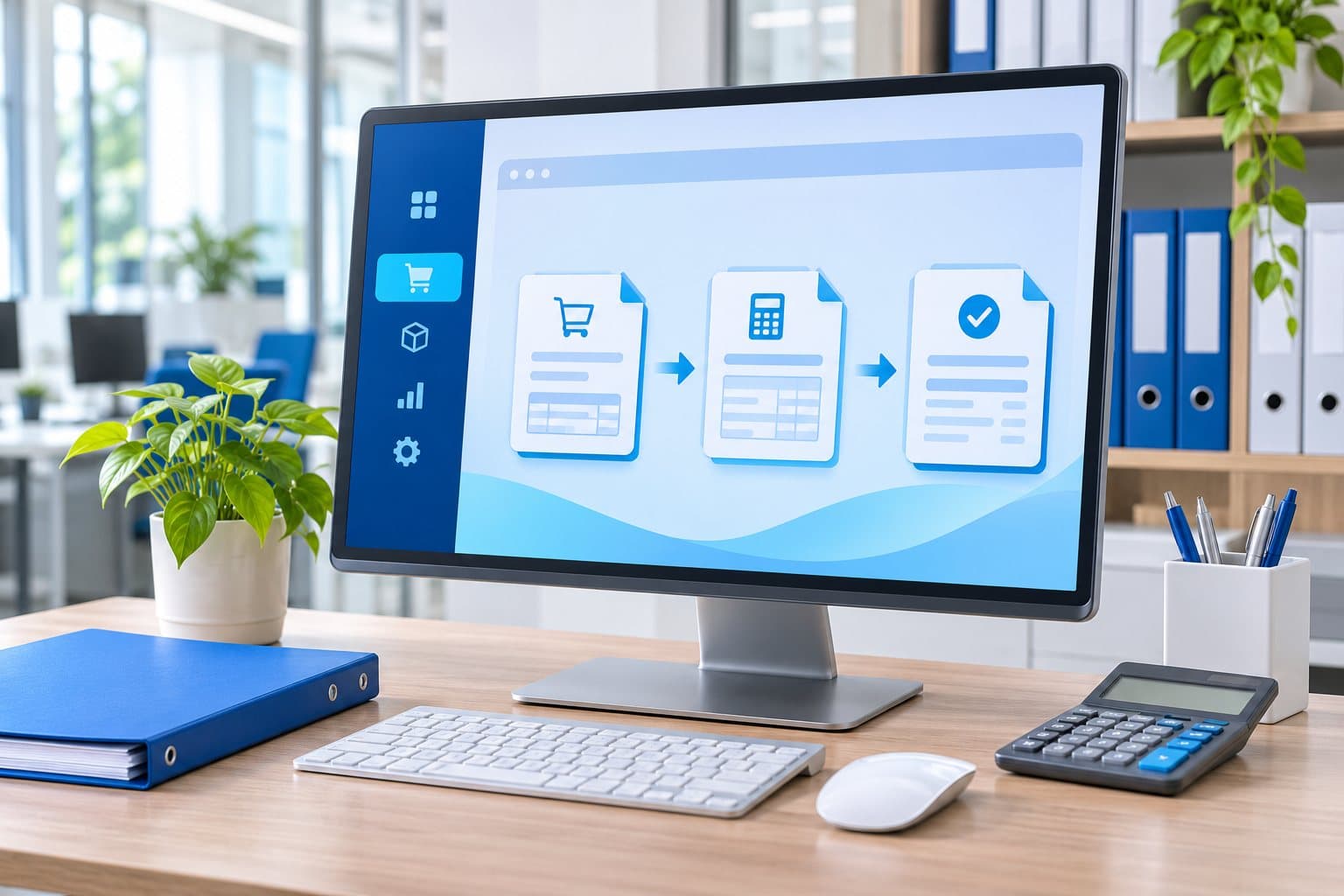 ERP and CRM6 min readQuotation, Invoice and Receipt: Designing Linked Sales Documents in an ERPHow the documents of one sale should link, from quotation to invoice to receipt, with a checklist to start.
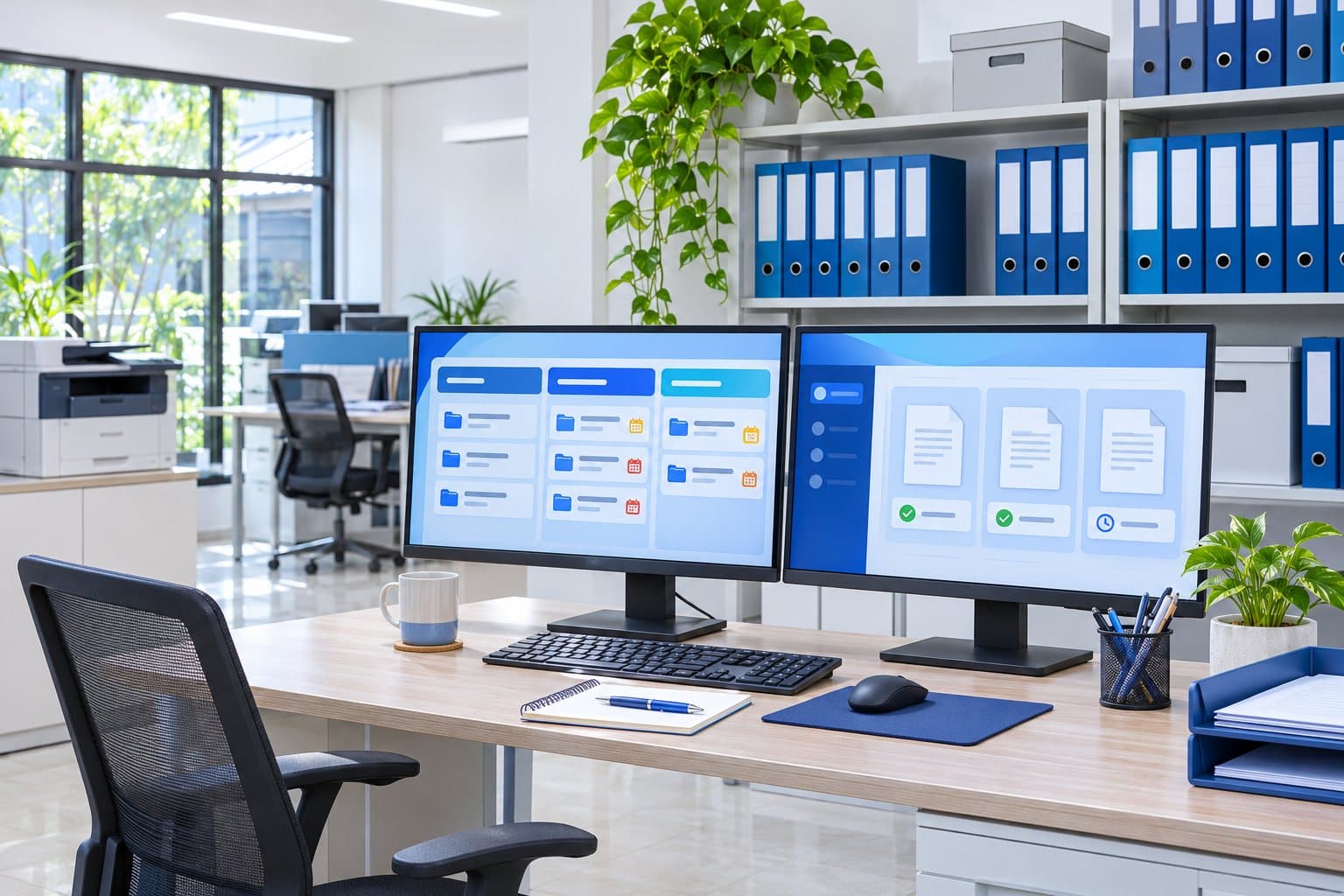 ERP and CRM5 min readERP for Accounting Offices: Clients, Documents and Deadlines in One PlaceHow an accounting office serving many client companies can track work, missing documents and deadlines in one system.
 ERP and CRM9 min readConnecting Another System to PEAK: What to Decide and What to CheckA checklist before connecting your system to PEAK: who owns the data, what to ask PEAK, and what to test first.
Often paired with
- 03
Websites & Web Applications
Websites your customers use, and web applications your team works in every day
- 06
SCADA & IoT
Monitoring and control screens and IoT systems for machines, sites and processes, even far apart
- 01
AI Development
Machine learning, deep learning, NLP and LLMs, measured on your own data
Working on something like this?
Tell us your goal and how you work today, and our team will help find the right approach.