

Reading documents into ERP
Read documents into fields, with a person checking before accounting
Start with the agreed document types. The system extracts fields and checks them against master data, then a staff member confirms before anything goes to the ERP. How well each field reads must be tested on real documents first.
Before the system
Retyping documents takes time, and every field can go wrong
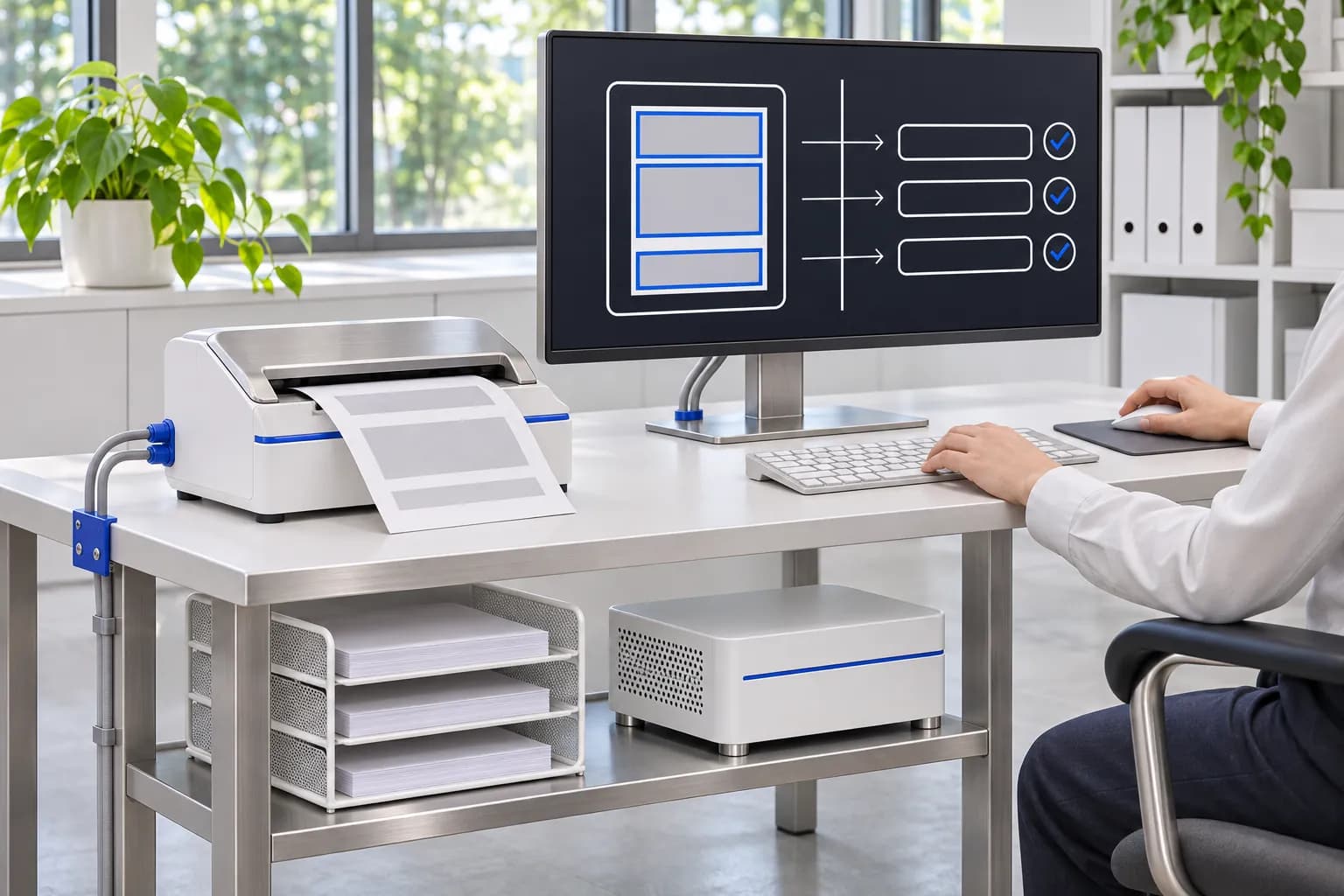
Invoices, purchase orders and delivery notes arrive on paper, by email and as photos. Staff type them into the system field by field. When formats differ by supplier, matching codes and order numbers is slow and easy to get wrong.
Automatic reading does not remove the checking step, because wrong data ends up in the books. Someone must decide which fields the system is unsure of, who confirms them, and how the target system accepts data.
Where the system helps
The system reads documents, matches master data and gives staff a review page
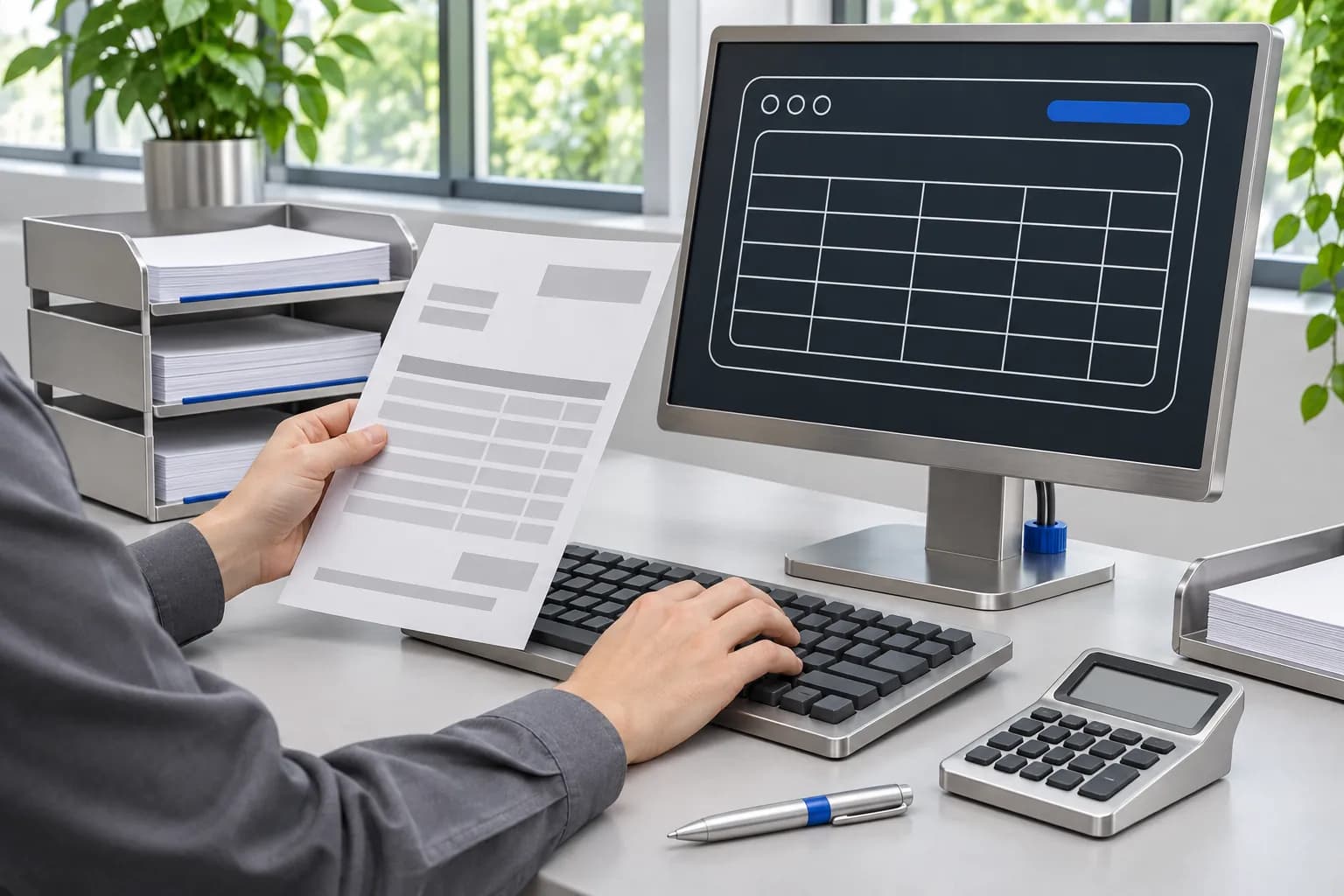
The concept image shows a scanner feeding paper, a screen placing the document image beside its data fields with pass marks, and a small compute unit under the desk.
The project fixes document types, fields and the link to the target system with accounting or purchasing. Staff confirm every item. The team looks after the reading and sending parts.
How the work flows
- 01
Survey documents and systems
Review document types, suppliers and the system's import route.
- 02
Test reading on real samples
Read real documents of every quality before agreeing scope.
- 03
Install and connect
Set up the review page and link it to the target system.
- 04
Accept on real documents
Accept with accounting using a test set of documents.
What the starter set includes
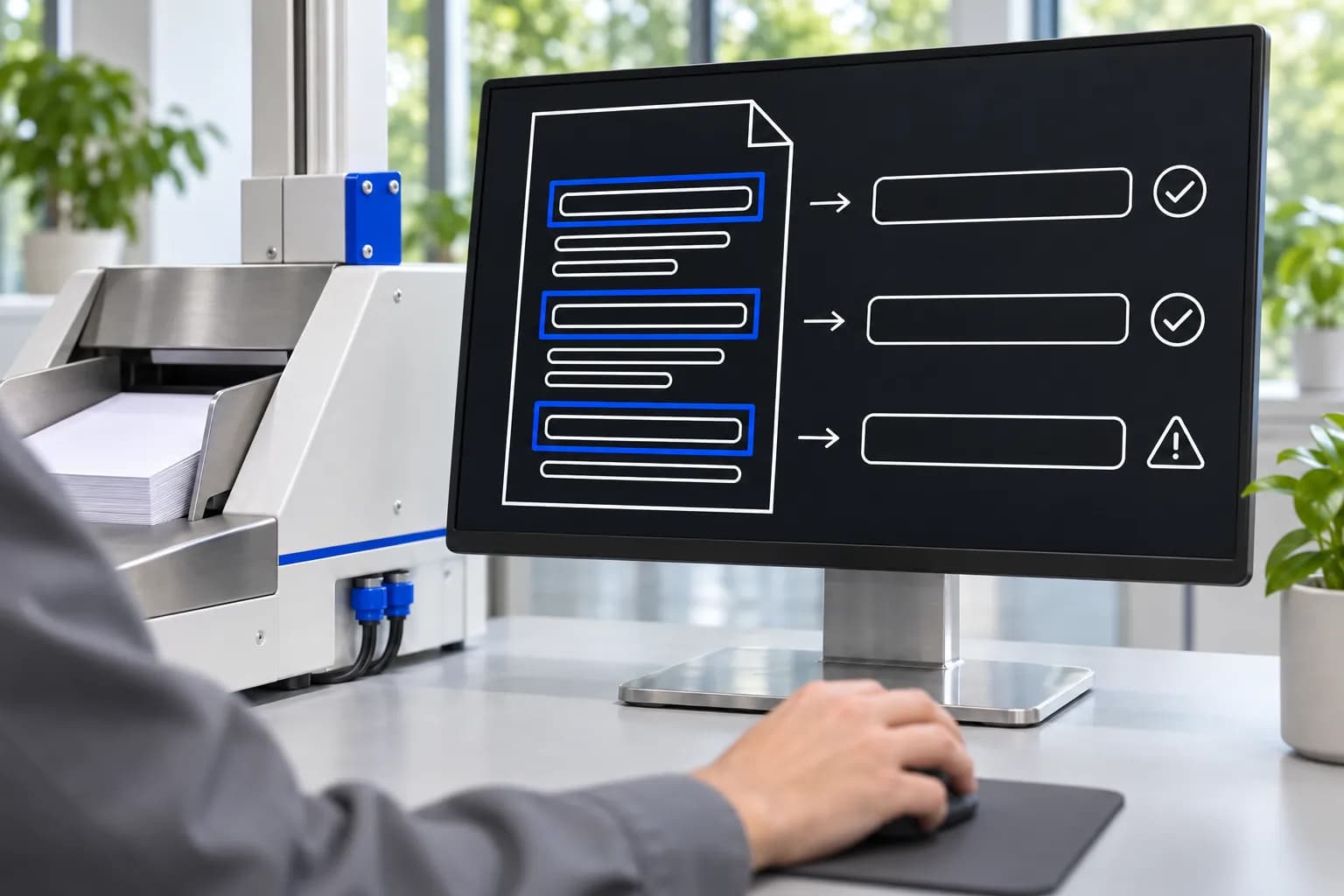
The last item is assessed separately for each job; the others are in the starter set. The actual scope is set out in each project proposal.
- Agreed document types, such as invoices, purchase orders and delivery notes
- Field extraction, checked against supplier codes, product codes and order numbers
- A review page beside the document image, with a staff member confirming
- Sending to the ERP or accounting software; the import route must be assessed first
Further development, per project
These are directions to assess and test per project. They are not part of the starter set.
Intake from a mailbox
Concept · to be assessed- What it does
- Pull attachments from a chosen mailbox straight into the reading step.
- Benefit
- Attachments need not be saved and uploaded by hand.
- Must pass before use
- The mailbox and accepted senders must be defined, and emails that are not real documents filtered out.
Matching orders, receipts, invoices
Concept · to be assessed- What it does
- Compare the related purchase order, receipt and invoice and show lines that do not agree.
- Benefit
- Shows which lines to query with the supplier or store.
- Must pass before use
- Usable receipt data is needed, and accounting must set what difference is acceptable.
Duplicate document check
Concept · to be assessed- What it does
- Warn when a document looks like a document already received.
- Benefit
- Helps prevent the same invoice being recorded again.
- Must pass before use
- Test with rescanned or amended documents, and a person must decide each flagged item.
Templates for key suppliers
Concept · to be assessed- What it does
- Set field positions for the layout of important suppliers.
- Benefit
- Fields in regular layouts are read in the right place more often.
- Must pass before use
- Templates need upkeep when a supplier changes layout, and must be tested on that supplier's real samples.
Page for documents awaiting review
Concept · to be assessed- What it does
- Show documents waiting for review, correction or return, with an owner.
- Benefit
- A supervisor can see who is holding work.
- Must pass before use
- Users and viewing rights must be set, and the point at which an item counts as overdue agreed.
Trial reading of some handwriting
Concept · to be assessed- What it does
- Try reading handwriting in named fields, such as remarks or a receipt number.
- Benefit
- Fewer fields typed by hand where the writing is clear.
- Must pass before use
- Test on the real writers' handwriting, and a person must check every handwritten field.
Comparing ways of working
A comparison of ways of working, not measured before-and-after results.
| Topic | Usual approach | Proposed approach |
|---|---|---|
| Data entry | Staff type every field by hand | System extracts fields for review |
| Code checks | Supplier codes compared by eye | Checked against master data first |
| Doubtful fields | Found after accounting has a problem | Unsure fields sent to a person |
| Evidence | No record of who keyed or changed | Who confirmed is logged for each item |
Where it fits
Suits high-volume repetitive document entry from many suppliers whose layouts differ.
Limits, and when it does not fit yet
Not yet suitable with few documents, handwriting or constantly changing layouts, or a target system with no import route. Standardise layouts first.
What to prove before investing
- 01Real sample documents of every type and quality level
- 02How to connect to the ERP or accounting software in use
- 03Fields the system is unsure of must always go to a person
- 04File retention policy and who may access documents
FAQ
Frequently asked questions
No. Staff must confirm every item before sending, because the data has accounting effect and the system may misread a field.
That depends on whether the target accepts an import file or an API. It must be surveyed first. With no import route it is not yet suitable.
Possibly, but it depends on sharpness, light and angle. Test with real photos. Fields the system is unsure of go to a person.
What to prepare before talking to us
You do not need all of it; start with what you have.
- Sample documents or data for the system to read, with personal data removed first.
- Common questions or cases with their correct answers, used to check results in the pilot.
- Your data rules, such as whether data may leave the company.
- For machine monitoring: the readings already taken and any breakdown records.
Send sample documents you key in today
Send samples with sensitive details removed, and say which ERP or accounting software you use. The team will help assess readable fields and the route into your system.