

Assistant answering from company documents
Ask in Thai and see which document each answer came from
Start with an agreed set of documents. Staff ask in Thai, and the system searches and answers with the document and location it used. Results depend on document quality and must be tested first.
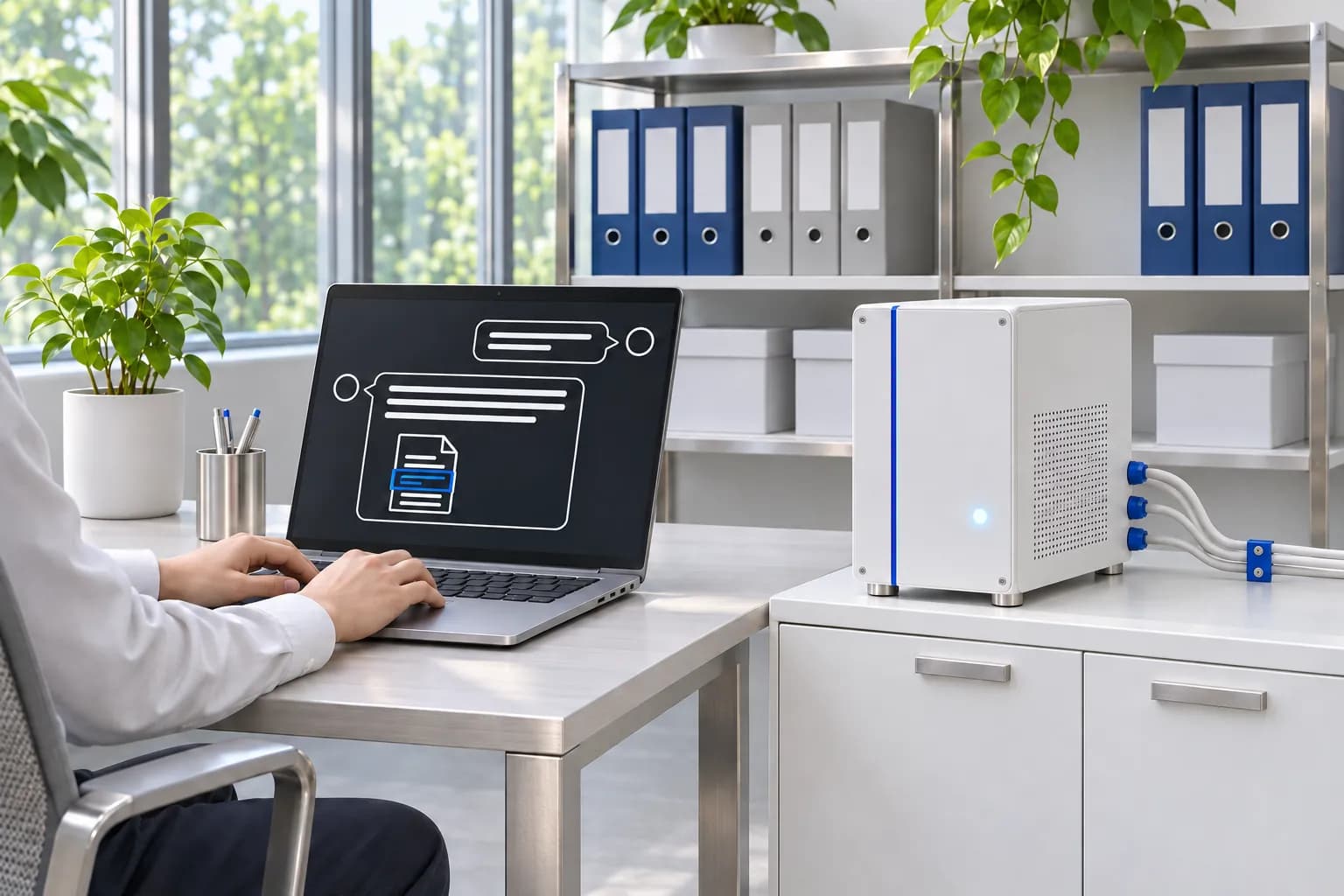
Before the system
The same questions keep coming back because answers sit in many files
New staff and the shop floor often ask a senior colleague again and again, because manuals, work procedures and policies are kept in different places. Some are scans and some have several versions, so the person answering loses time searching and may answer from memory.
Letting a system answer is not simple. An answer with no source cannot be used, and outdated or contradictory documents can produce wrong answers. Who may see which document, and where the data is kept, must be decided together.
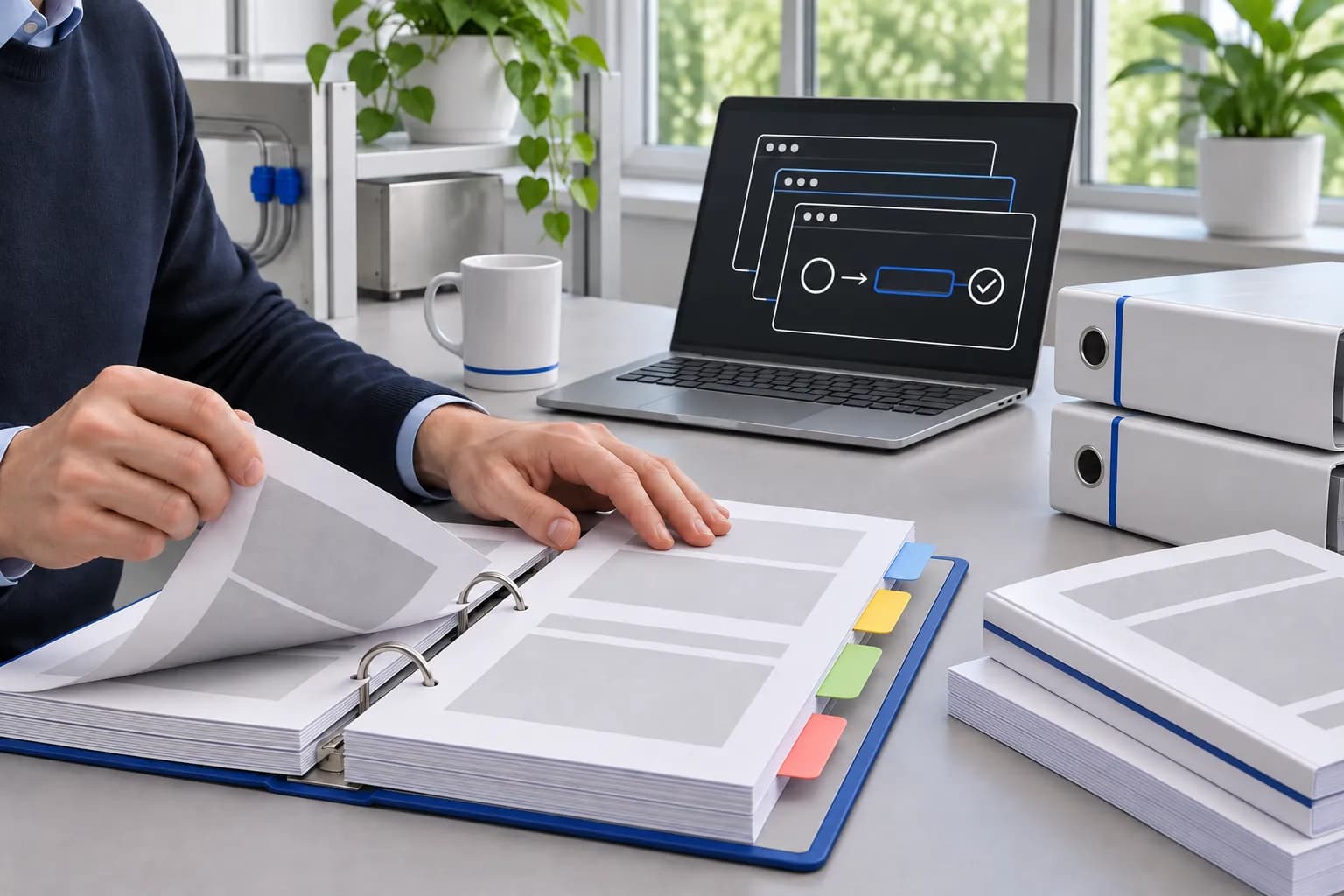
Where the system helps
The system searches the company's own documents, cites its source and says when nothing is found
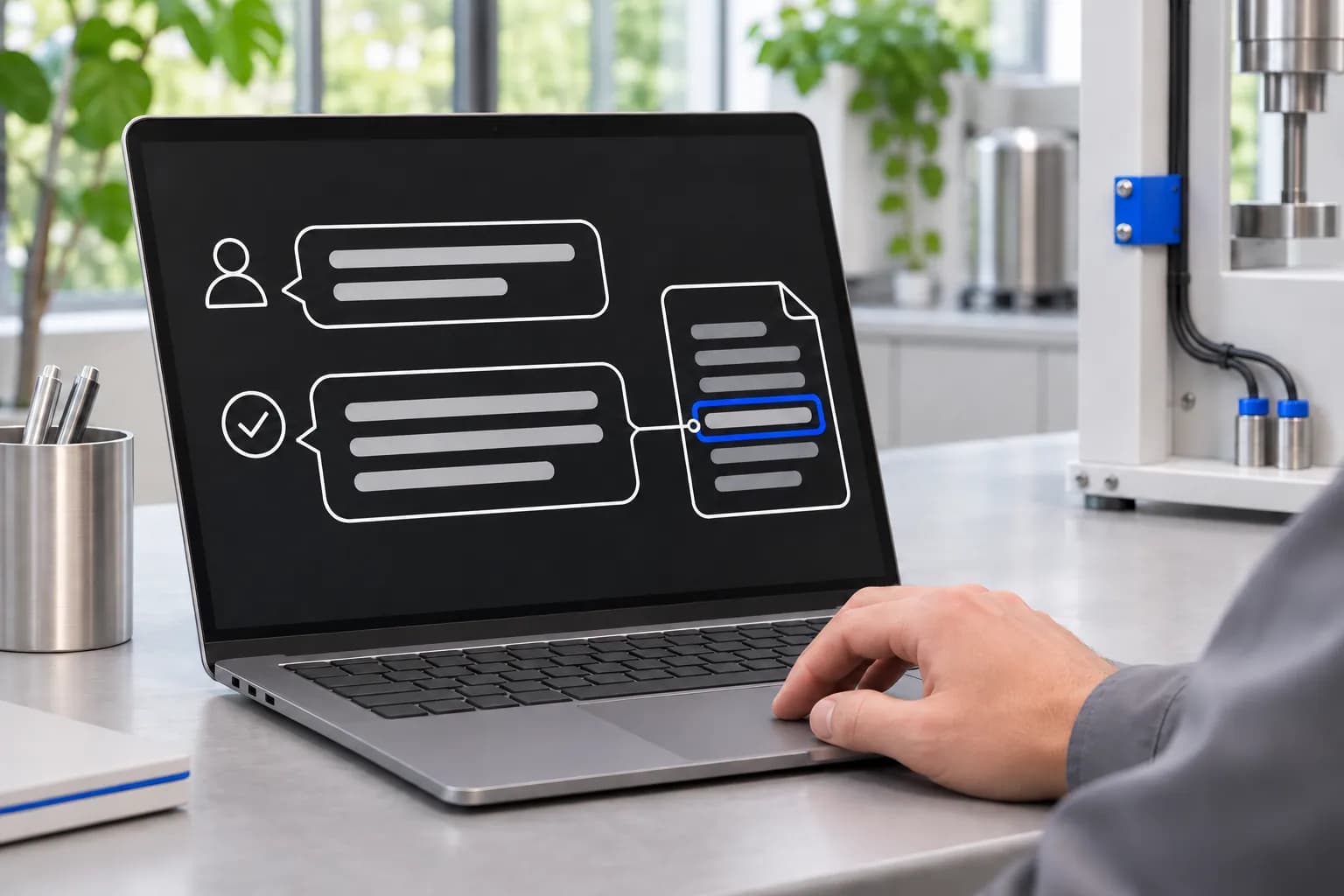
The concept image shows a laptop with a question-and-answer exchange, a document with the answering passage highlighted, and a small compute unit beside the filing shelves. If the documents do not cover it, the system must say so.
The project fixes the document set and user groups with the document owners, and decides between in-house and cloud installation by data policy. Document owners remain responsible for the content being correct.
How the work flows
- 01
Survey documents and questions
Review existing documents, users and repeated questions.
- 02
Test on real samples
Try questions on company documents before agreeing scope.
- 03
Install and set access
Install under the data policy, then set access by group.
- 04
Accept against test questions
Accept using real questions the document owners approve.
What the starter set includes
The last item is assessed separately for each job; the others are in the starter set. The actual scope is set out in each project proposal.
- An agreed document set, such as manuals, procedures, policies and specifications
- Thai question answering with the document and location cited
- Document access by user group, and an admin page to add or withdraw documents
- Hard-to-read scans must be assessed separately before joining the set
Further development, per project
These are directions to assess and test per project. They are not part of the starter set.
Pull from a central store
Concept · to be assessed- What it does
- Connect the central file store so the system picks up new and revised documents itself.
- Benefit
- The documents used for answers stay in step with the latest versions.
- Must pass before use
- An approver must define which version is in force, and old copies left in the store must be handled.
Ask through LINE or a corporate chat
Concept · to be assessed- What it does
- Open a way to ask in the apps staff already use, without a separate web page.
- Benefit
- Staff on the floor can ask from a phone.
- Must pass before use
- The data policy must confirm that questions may be sent through that channel.
Test questions and feedback button
Concept · to be assessed- What it does
- Keep real questions as a test set, and let users rate each answer.
- Benefit
- Shows whether an answer needs fixing in the documents or in the system.
- Must pass before use
- A reviewer must read the feedback regularly, and correct answers are needed as the benchmark.
Reading scans with OCR
Concept · to be assessed- What it does
- Convert scanned documents to text before adding them to the search set.
- Benefit
- Old image-only documents become searchable.
- Must pass before use
- Test with real scan quality, tables and handwriting. Results are not relied on until checked against the original.
In-house processing unit
Concept · to be assessed- What it does
- Run the system on the company's own machine instead of sending content out.
- Benefit
- Internal documents need not leave the company network.
- Must pass before use
- Depends on machine specification, system upkeep and test results showing acceptable answers.
Usage log for audit
Concept · to be assessed- What it does
- Record who asked what and which document was cited, for later review.
- Benefit
- Allows a check when an answer or access is questioned.
- Must pass before use
- Retention period and who may read the log must follow the company's PDPA policy.
Comparing ways of working
A comparison of ways of working, not measured before-and-after results.
| Topic | Usual approach | Proposed approach |
|---|---|---|
| Finding answers | Open several files or ask someone | Ask once and the system searches |
| Source | Answer from memory, no document cited | Answer cites document and location |
| No information | Guess or answer off the documents | System says it is not found |
| Access | Open folders or case-by-case requests | Documents visible by user group |
Where it fits
Suits companies with many internal documents and the same staff questions coming back often.
Limits, and when it does not fit yet
Not yet suitable if documents are outdated or contradict each other; tidy them first. Not for questions needing judgement or approval.
What to prove before investing
- 01Real user questions, with correct answers as the benchmark
- 02Document quality: scans, tables, duplicates and old versions
- 03Data policy on whether the cloud may be used
- 04How the system behaves when the answer is not in the documents
FAQ
Frequently asked questions
Yes, especially when documents are old, contradictory or poorly scanned. The source is shown so answers can be checked, and answers are not presented as always right.
Not necessarily. It can run in-house, but the machine and upkeep must be assessed. Cloud or in-house depends on your data policy.
No. It only helps find passages in documents. Legal questions and anything needing approval must be decided by the responsible person.
What to prepare before talking to us
You do not need all of it; start with what you have.
- Sample documents or data for the system to read, with personal data removed first.
- Common questions or cases with their correct answers, used to check results in the pilot.
- Your data rules, such as whether data may leave the company.
- For machine monitoring: the readings already taken and any breakdown records.
Send sample documents and common questions
Send documents you are happy to test with, and the questions staff keep asking. The team will help assess which documents the starter set needs and how to set access.