

Knowledge
Technical guides with sample code we ran, its real output, and references.
 Automation24 min readDelta DVP-SE versus AS for weighing: reading scale data and choosing I/OA raw node:net Modbus TCP client (MBAP, FC03/06/16, exceptions, transaction ids, timeout, reconnect) against a mock weighing indicator, handling unstable and stale readings and a tare command, with runnable code and real output (Thai text).
 Websites and web apps2 min readA design system for company websites and web apps: buttons, forms and tables the team sharesShared components and rules, the states each component needs, and how one source keeps pages consistent as the site grows.
 Websites and web apps2 min readA website that works with a keyboard and a screen reader: how to start checking accessibilityKeyboard order and focus, labels and names that screen readers announce, and simple checks to run before a page goes live.
 Websites and web apps2 min readThe connection dropped mid-form: designing draft saving and work recovery in a web appWhat to save, where and when, how to restore a draft safely, and how to handle a draft that is older than the saved record.
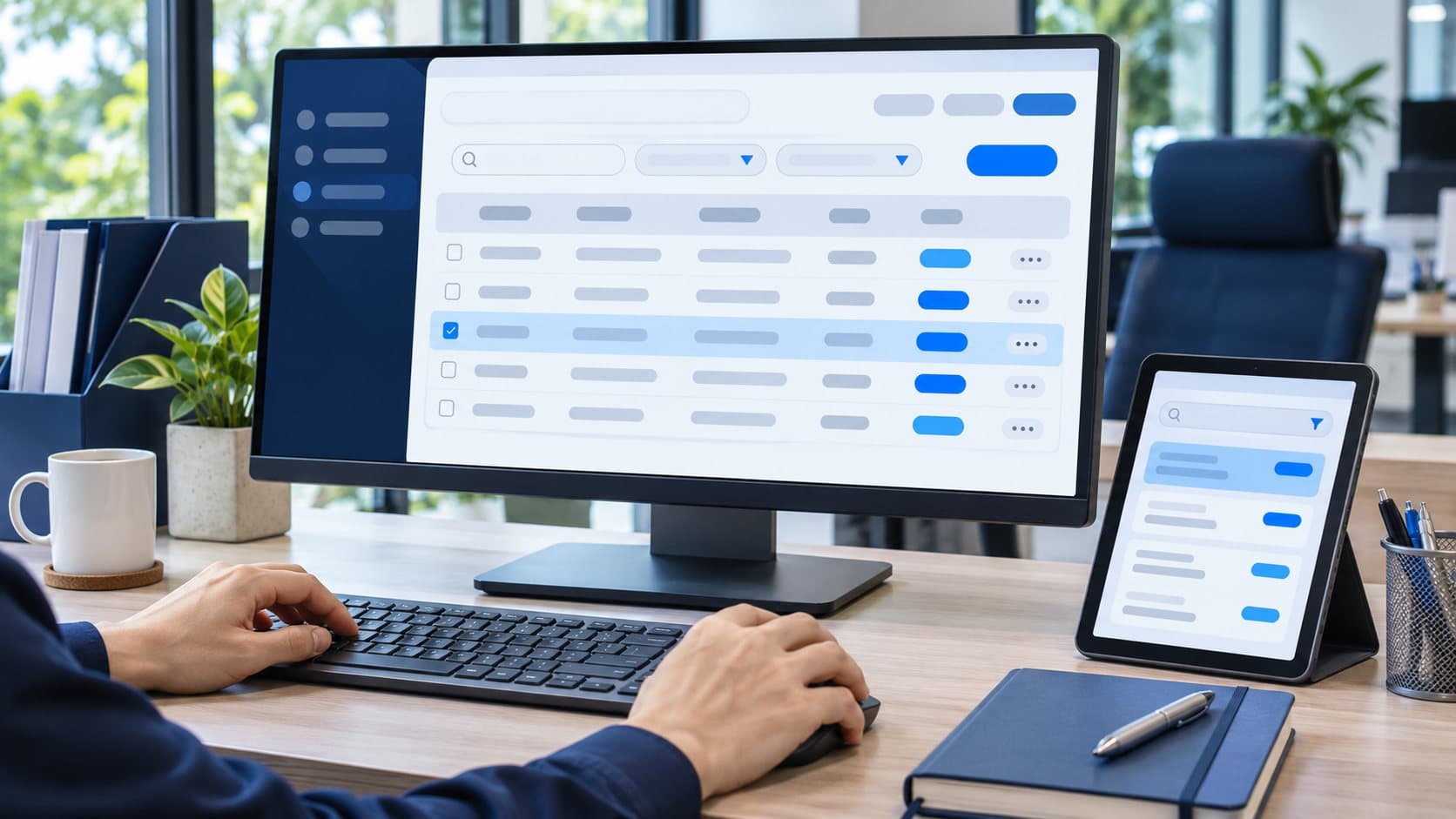 Websites and web apps2 min readDesigning data tables in a web app: search, filter, sort and export that agreeWhich rows the user sees, how filters and sorting combine, and making the export contain exactly what the screen shows.
 Websites and web apps2 min readLoading, empty and error states: designing screens that never leave users stuckWhat each state means, what the user can do next in it, and why every list and form needs all three designed, not just the happy path.
 Websites and web apps2 min readThai dates, Buddhist and Gregorian years and time zones: designing time data in a web app without driftStore one standard time, display the year and zone the reader expects, and test dates around midnight and year boundaries.
 Websites and web apps2 min readCRUD and data relationships: designing a database from the business workCreate, read, update and delete for each business record, how records relate, and rules the database should enforce itself.
 Websites and web apps22 min readDocument systems in a web app: managing versions, drafts and approved copiesA document lifecycle (draft, review, approved, rejected) where approved versions are immutable, only one is current, concurrent edits are detected and requesters cannot approve their own work, built with SQLite triggers in Node 24 (Thai text).
 Websites and web apps2 min readREST vs GraphQL: choosing an API style from the work and the team that maintains itHow each style asks for and returns data, where each fits, and the caching, security and tooling questions to settle before choosing.
 Websites and web apps2 min readOffset vs cursor pagination: showing long lists without confusing peopleHow each method picks the next page, why rows can repeat or go missing while data changes, and which one suits which list.
 Websites and web apps24 min readTwo people book the same slot at once: understanding transactions and preventing data conflictsReproduce two requests seeing the same free slot and both booking it, then fix it three ways: a UNIQUE constraint, a locking transaction and a conditional UPDATE, with runnable Node 24 code, real output and reference SQL for PostgreSQL and MySQL (Thai text).