

Knowledge
Technical guides with sample code we ran, its real output, and references.
 Business email and cloud2 min readEmail Bounced with 550 or Domain Not Found: Reading the Error Before Fixing ItA bounce message carries a code, a reason and context from the rejecting system. The number 550 alone does not show whether the recipient, DNS or sender verification is at fault: read the details and find which hop refused.
 Business email and cloud2 min readDomain Transfer, Nameserver Change or DNS Edit: Planning Before You Move a Website or EmailMoving the registrar, changing who runs the nameservers, and editing DNS records are different changes, even during one website move. Knowing which one you need avoids extra work and email outages.
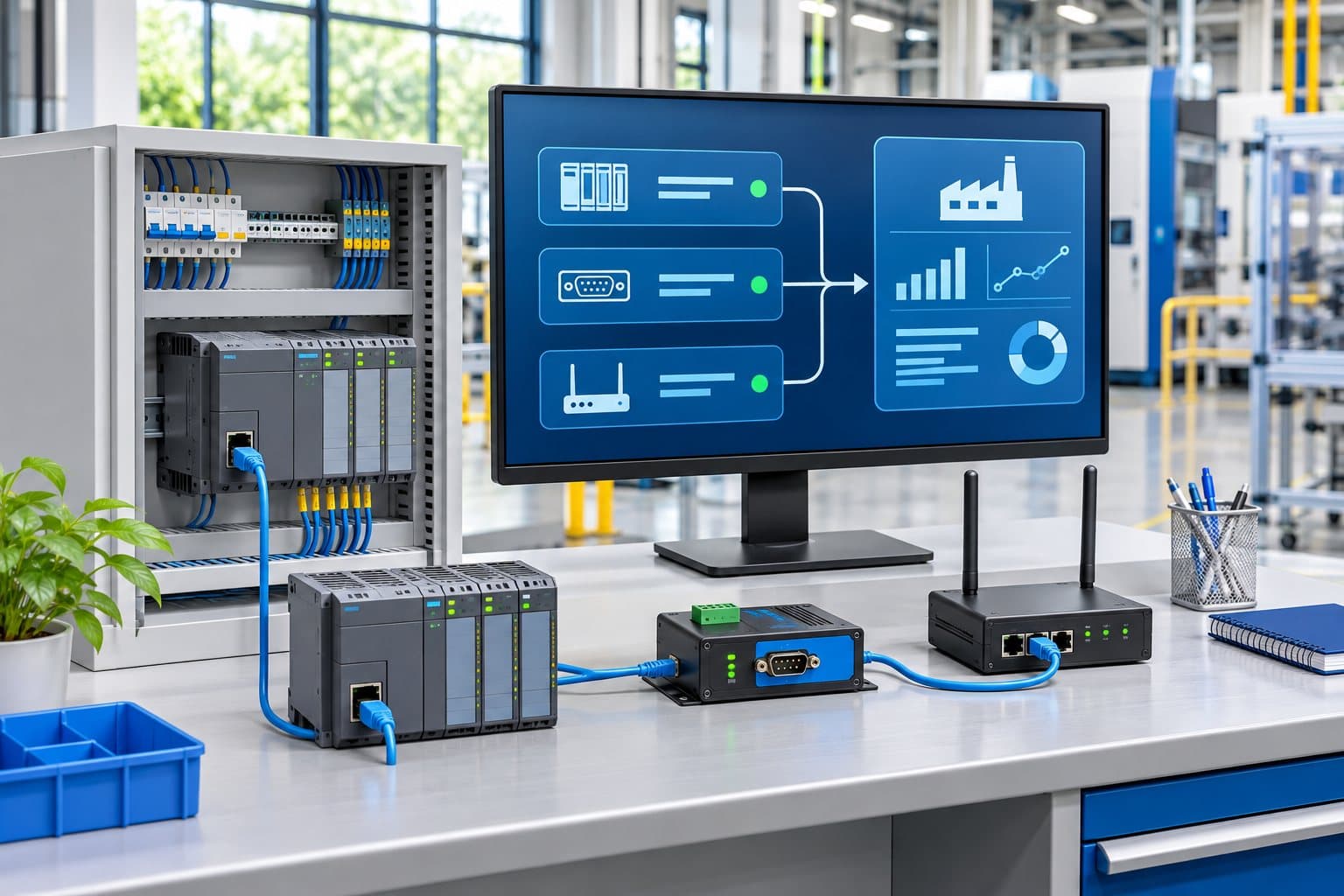 Smart factory28 min readOPC UA, MQTT and Modbus: Choosing the Communication Layers in a Smart FactoryModbus reads register numbers, OPC UA gives values their meaning, MQTT carries messages upward to many receivers. Three names, three layers. A runnable single-machine example shows what each layer does, with TypeScript, real output and production cautions (Thai text).
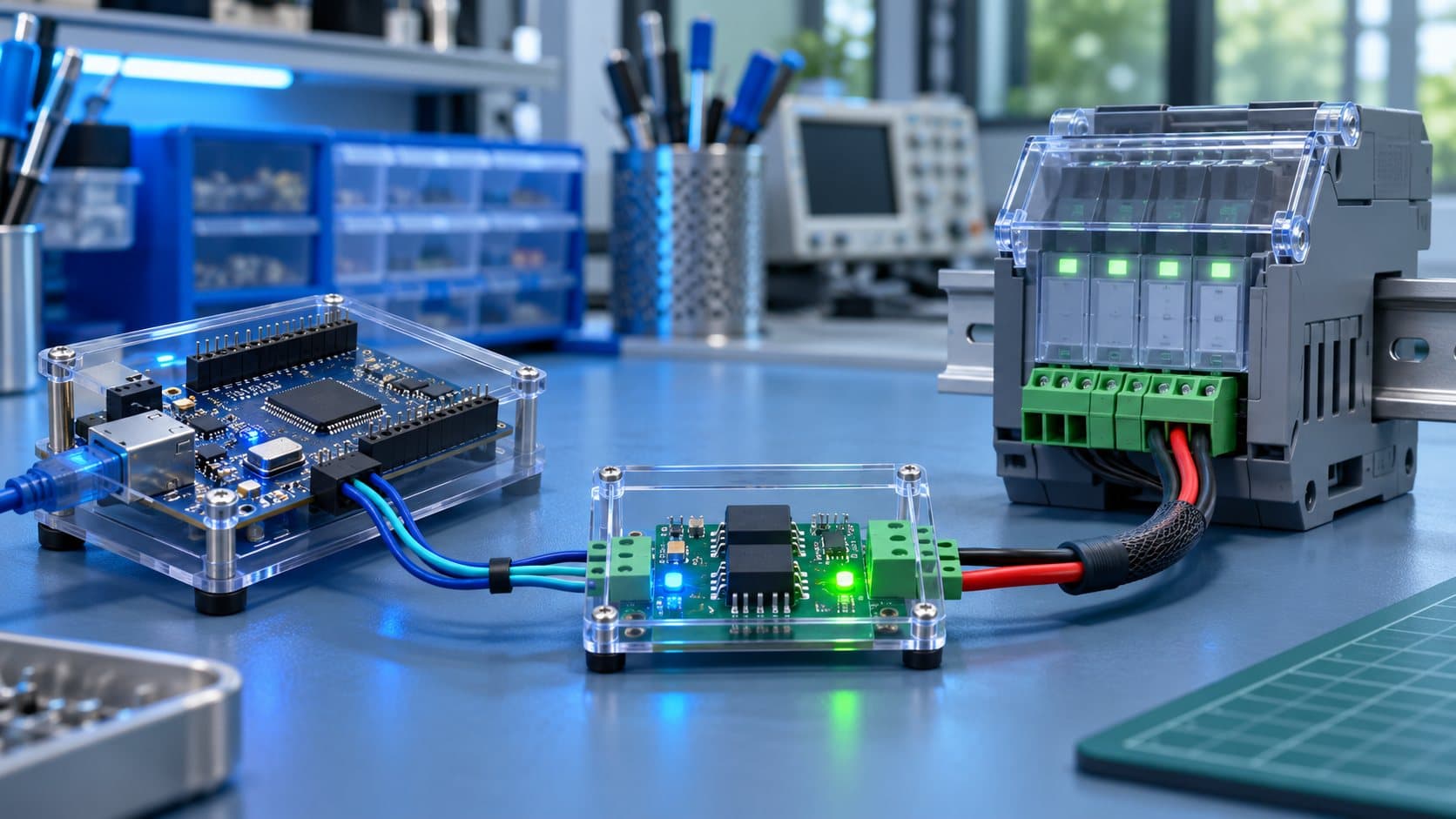 Automation2 min read3.3 V and 5 V GPIO versus factory I/O: why a direct connection does not always workCompatibility depends on voltage, current, direction, circuit type and isolation, not on both sides having inputs and outputs. Pin groups on one board can differ, so read the pinout together with the electrical characteristics.
 Automation2 min readBare-metal, RTOS, Linux and the PLC scan cycle: timed work versus heavy processingSensor reads, communication and image work have different timing needs. An operating system or a PLC does not meet every deadline by itself; the scheduler, task design, communication and real measurements all count.
 Automation2 min readUART, SPI, I2C, RS485 and Ethernet: choosing a connection at the right layerThese names do not describe the same layer. UART logic levels are not RS485, and Ethernet does not say which application protocol runs on it. Data only gets through when the electrical side, the framing and the meaning all match.
 Automation2 min readArduino IDE done properly: what the board core, libraries and Serial Monitor doThe IDE is where you write and build, the board core defines how code is compiled for the chip, and libraries add device support. A sketch that builds on one machine and fails on another may be a tool-version difference, so record the environment.
 Automation2 min readdelay versus millis: writing Arduino code that handles several jobs without blockingdelay stops the sketch where it is called, so buttons or incoming data can be missed. Elapsed-time checks and a state machine let the loop come back to several jobs, but they do not create parallel execution or meet deadlines by themselves.
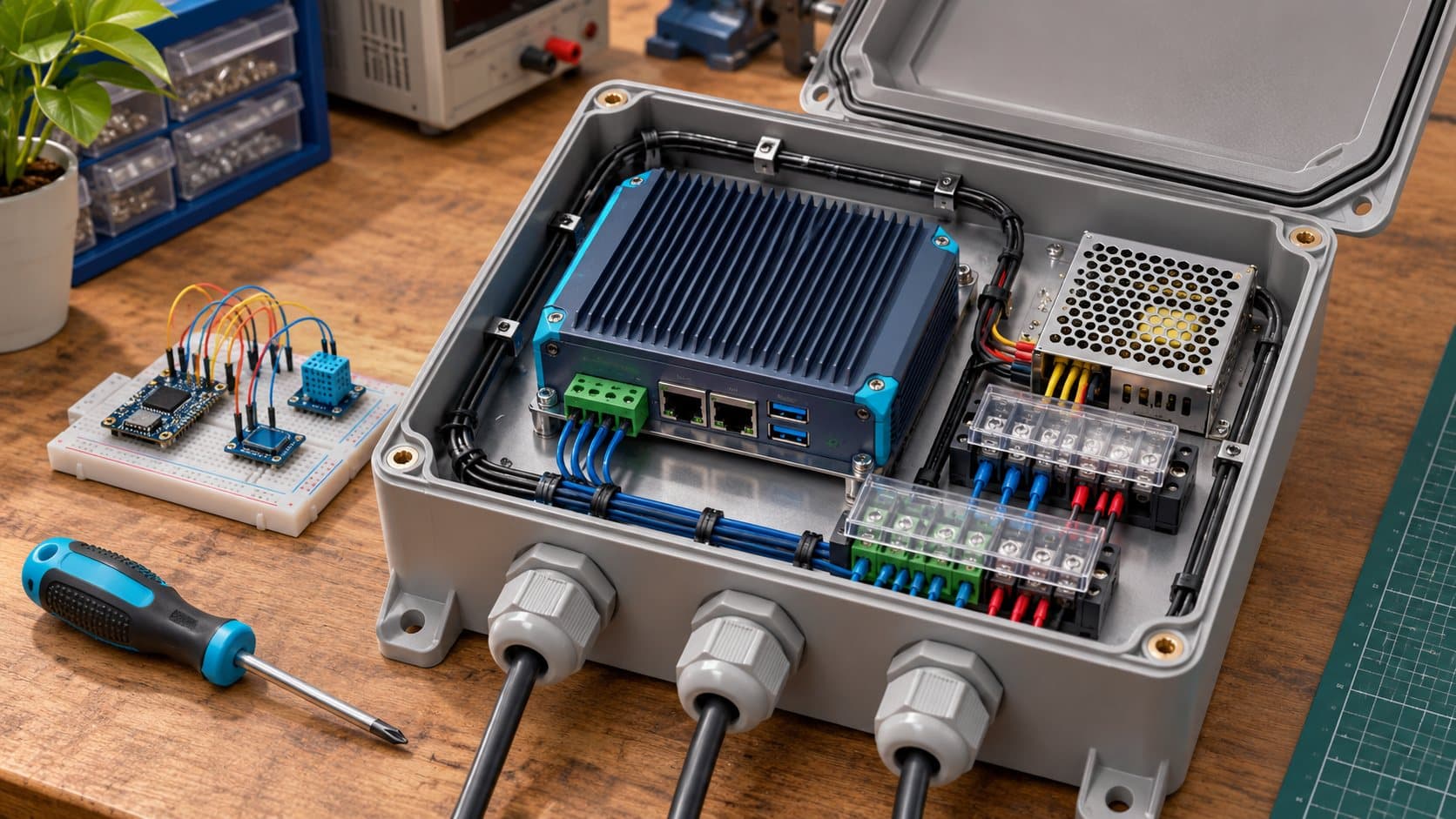 Automation2 min readFrom Arduino prototype to a working machine: what to add besides a boxA prototype proves the idea quickly, but long-term installation adds power, connectors, heat, noise and repair. Whether to keep a ready-made board or design a PCB depends on volume, site conditions and lifetime cost.
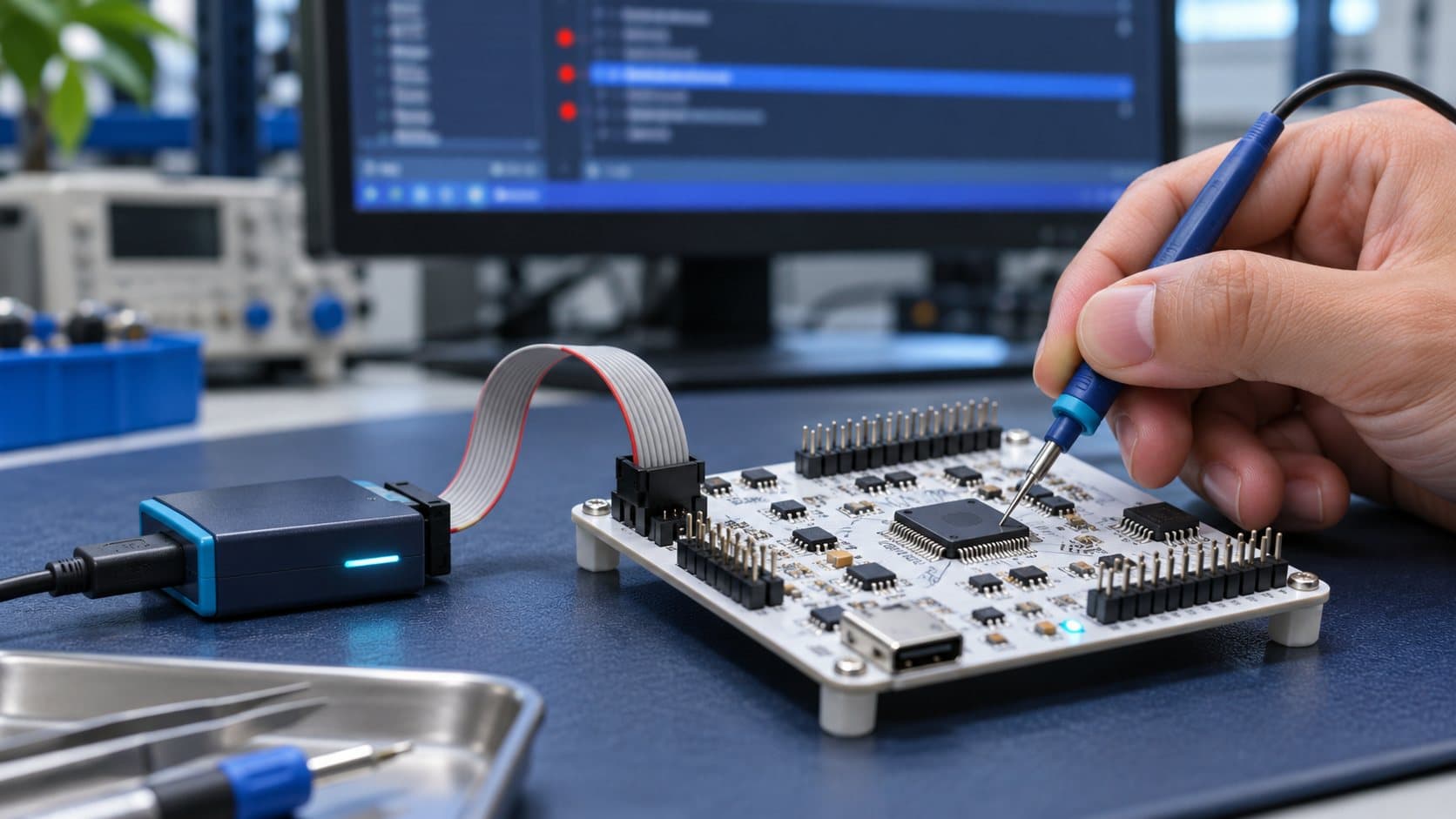 Automation2 min readSTM32CubeMX, CubeIDE and ST-LINK: configure, program and debug so problems can be foundCubeMX configures the chip and generates project code, CubeIDE is for development and debugging, and CubeProgrammer handles programming and memory. A debugger shows real values and execution order, but generated code still has to be understood.
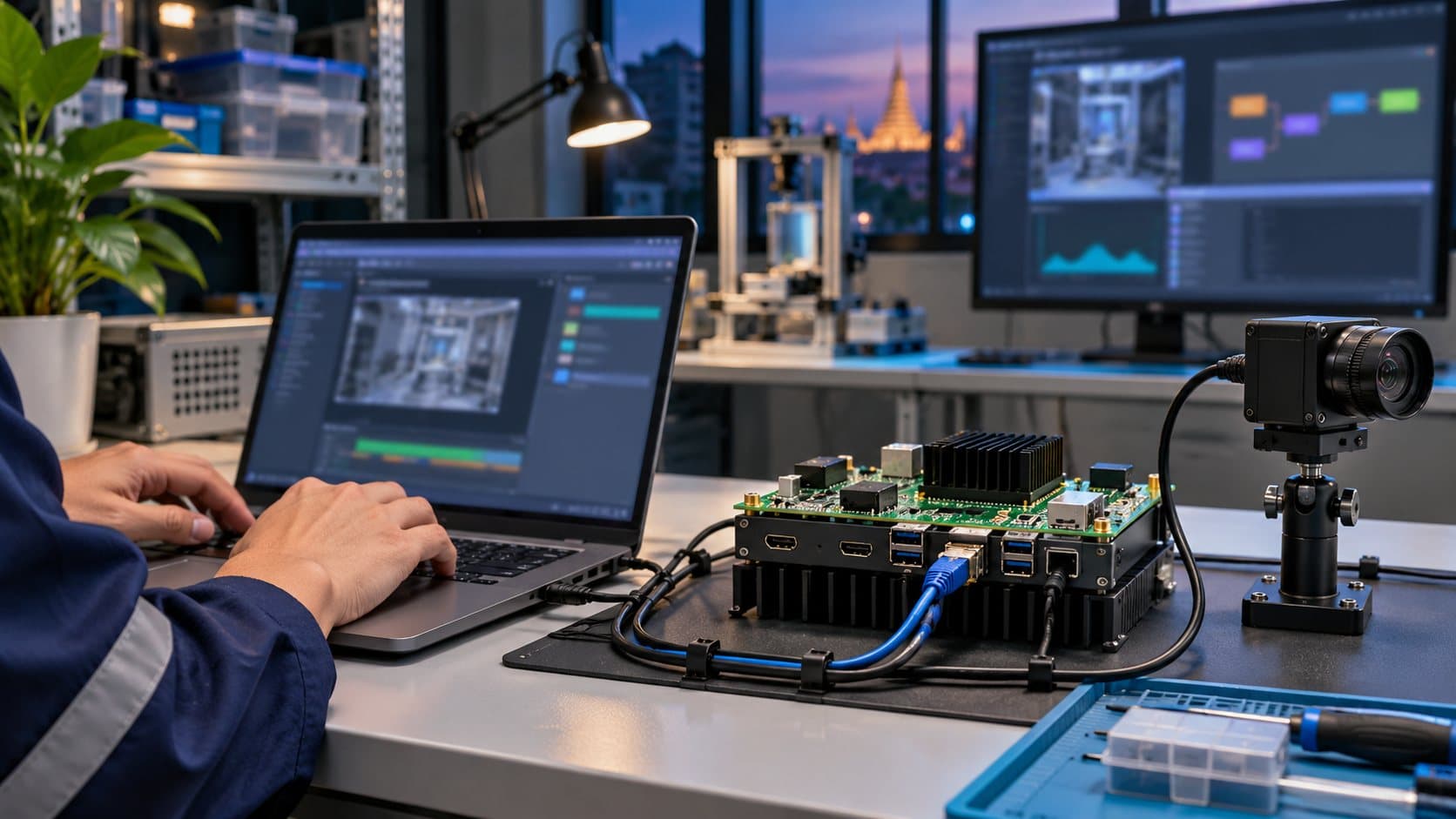 Machine vision2 min readJetPack, Jetson Linux, CUDA and TensorRT: why a video install guide stops workingJetPack bundles Jetson software tied to specific system and hardware versions, so AI programs depend on more than the Python version. Installing libraries from the internet outside the platform's requirements can break driver, runtime or package compatibility.
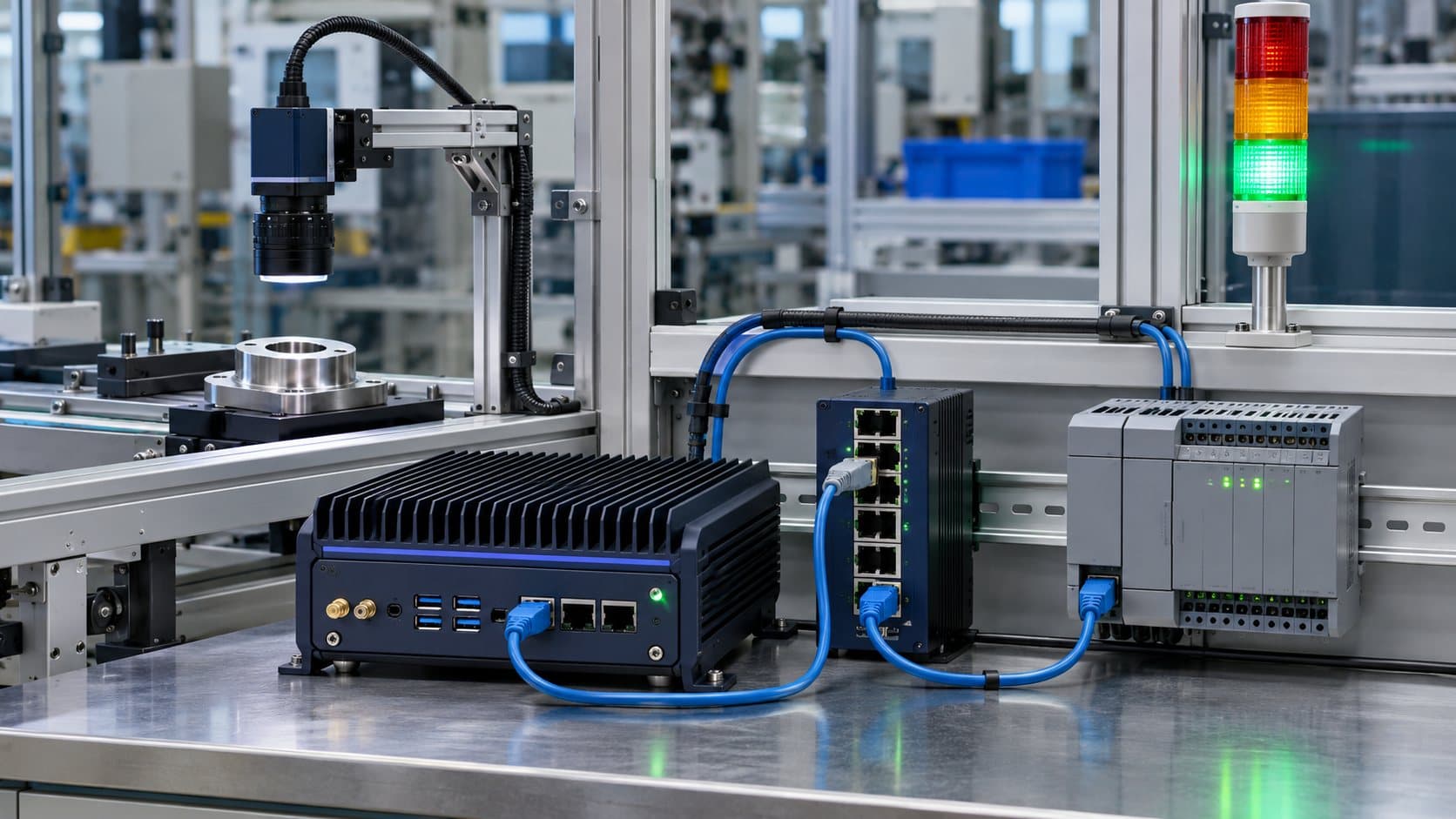 Machine vision26 min readJetson talking to a PLC: designing request, result, acknowledge and timeoutA runnable Python example: a simulated PLC and vision PC run a REQ/BUSY/DONE/ACK handshake over Modbus TCP, with timeouts at every step, a sequence echo against stale results, heartbeats and recovery after a mid-cycle vision restart.