6 min read · ERP and CRM
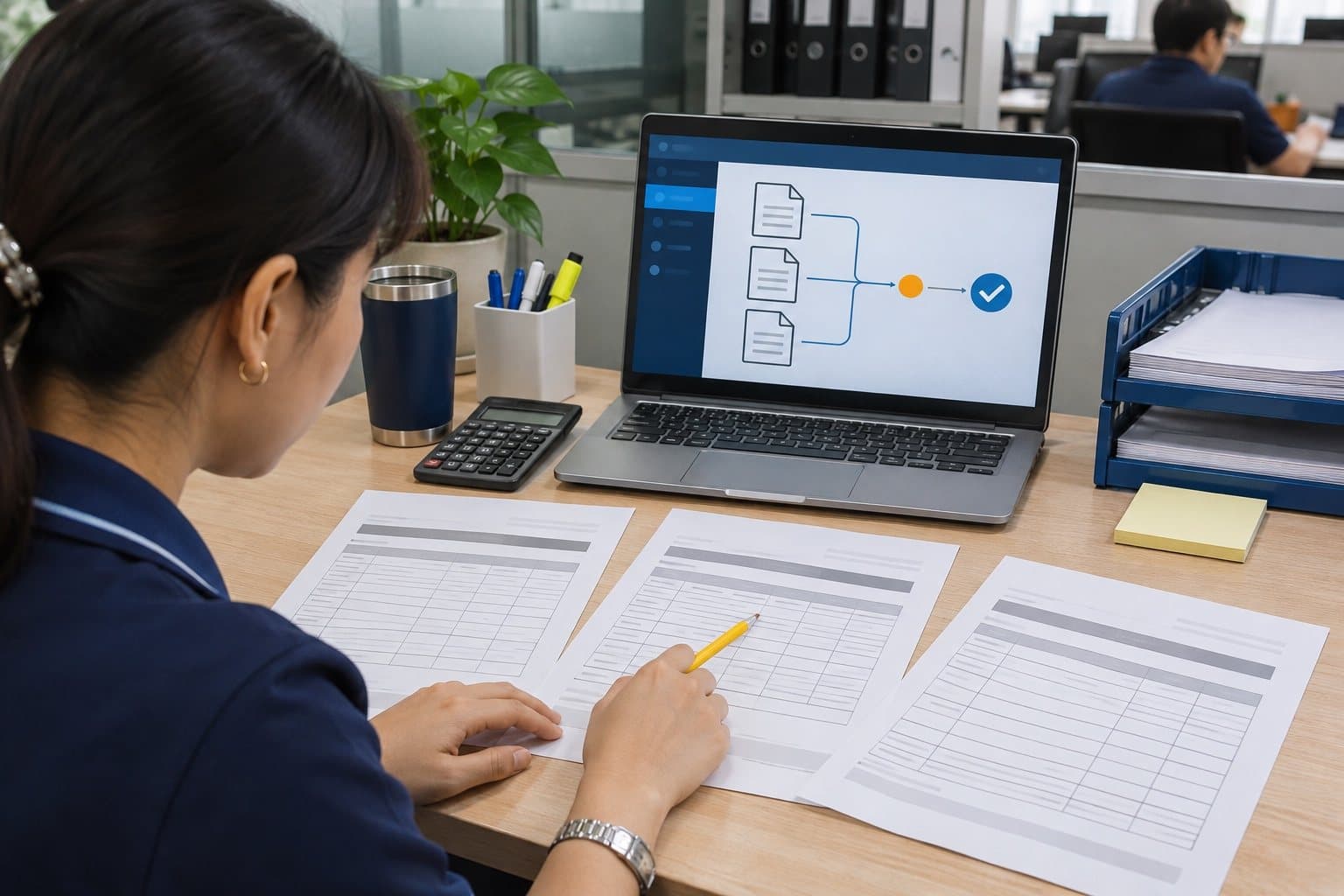
A supplier sends an invoice and accounting asks whether it can be paid. The answer depends on whether we really ordered these goods, whether they have arrived, and whether the price and quantity on the invoice match what was agreed. Comparing these three documents is called a three-way match.
This article explains the principle, tolerances, partial receipts, price differences, and who approves exceptions. The examples are hypothetical.
The three documents to compare
| Document | What it tells you | Who creates it |
|---|---|---|
| Purchase order (PO) | What was ordered, how many, at what price, on what terms | Purchasing |
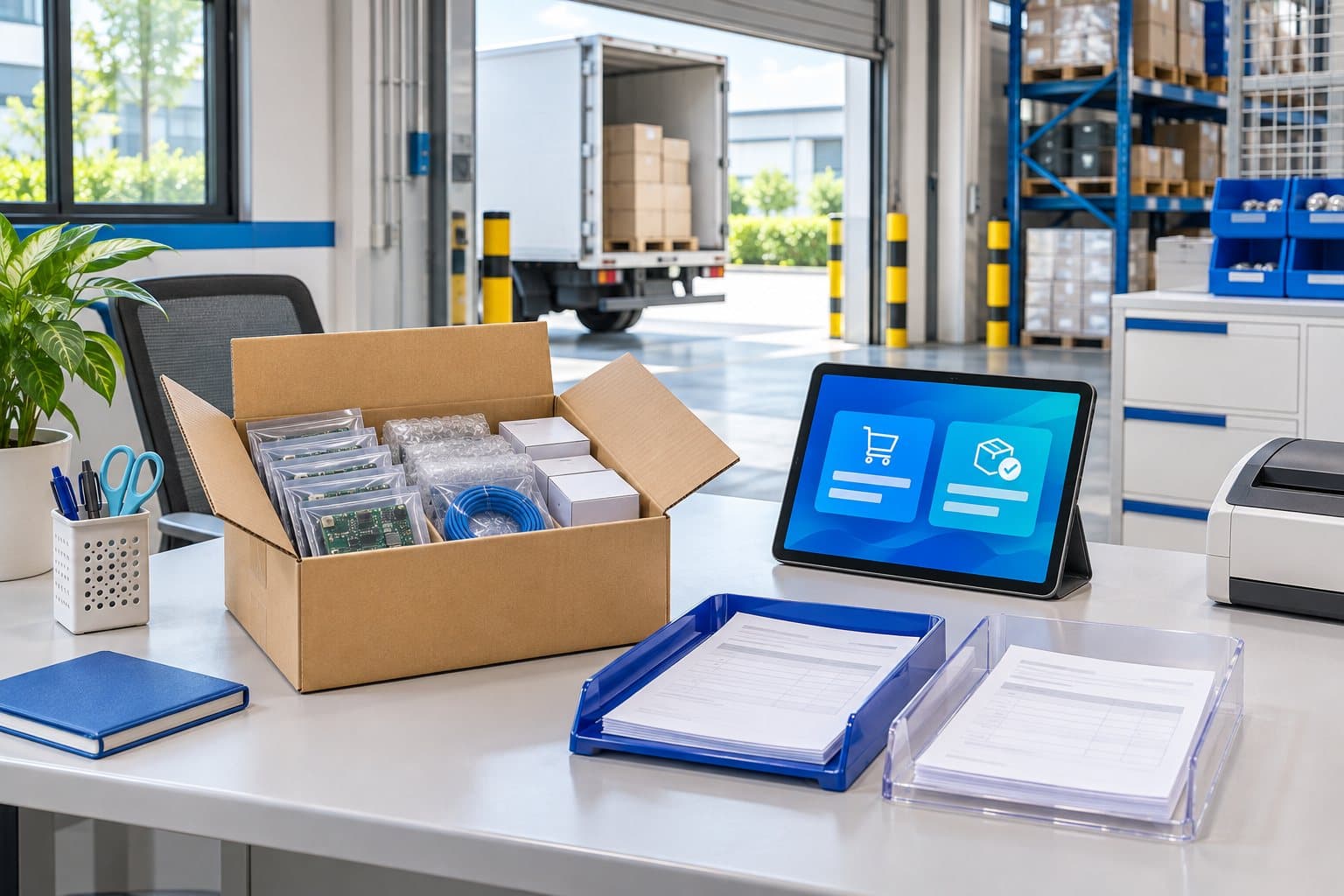
| Goods receipt | What actually arrived, how many, in what condition, and when | Warehouse or whoever receives the goods |
| Supplier invoice | How much the supplier is charging, and for what | The supplier, entered into the system by accounting |
If the three documents match, you can pay. If they do not, you need to know where they differ before paying. A two-way match compares only the purchase order and the invoice, so it cannot show whether the goods have really arrived. Many ERP systems have this function; Odoo, for example, lets you set vendor bill control based on the quantity received (see the separate article on purchase requests, purchase orders and goods receipts).
Why match before paying
- You do not pay for goods that have not arrived or have arrived incomplete.
- You see it when the price on the invoice differs from the purchase order.
- It reduces the chance of paying twice for an invoice that was sent twice.
- There is a record afterwards of why a payment was made.
Matching steps
- Enter the invoice into the system, referencing the purchase order number.
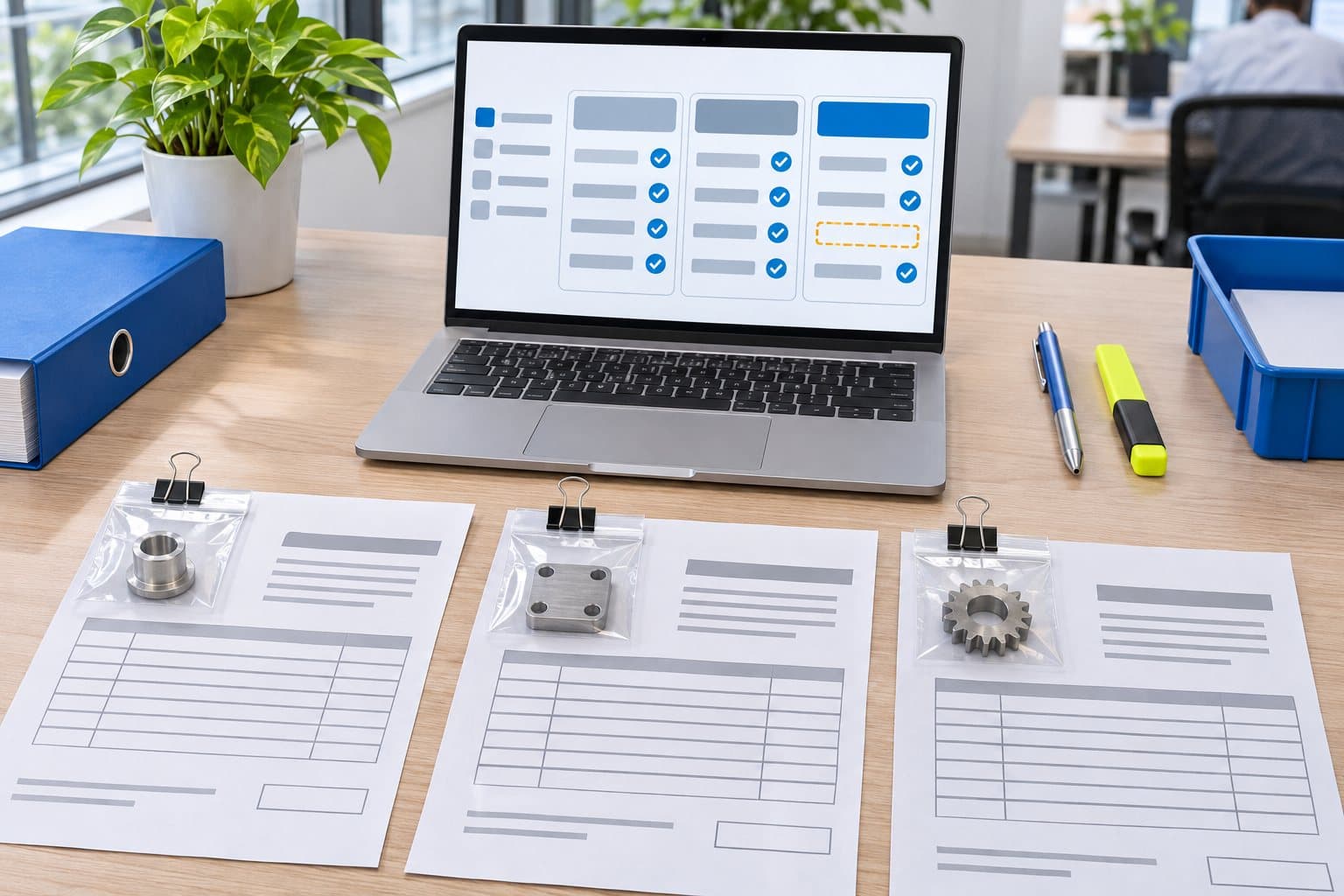
- The system pulls in the related purchase order and goods receipt and compares them line by line.
- Compare quantities: the invoice must not exceed the quantity already received.
- Compare the unit price with the purchase order.
- If the difference is within the set tolerance, it passes automatically.
- If it exceeds the tolerance, the invoice is held and sent to an approver to decide.
- The approver chooses to pay per the invoice, pay per the purchase order, or ask the supplier for a credit note, and records the reason.
Tolerances and approvers
A tolerance is the difference allowed to pass without a person deciding, for example a price difference of no more than a certain percentage, or no more than a certain number of baht per document. The company sets it according to risk and the value of what it buys. There is no figure that is right for every business.
| Case | What the system does | Who approves |
|---|---|---|
| Matches, or differs within the tolerance | Passes and goes on to be paid on the normal run | No approval needed; the system records that it passed the tolerance |
| Price above the purchase order by more than the tolerance | Holds the invoice and notifies the approver | Purchasing checks with the supplier first, then a supervisor approves |
| Invoice quantity is more than the quantity received | Holds the part not yet received | The warehouse checks whether the goods have arrived |
| Invoice with no purchase order | Does not pass automatically | A manager, within the limit the company sets |
| Invoice duplicates one already entered | Warns and does not allow it to be entered again | Accounting |
The approver should not be the same person who created the purchase order or received the goods for that item, so that one person does not control the whole cycle (see the separate article on multi-level approval and delegation of authority).
Partial receipts
Suppliers often deliver in several shipments but invoice the whole purchase order. The system should compare against the quantity received at that moment, not the quantity on the whole purchase order.
- The part that has arrived is matched and passes as normal.
- The part that has not arrived is held until the goods are received or the supplier issues a corrected invoice.
- If the supplier says it will not deliver the remainder, close that part of the purchase order and ask for a corrected invoice.
- If goods were received and then returned, the returned part must not count as received.
Hypothetical example
A purchase order is for 100 pieces at 50 baht each, 5,000 baht in total. The supplier delivers in 2 shipments: 60 pieces in the first and the other 40 in the second.
After the first shipment, the supplier sends an invoice for 100 pieces at 51 baht each, 5,100 baht in total. The system compares and finds two issues.
- Quantity: the invoice is for 100 pieces but 60 have been received, a difference of 40 pieces. At the purchase order price that is 40 x 50 = 2,000 baht. This part is held for now.
- Price: 51 baht is 1 baht per piece above 50 baht, or 2 percent (1 divided by 50). If the company set the tolerance at 1 percent, this difference exceeds it and an approver must decide.
Purchasing asks the supplier and is told the price really did go up at the start of the month, but the purchase order was not amended. The supervisor approves the new price, and purchasing amends the purchase order to 51 baht and records the reason. When the second shipment arrives, the total received is 100 pieces, which matches the invoice quantity. The approved price difference is 1 x 100 = 100 baht, and the amount paid is 5,100 baht. If the supervisor does not approve, the alternative is to pay 5,000 baht per the purchase order and ask the supplier for a 100 baht credit note.
Common mistakes
- Ordering by phone or chat without a purchase order, so when the invoice arrives there is nothing to compare it with.
- Not recording the goods receipt and paying on the supplier's word that the goods were sent.
- Setting the tolerance too wide, so almost every invoice passes with nobody looking.
- Setting the tolerance too narrow, so every invoice bounces to an approver and the approver clicks through because there are too many.
- Amending the purchase order afterwards to match the invoice, with no record of who approved it.
Limits and cautions
A three-way match catches mismatches between documents. It does not check whether the supplier offered the best price, or whether the invoice is correct under tax law. Those two things have to be done separately. For recording input tax and tax documents, check with your bookkeeper. For services, which have no goods receipt of the goods kind, you need to define another way of certifying the work. The tolerances, figures and case names in this article are hypothetical examples and are not values we recommend using.
Starting references
- Odoo Documentation — Control vendor bills (3-way matching)
- Wikipedia — Purchase order
- Odoo Documentation — Manage deals (purchase)