6 min read · Automation
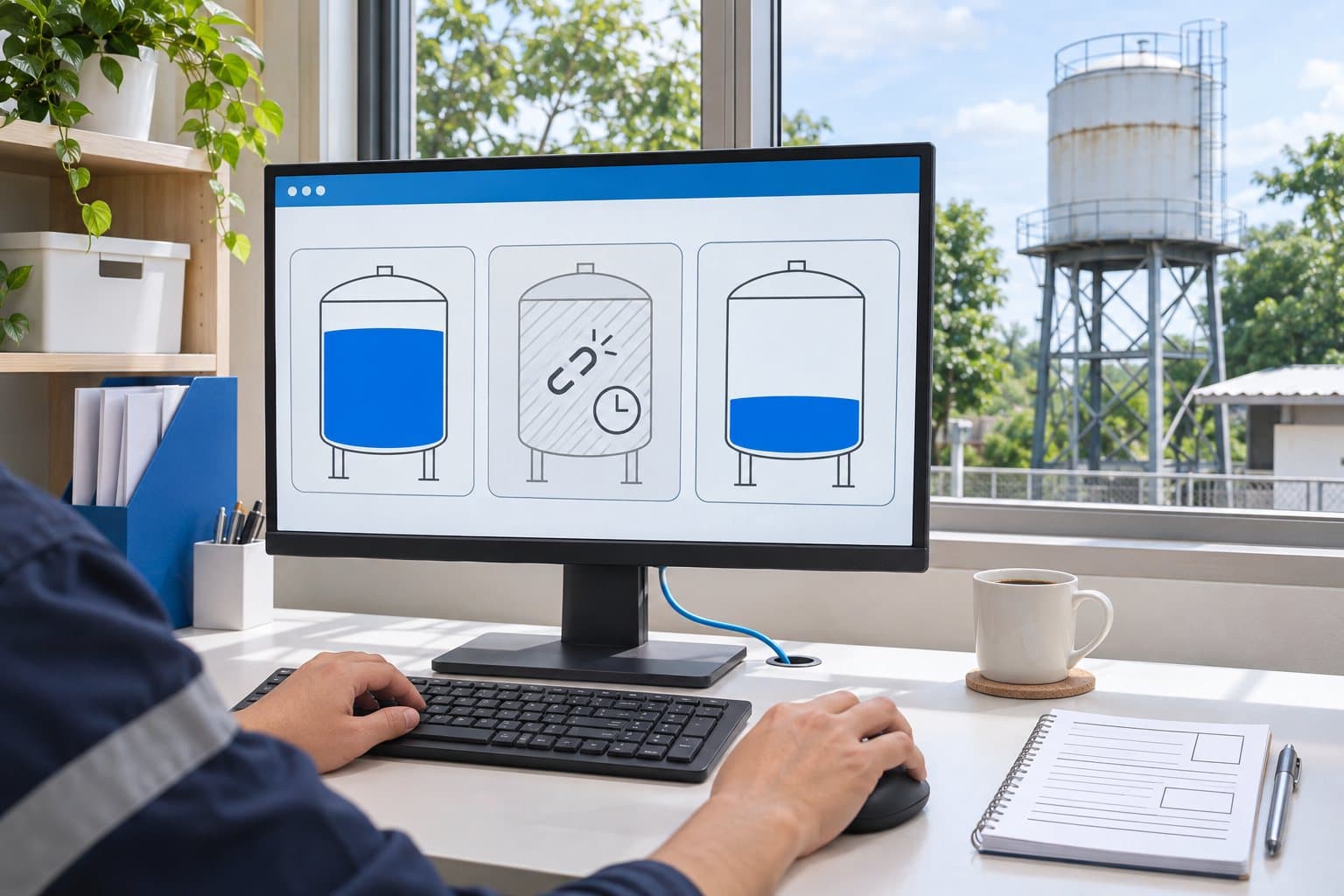
At 2 a.m. the pump-station monitoring screen stops updating. The person on watch has one first question: has the pump really stopped, or is the data just not arriving? The two need very different responses.
This article is not about system design, which is covered in the articles on what to measure, buffering and forwarding data when the network drops, and telling an offline device apart from a zero value. It is about the steps a person must follow when it actually happens. The example here is hypothetical.
Why a fixed order matters
When data goes missing, people tend to rush to the station or restart equipment straight away. That can waste a trip, or wipe out evidence that would help find the cause. A better order is to check what can be checked remotely first, then go to site.
Another reason is that the person taking the call at night may not be the one who installed the system. A written procedure lets anyone follow the same steps.
Steps when a station goes offline
- Note the time the last data arrived and check whether other stations are still sending normally. If many stations dropped at once, the problem is usually the central network or the server.
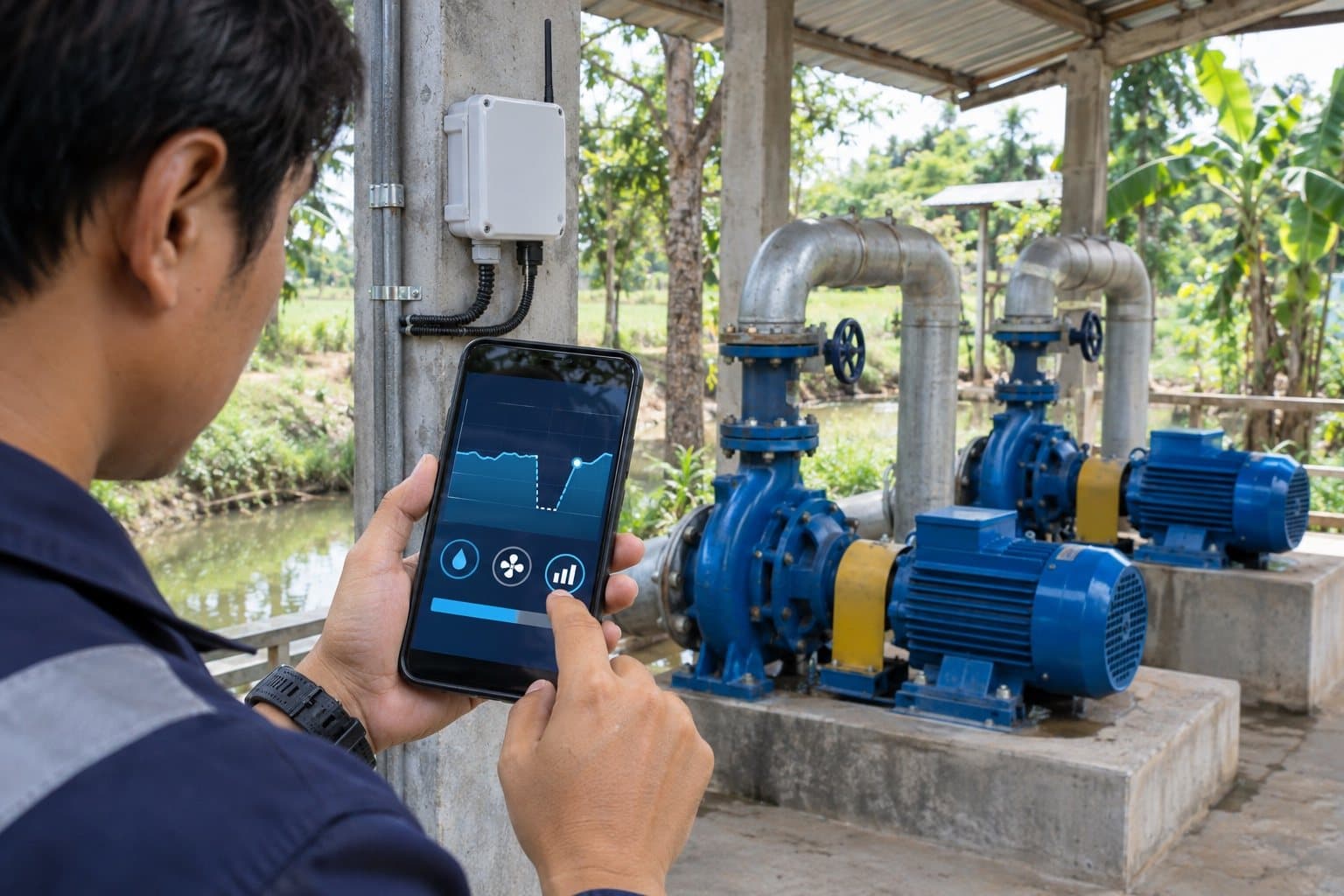
- Look at the last values before the drop. If the pump was running normally and pressure was steady, it usually means data is not arriving. If values jumped or an alarm came before the drop, the problem may be the pump or the power.
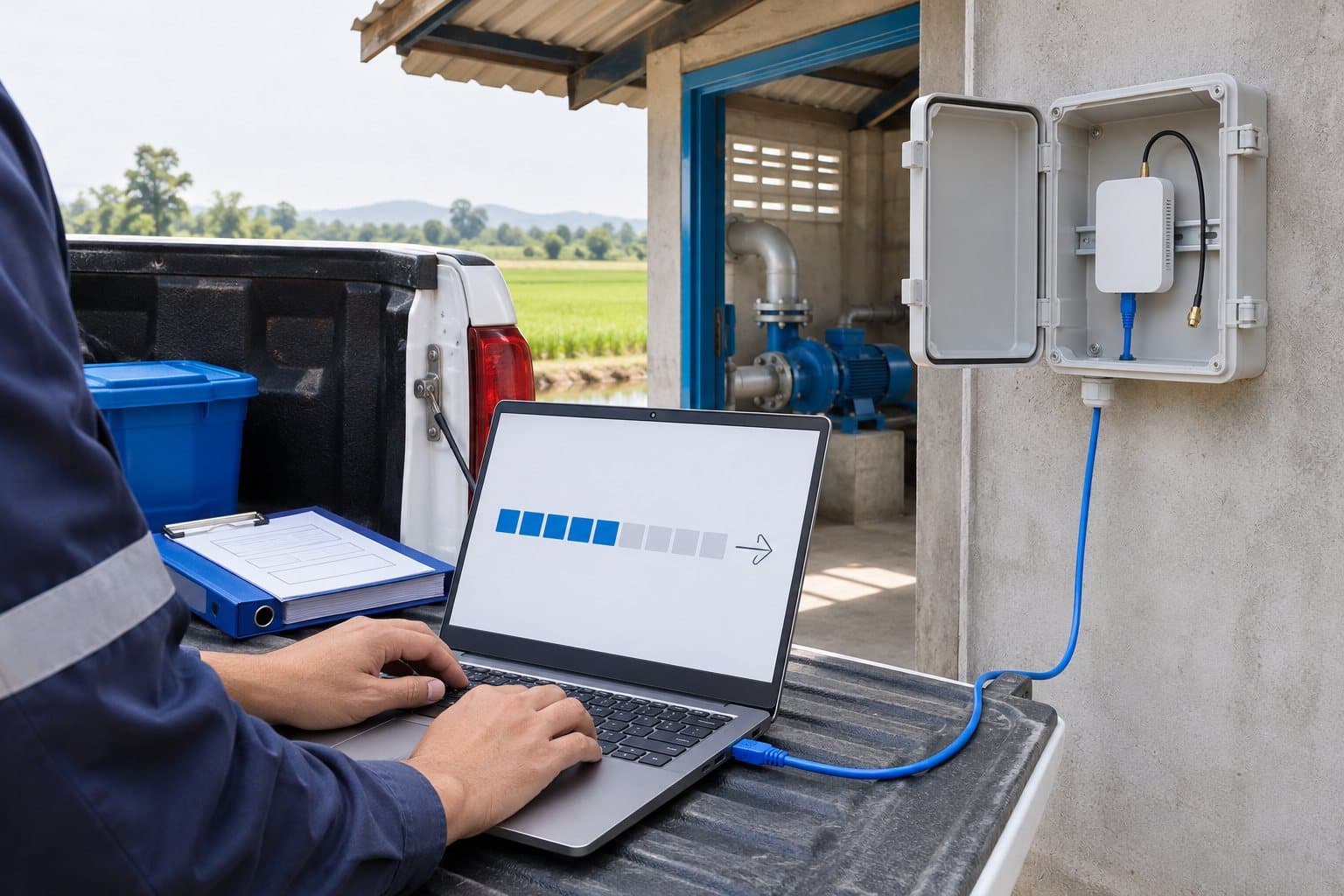
- Check the gateway status remotely: does it answer ping or accept a connection, and what was the latest mobile signal level (if it uses a SIM card)?
- If it is partly reachable, see whether the gateway can still read the sensors and how many records are queued waiting to be sent.
- Call the site caretaker or someone nearby. Ask whether power reaches the station, whether the gateway's status lights are on, and whether the pump is running.
- If you must go to site, bring the checklist, photograph the equipment before touching it, write down the values you see, and only then restart one step at a time.
- When data comes back, check whether the data for the missing period is being sent afterwards, and record whatever is still missing as a data gap, not as zero.
- Write a short incident note: what happened, what was done and how long it took, so the procedure can be improved next time.
| What to check | How | Who does it | If abnormal |
|---|---|---|---|
| Are other stations still sending | Look at the overview screen of all stations | Person on watch | If all are missing, check the central network and server first |
| Last value before the drop | Look at the graph before the drop | Person on watch | If it jumped or alarmed, notify the pump caretaker |
| Gateway | Ping it and check mobile signal | Person on watch | No answer: call the person on site |
| Power and equipment on site | Ask the person on site, or go with the checklist | Site caretaker | Record values and take photos before restarting |
| Data sent afterwards | Compare expected and received number of points | Person on watch | Mark what is missing as a data gap |
Common mistakes
- Concluding that the pump has stopped because the graph shows zero, when the data simply is not arriving.
- Restarting equipment at once without recording values or taking photos, so the cause is never known.
- Not checking the data that arrives afterwards, then using a graph with holes in it for a report.
- Not writing an incident note, so every time starts from scratch.
- Sending one person alone at night without telling anyone. Each organisation should have its own way of notifying people for safety.
Hypothetical example: offline for 2 hours 40 minutes
Suppose a pump station sends a reading every minute. Data stops at 02:10 and returns at 04:50, a total of 2 hours 40 minutes, or 160 minutes, so there should be 160 data points.
The person on watch sees that neighbouring stations are still sending normally, the last value before the drop was steady, and the gateway does not answer. They call the site caretaker, who reports that power to the station is normal and the pump is running, but the gateway's status light is off. When the mobile signal returns, the gateway starts sending the data it had queued.
The data sent afterwards contains 148 points, so 160 − 148 = 12 points are missing (lost when the temporary buffer filled up). The team marks these 12 points as a data gap, does not fill in zeros, and records in the incident note that the cause was the mobile signal, not the pump.
Limitations and cautions
All numbers in the example, including the times 02:10 and 04:50 and the point counts 160, 148 and 12, are hypothetical. Your own stations will differ. The steps above are general guidance and must be adapted to each organisation's equipment, responsible people and safety rules.
Work near pumps, electrical equipment and wet areas must always follow your safety rules. Anyone without authorisation should not restart equipment or open electrical cabinets.
Starting references
- Wikipedia — Telemetry
- Wikipedia — Remote terminal unit