6 min read · ERP and CRM
A customer calls to return goods. Sales takes the request, the warehouse receives the goods, accounting issues a credit note, and finance pays the refund. If each department works in its own file, after a while nobody can say where the case stands.
This article covers the order of work for a return: customer notification, inspection, the restock-or-scrap decision, the credit note, and then a refund or offset against the outstanding balance, plus how to keep the documents linked as one case. The examples are hypothetical.
Order of work from return request to closing the case
- The customer asks for a return. Sales opens a return order that references the original invoice and states the item, quantity and reason.
- Check the return conditions against policy and contract, such as the time window, the condition of the goods, or a wrong item shipped, then approve or reject.
- The customer ships the goods back or the company collects them. The warehouse records the receipt against the return order.
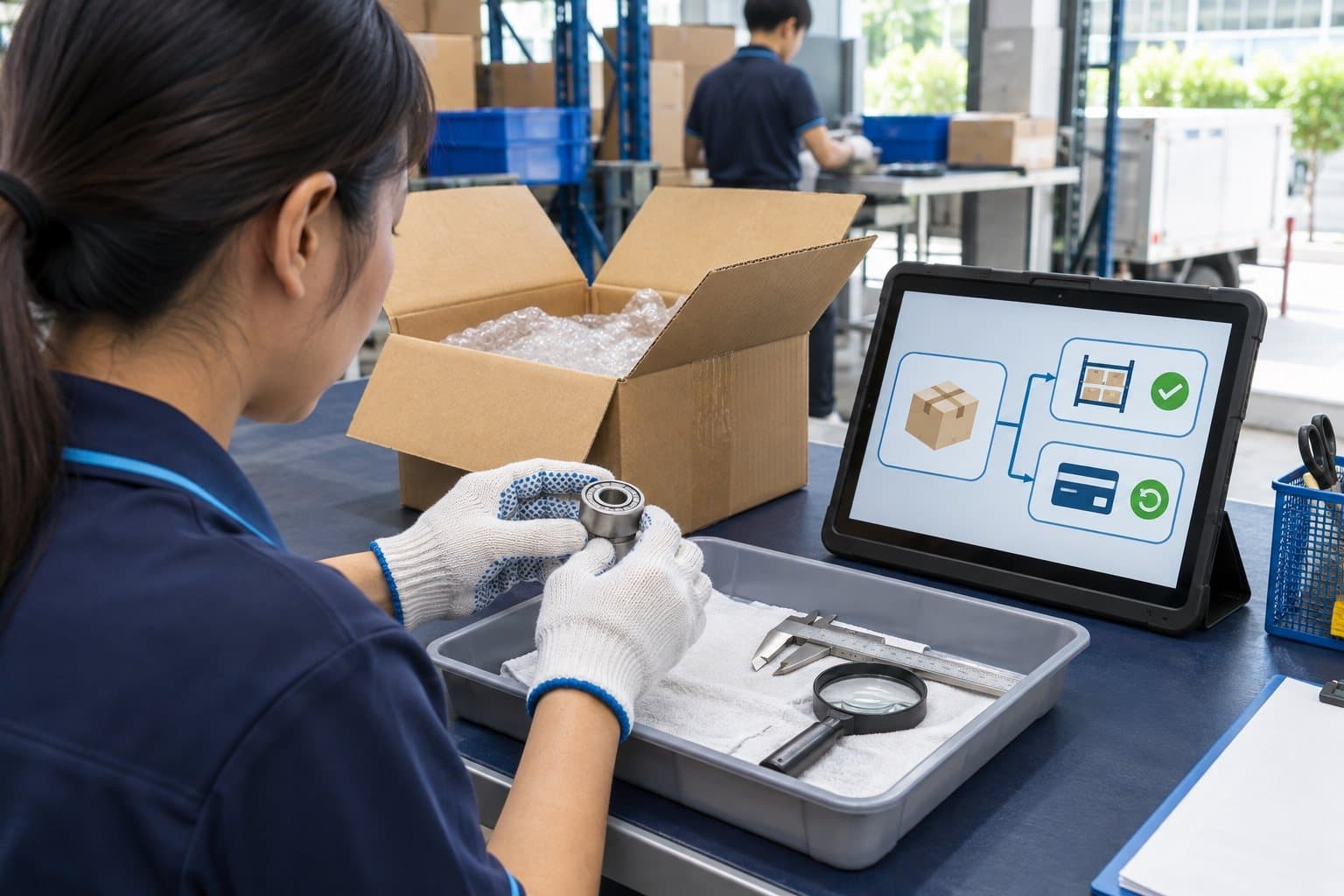
- Inspect the goods item by item or lot by lot, and take photos if damaged.
- Decide for each item: restock for resale, send for repair, return to the supplier, or scrap.
- Accounting issues a credit note for the agreed amount, referencing the original invoice.
- Refund the customer, offset against the unpaid balance, or keep it as credit for the next invoice.
- Close the return order when stock, accounting and finance are all complete.
Inspect, then restock or scrap
Receiving returned goods into the warehouse does not mean they can be resold. Keep a separate location for returns awaiting inspection, apart from sellable stock.
| Inspection result | What happens to stock | Effect on the customer | Who decides |
|---|---|---|---|
| Good condition, resellable | Move to sellable stock (restock) | Credit note as agreed | Warehouse or quality |
| Damaged but repairable | Send for repair, keep in a separate repair stock | Depends on the cause and the agreement | Quality |
| Damaged, not sellable | Write off or destroy (scrap) and record as waste | Depends on who is responsible for the damage | Quality, manager |
| Returnable to the supplier | Set aside and create a return to the supplier | Not involved; the supplier agreement applies | Purchasing |
| Does not meet the return conditions | Send back to the customer or hold pending a decision | No credit note, or a partial one as agreed | Sales, manager |
If the product has an expiry date or needs lot tracking, record the lot of the returned goods too, so you can trace which sale it came from (see the separate articles on lot traceability and on stock receipt, issue and transfer).
Credit note, refund and offset: what is the difference
- A credit note is a document the seller issues to the customer to reduce an amount previously billed, for example when goods are returned or a discount is given afterwards.
- An offset is applying the credit note against an invoice the customer has not yet paid. No money moves.
- A refund is transferring money back to the customer when they have already paid the original invoice and do not want to keep the credit.
- A credit balance is keeping the credit note amount to apply against the next invoice.
Many ERP systems have this step. For example, Odoo issues a credit note from the original invoice, and you can then choose to refund it or apply it as an offset.
On tax: a credit note is a document tied to the tax invoice. The Revenue Department's page on types of tax invoices also mentions credit notes. Check with your accountant or the Revenue Department before configuring the system on when one can be issued, what the document must contain, and how to handle the tax.
Keep the documents linked
One return involves several documents. Link them into a single chain with reference numbers, so anyone who opens one document can see the others.
| Document | References | Who is involved |
|---|---|---|
| Original invoice and original delivery note | Original sales order | Sales, accounting |
| Return order | Original invoice | Sales |
| Return receipt and inspection result with photos | Return order | Warehouse, quality |
| Credit note | Original invoice and return order | Accounting |
| Refund or offset | Credit note | Finance |
| Scrap write-off or restock transfer | Inspection result | Warehouse, accounting |
A hypothetical example
The original invoice sold 40 pieces at 400 baht each, 16,000 baht before tax. The customer says they received the wrong model and asks to return 10 pieces. Sales checks and finds it was our error, and approves the return.
The warehouse receives the 10 returned pieces. After inspection, 8 are in good condition in their original packaging and go back to sellable stock. The other 2 have damaged boxes and cannot be resold, so they are scrapped. 8 plus 2 equals 10, matching what was received.
Accounting issues a credit note for 10 pieces at 400 baht each, 4,000 baht before tax, referencing the original invoice. The net amount the customer should pay is 16,000 minus 4,000, which is 12,000 baht before tax.
- If the customer has not yet paid the original invoice, offset it, and the customer pays only 12,000 baht.
- If the customer has already paid the full 16,000 baht, refund 4,000 baht, or keep it as credit against the next invoice, as the customer chooses.
In both cases, opening the original invoice shows the return order, the inspection result with photos, the credit note, and the refund or offset entry. These figures exclude tax and the shipping cost of the returned goods.
Common mistakes
- Putting returned goods straight into sellable stock before inspection.
- Issuing the credit note before the goods are received, and then the customer does not send them back.
- Refunding without a credit note, so the receivables balance and the accounts do not agree.
- Not referencing the original invoice, so you cannot trace which invoice was credited.
- Merging returns from several lots into one lot, so quality cannot be traced.
Limits and cautions
This article discusses tax in general terms only. For how to issue a credit note, the conditions, the timing and the related tax entries, check with your accountant or the Revenue Department. Have your legal team or a specialist review the return policy, especially for food, medicine or safety-related products. The figures and cases in the article are hypothetical and do not come from any business.
Starting references
- Odoo Documentation — Credit notes and refunds
- Wikipedia — Credit note
- Revenue Department (Thailand) — Types of tax invoices
- Wikipedia — Reverse logistics