6 min read · Smart factory
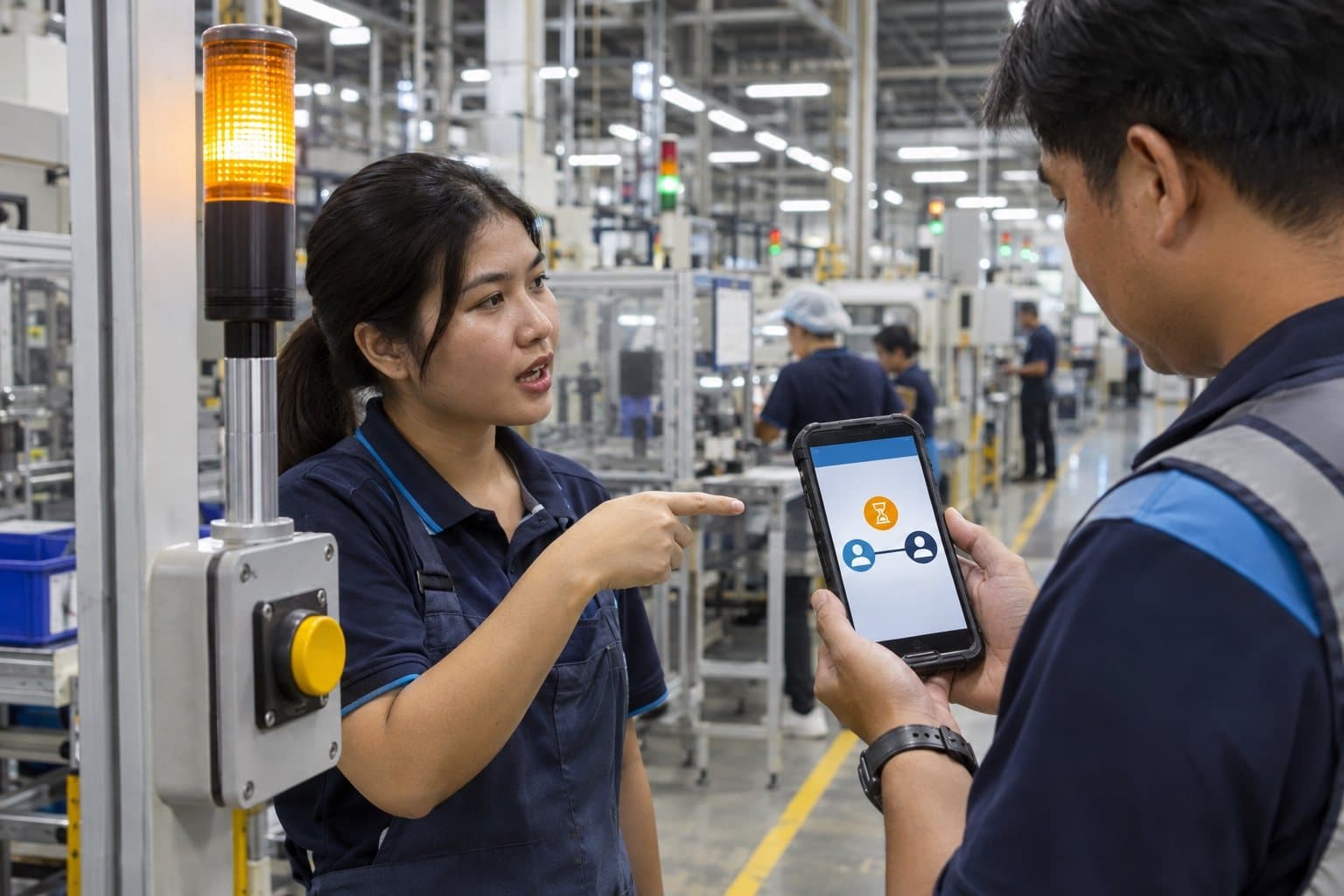
An Andon system lets operators report a problem at the line immediately, with a push button, a stack light or a message. The idea is to stop and fix the root cause as fast as possible. But if nobody comes after the button is pressed, or several people come and nobody takes responsibility, the button is useless.
The example in this article is hypothetical. The times and levels are only starting values for the team to adjust.
Common problems with call buttons
- After pressing, nobody knows who should come. Several supervisors each assume another one will go.
- The same problem stays open for a long time without management knowing, until a delivery is late.
- Calls are closed without recording the cause, so the same problem returns.
- Operators are afraid to press because they might be blamed for stopping the line.
Escalation order by waiting time
Count the time from the moment of the call. If the problem is not solved when the time is up, the system escalates to the next level by itself, without waiting for someone to remember.
| Level | Who receives | Must arrive within | If still not solved, counted from the call |
|---|---|---|---|
| 0 | Operator makes the call | - | - |
| 1 | Line supervisor | 2 minutes | At 5 minutes, escalate to level 2 |
| 2 | Maintenance technician or process engineer | 5 minutes after being called | At 15 minutes, escalate to level 3 |
| 3 | Production manager | Acknowledge immediately | Decide, for example add people, inform sales, inform the customer |
An owner at every level
- Every level has a named person, not just a position, and a substitute for leave or the night shift.
- When someone accepts the call, the system must show the name and time, so others do not duplicate the effort.
- If nobody accepts within the time, the system escalates to the next level immediately, without waiting for the full resolution time.
- The person who fixes the problem closes the call, and the person who made the call confirms that the line is really running again.
- Making a call is not punished. If a call turns out not to be a problem, close it with a reason and learn from it together.
Close the call with a reason
Closing a call should capture the minimum information needed for later analysis. Using the same cause codes as the downtime log makes the two easier to compare.
- Problem type, for example material, machine, quality or people.
- A short cause chosen from a list, and free text if it is not on the list.
- What was done, for example adjusted a sensor, changed the material, adjusted the recipe.
- The time the line started running again.
- Whether follow-up is needed and who owns the follow-up.
Common mistakes
- Setting escalation times so short that the manager is notified of everything and stops looking.
- Using the call button in place of the emergency stop, although the two have different jobs.
- Not reviewing how many times the same issue is called, so the root cause is never fixed.
- Notifying through a single channel. If that channel is down, nobody knows.
Hypothetical example: one call lasting 28 minutes
Suppose a packing line stops because the bottle-detection sensor cannot read. The timeline is as follows. All numbers are hypothetical.
- 09:10 The operator makes the call. The line stops.
- 09:12 The line supervisor arrives and accepts (within 2 minutes). They try a basic sensor adjustment, but it does not fix it.
- 09:15 At 5 minutes the system automatically escalates to the maintenance technician.
- 09:19 The technician arrives (4 minutes after being called, within the 5 minutes set) and finds the sensor has moved from its position.
- 09:25 At 15 minutes the system notifies the manager. The manager acknowledges and asks about the goods due out today.
- 09:38 The technician adjusts the sensor position and tests it. The line runs again. The person who fixed it closes the call with the cause "sensor moved position", and the person who made the call confirms.
Check the times: 09:10 to 09:38 is 28 minutes, and 09:10 plus 15 minutes is 09:25, which matches the time the manager was notified. Afterwards the team looks at how many times this sensor-moved issue recurs in the month. If it recurs often, they fix the mounting bracket.
Limitations and cautions
- The times of 2, 5 and 15 minutes and the levels in the example are hypothetical. Set them according to the line, team size and the cost of stopping.
- Andon is not an emergency stop system. Safety of people and machines needs separate devices and safety circuits that meet the applicable standards.
- Phone or message notifications can be late or not arrive. There should be a stack light or a sound at the line as a backup channel.
- The system helps a problem reach the right person sooner, but it does not mean the problem will always be solved in time.
Starting references
- Wikipedia — Andon (manufacturing)
- Wikipedia — Jidoka