

03 · Concept example
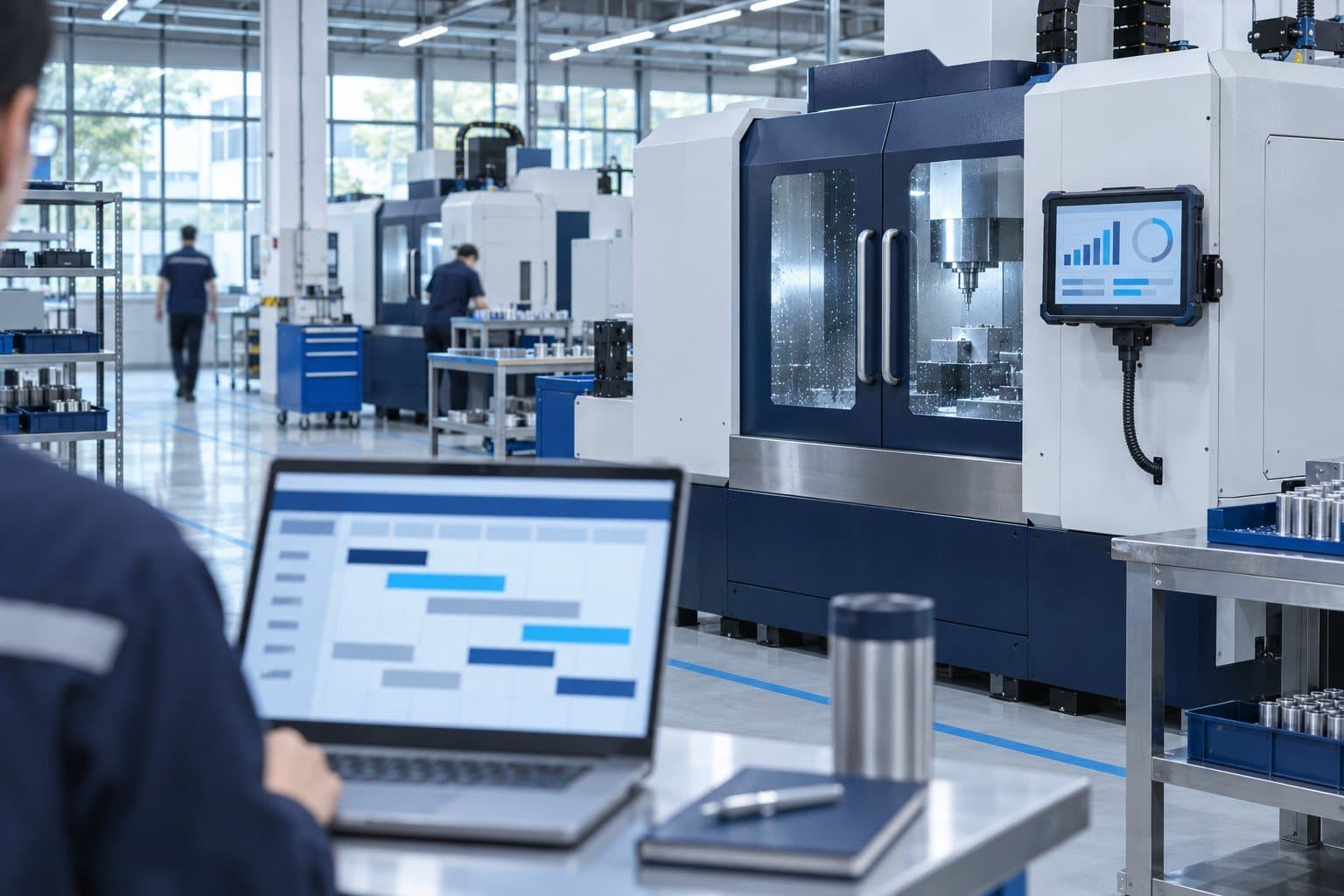
Machine data connected to production planning
Machine status and output flowing to supervisors' screens and to production orders in the ERP.
Concept exampleThis is a concept. It explains how we approach this kind of problem. It is not a customer project and contains no real results.
- 01The problem
- Machine status and output are written down by hand, planners see the numbers late, and the figures in the system don't match the shop floor.
- 02What gets built
- Collection of status and output from the machines, a monitoring screen for supervisors, and automatic posting of output to production orders in the ERP.
- 03What it connects to
- Controllers or sensors on the machines, through whatever interface each model supports, the plant network, and the existing or newly built ERP.
- 04How it is tested
- Run alongside the paper records for a period, comparing output and downtime every shift until the figures agree within the agreed tolerance.
- 05What can be verified
- Jointly agreed metrics, such as how closely system output matches the shop floor and how long data takes to reach planning.
Services used
Other concepts

An assistant for internal documents
Questions answered from the company's own manuals and documents, every answer with its source.
Read more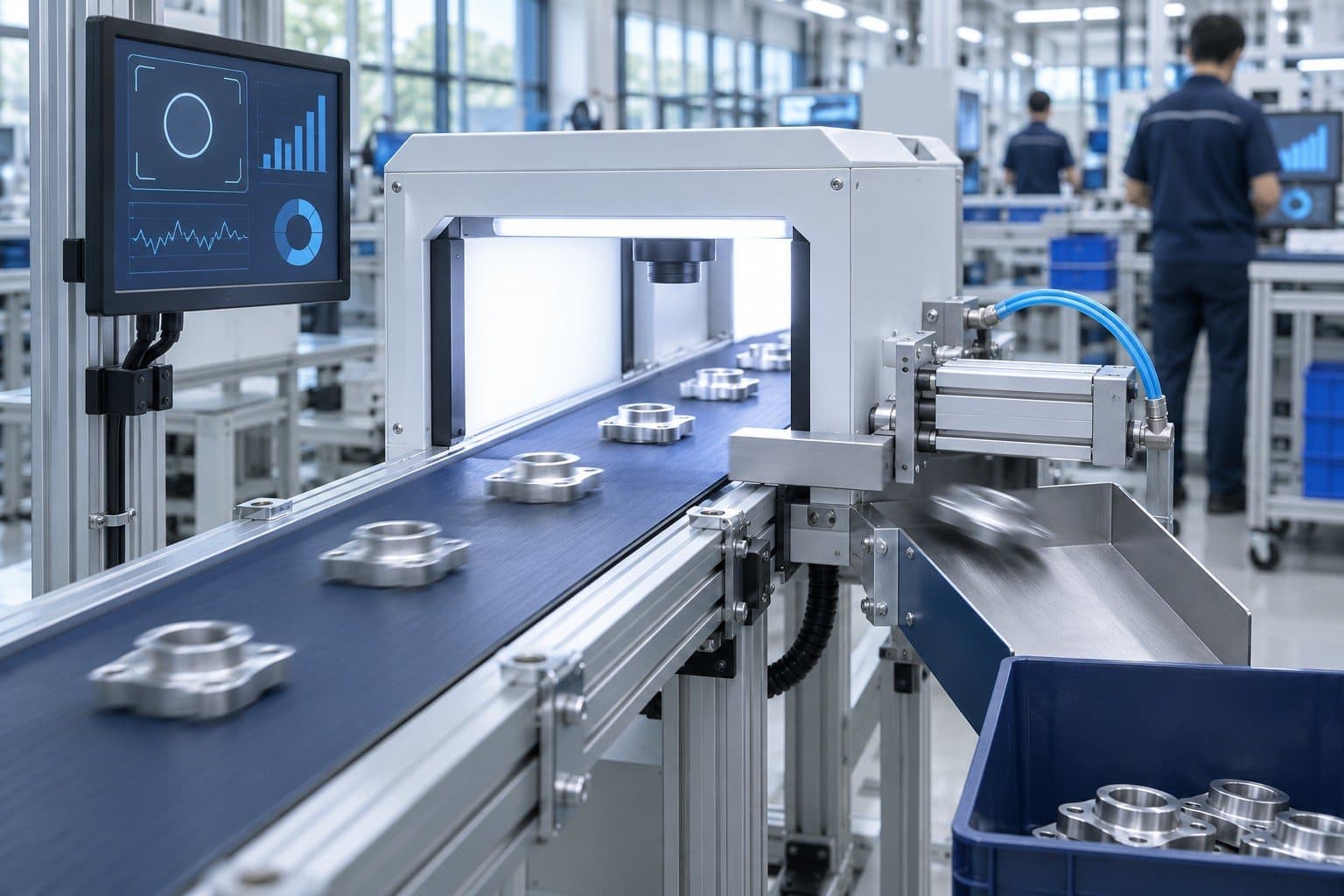
Inspecting and sorting parts on a conveyor
Camera, lighting and a defect model working with a reject mechanism on the existing line.
Read more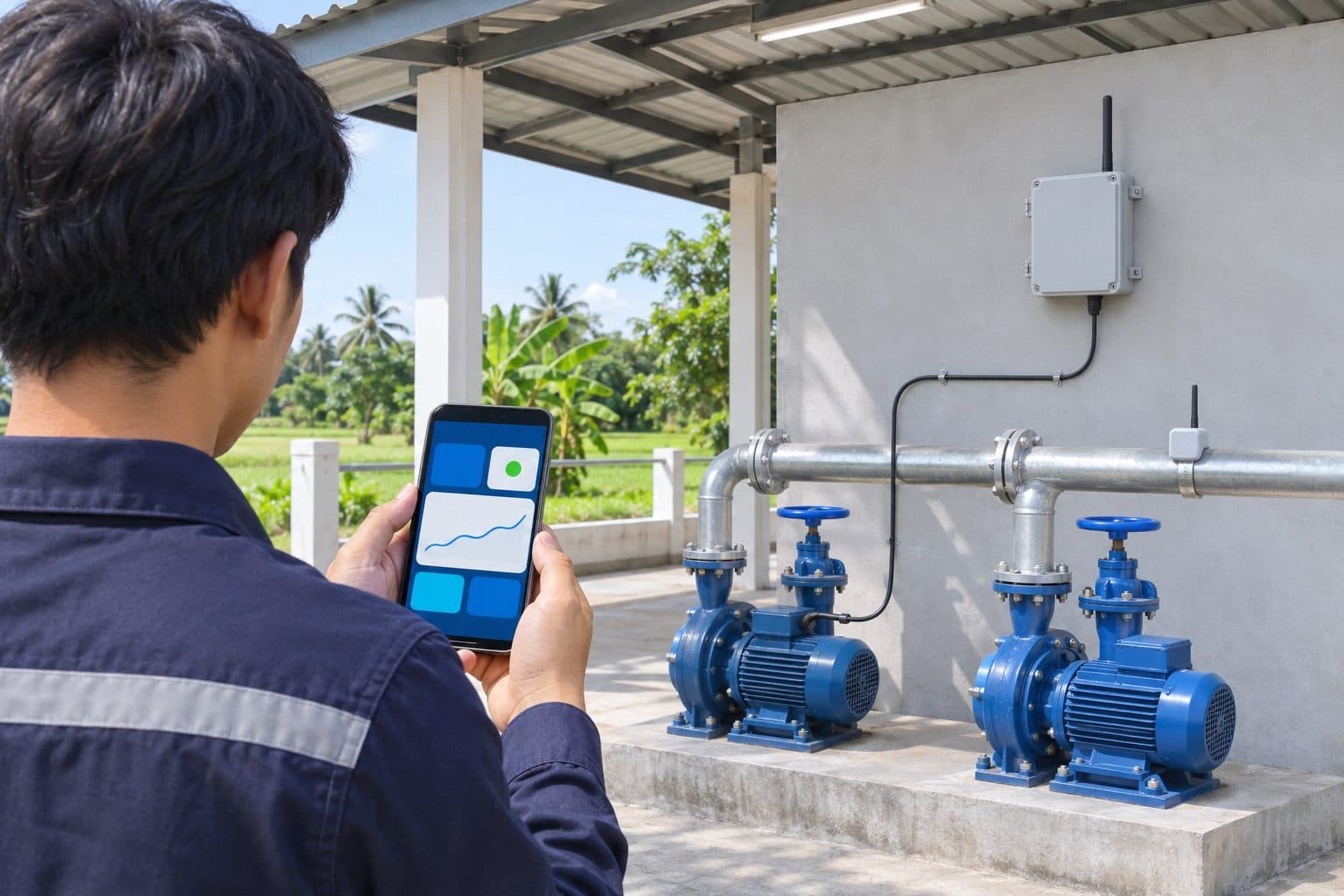
Monitoring remote sites with IoT
Sensors and a gateway send readings from pumps or distant sites to a phone dashboard, with an alert when something is out of range.
Read more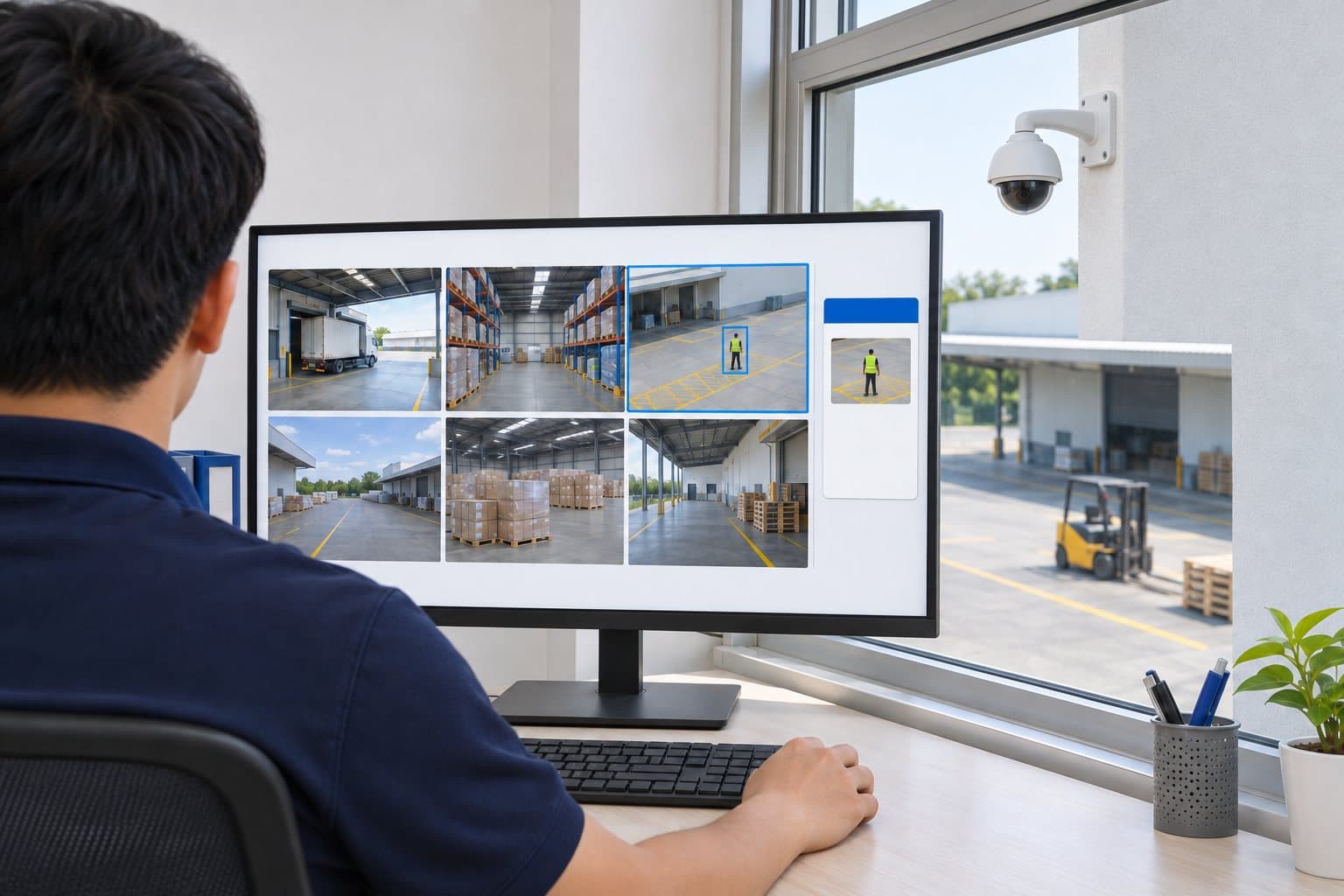
AI alerts from the CCTV you already have
AI reads the CCTV cameras already installed, spots people or vehicles in restricted zones and missing protective gear, and sends an alert with a snapshot to a phone.
Read more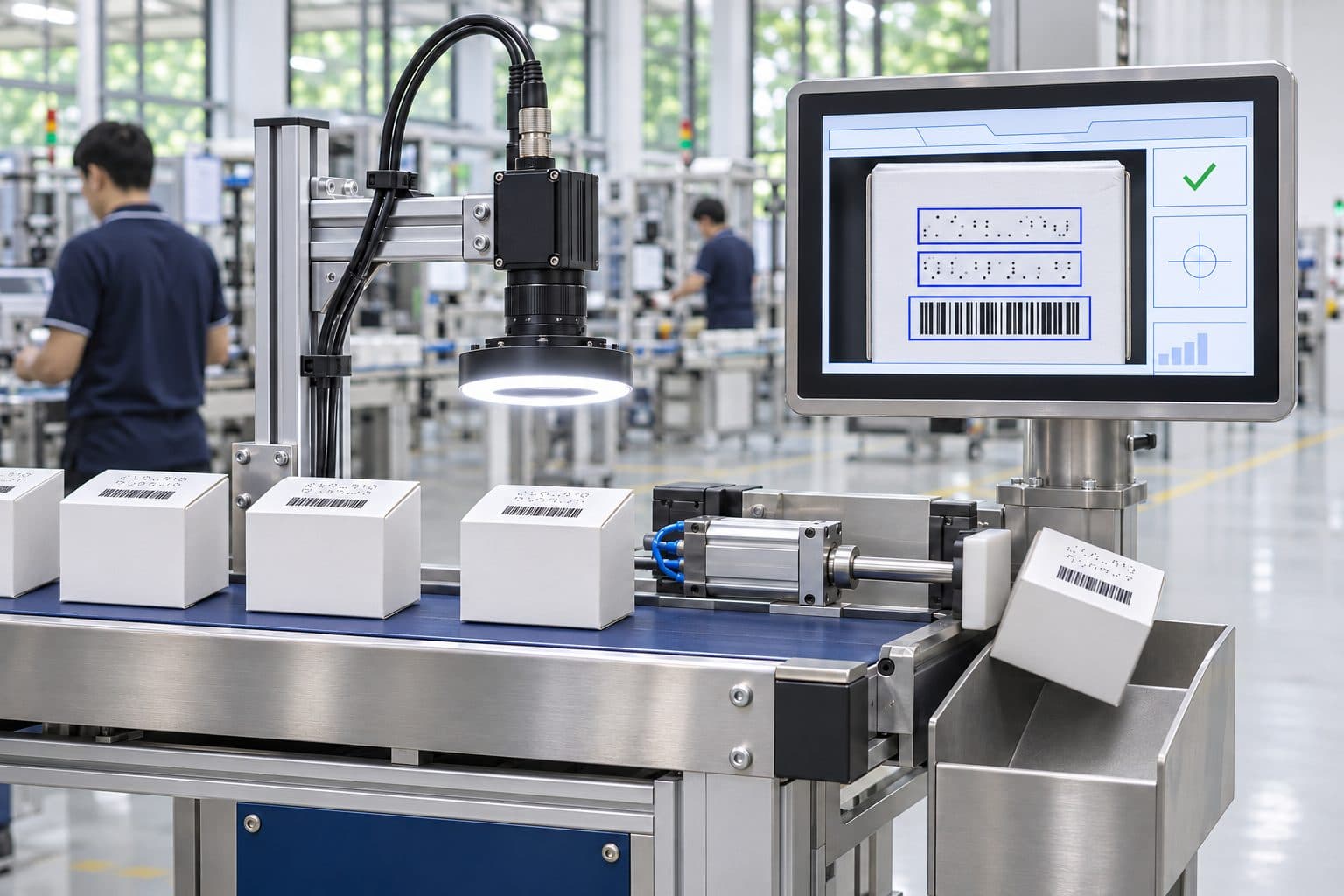
Checking expiry dates, lot numbers and barcodes on labels
A camera reads the expiry date, lot number and barcode on every pack before packing, checks them against the production order, and rejects packs that are misprinted, incomplete or unreadable.
Read more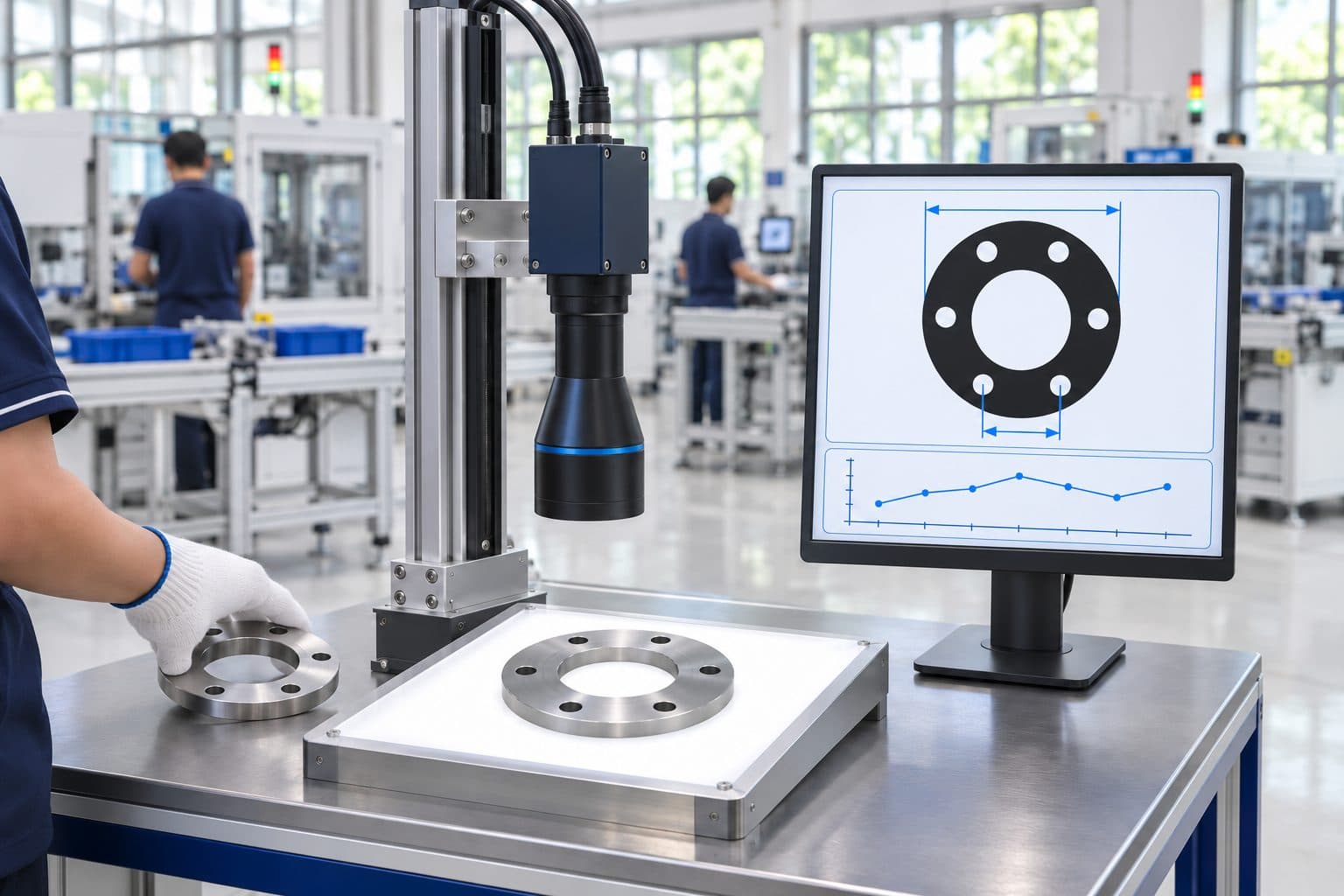
Measuring every part with a camera
A camera and backlight measure every part on the line instead of spot checks with a caliper, record each measurement, and warn when values start drifting towards the tolerance limits.
Read more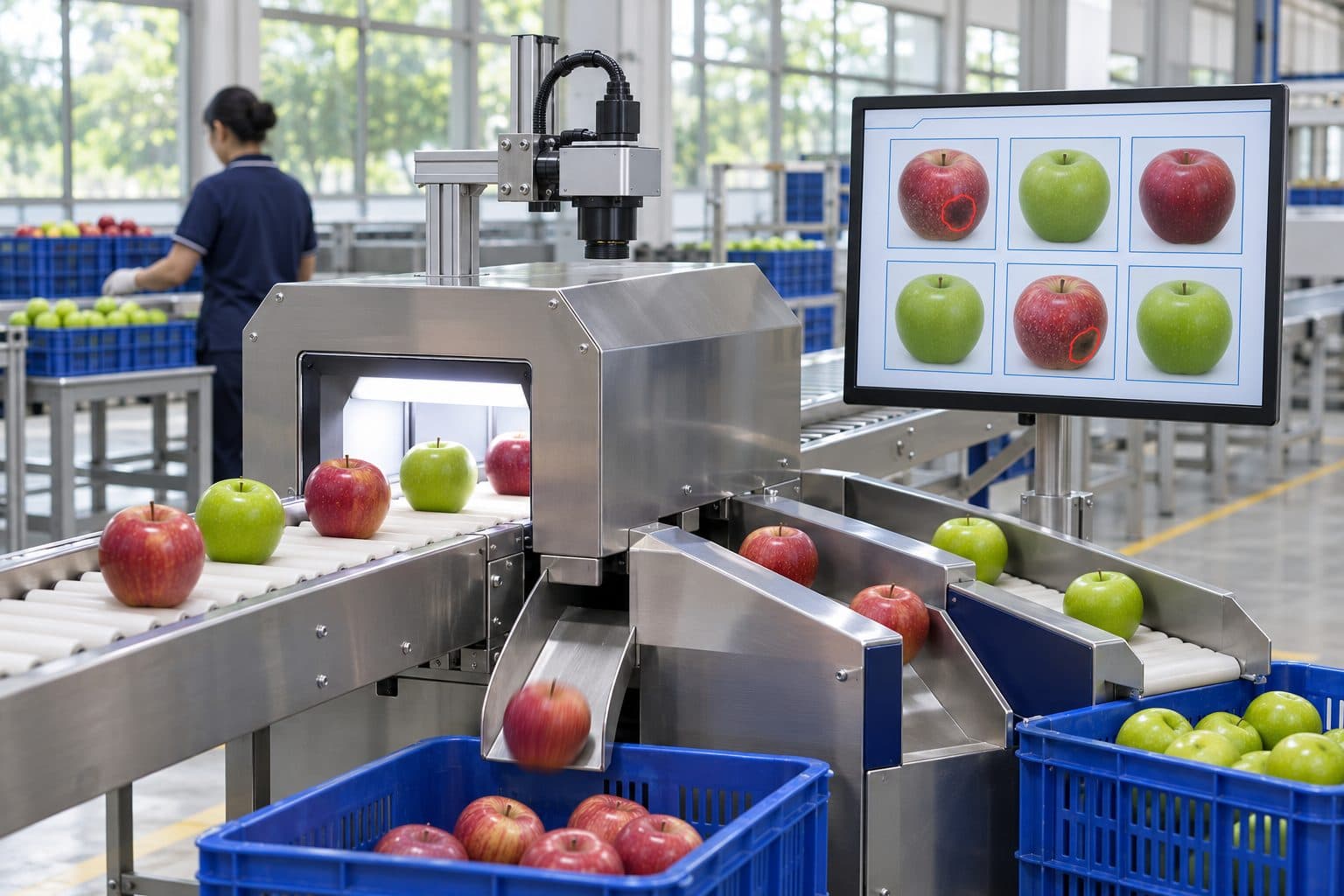
Grading fruit with cameras on the sorting line
Cameras look at every fruit as it rolls past, measure size and colour, find blemishes such as bruises, rot spots or cracked skin, and grade it against the buyer's criteria.
Read more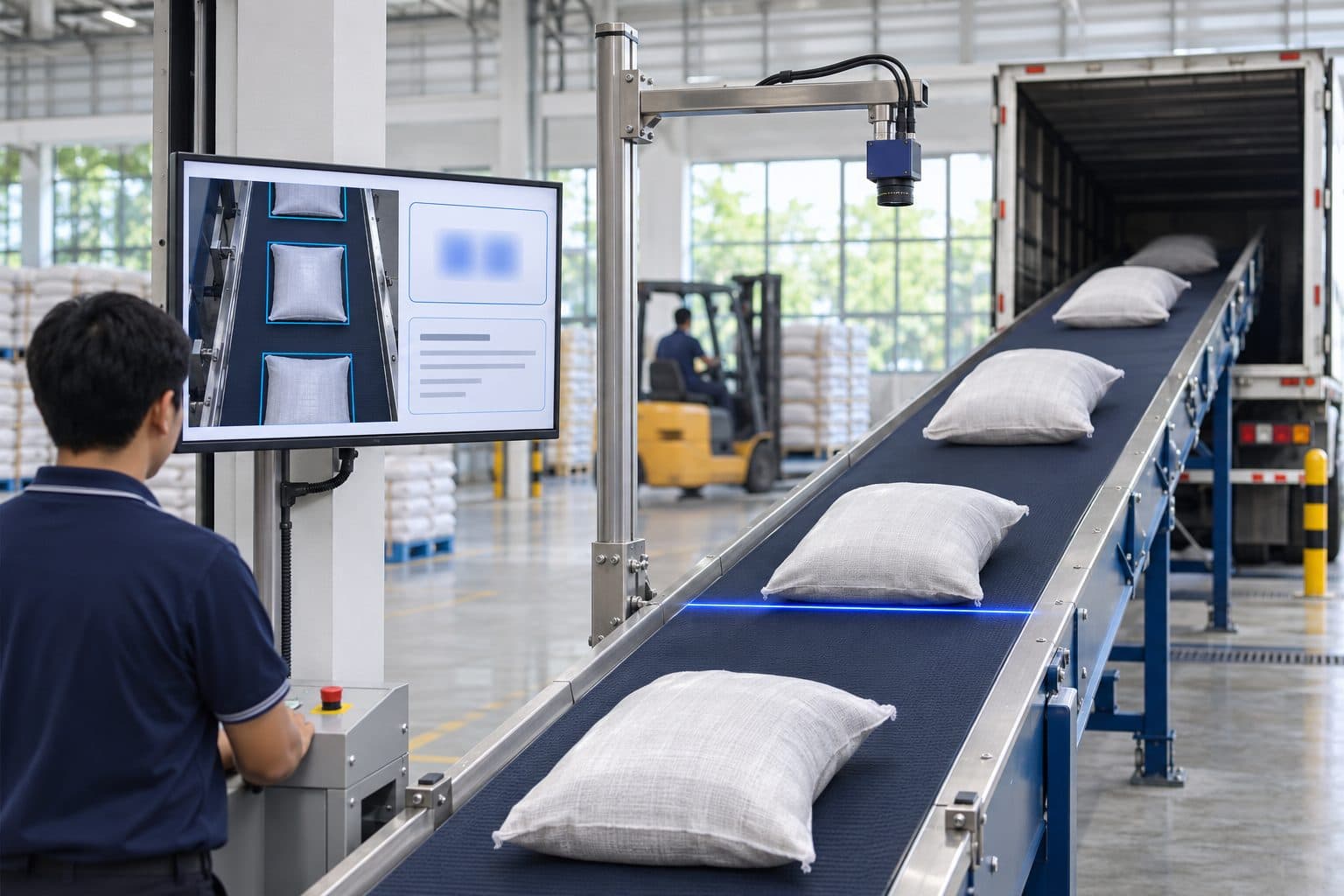
Counting items on the conveyor against the work order
A camera over the conveyor counts parts, boxes or sacks passing a set point, compares the total with the work order in real time, and alerts when it falls short or runs over.
Read moreHave a similar problem?
Tell us your goal and how you work today, and our team will help find the right approach.